How to Choose Your First Photo Booth Setup
iPad, Android, DSLR, or PC, and open-air, enclosed, roaming, or installed: how to match your platform and format to the events you actually want to book.

Nicholas Rhodes
Drafted with AI assistance; reviewed and approved by Nicholas Rhodes before publishing.
How do you choose your first photo booth setup?
Your first photo booth setup doesn’t need to do everything. It needs to do the work you’re selling today, fit in your vehicle, survive a busy event, and leave room in your budget to keep operating after the first booking. That means choosing two connected things: your platform (iPad, Android, DSLR, or PC) and your format (open-air, enclosed, roaming, or installed), matched to the events you actually want to book.
Beginner series · Stage 1 of 5 · Part 4 of 22
Start here: How to Start a Photo Booth Business
Previous: What You Actually Need for Your First Photo Booth Event
Part 3 of this series covered your first-event checklist. This part covers the decision behind it: which platform and format to build that checklist around.
Start with the event, not the equipment
Before you buy anything, answer these questions: are you targeting weddings, parties, corporate events, or venue installations? Will you transport the setup alone? Does the experience need to fit a small event space? Are you selling polished photography, fast social sharing, AI experiences, or all three? Will an operator be present throughout the event? How much can you spend without putting pressure on your first few months?
A lightweight tablet setup may be perfect for weddings and parties, while a DSLR and PC workflow may make more sense for corporate activations where image quality and printed branding matter. Neither is automatically better. They serve different businesses.
Platform comparison: iPad, Android, DSLR, and PC
| Platform | Best for | Cost |
|---|---|---|
| iPad | Weddings, parties, roaming | Lower |
| Android tablet | Budget testing | Lower |
| DSLR / mirrorless | Premium weddings, print-heavy | Higher |
| PC-based (browser) | Permanent, webcam, tethering | Med-high |
The trade-offs behind each option are covered platform by platform below.
iPad setups
An iPad booth is often the most practical starting point. The tablet serves as camera, guest interface, and sharing station in one compact unit. Add a stand, lighting, power management, and software, and you have a setup that moves between birthdays, weddings, school events, and smaller corporate gatherings. An iPad is a strong choice when you value fast setup, low transport weight, digital delivery, and GIFs, boomerangs, video, and AI experiences. The compromise: an iPad camera won’t match a dedicated DSLR. That may not matter for a lively party. It matters more when a client expects studio-style portraits or large prints.
Android setups
Android tablets can offer similar portability to an iPad, particularly if you already own compatible hardware. Check the exact tablet model, camera behavior, OS version, sharing workflow, printer connection, and offline requirements before you buy. Pictor has a native Android tablet app with the same core platform approach as iOS. Review current device and camera requirements on Pictor’s camera compatibility page.
DSLR or mirrorless setups
A DSLR is the better choice when the photograph itself is a major part of the product: more control over lenses and depth of field, stronger performance in difficult lighting, and a more premium feel for corporate and formal events. The trade-off is operational complexity: more cases, cables, batteries, and setup steps, and often a computer or tablet for tethering. Pictor supports tethered Canon, Nikon, and Sony cameras on Pro and Premium plans, subject to camera compatibility. Confirm your specific model before purchasing equipment.
PC-based setups
A PC-based booth is useful for a larger screen, permanent installation, webcam support, DSLR tethering, or more control over connected peripherals: installed venue booths, corporate activations with fixed infrastructure, or webcam-based setups. Pictor’s current Mac and Windows experience is the browser-based Virtual Booth, included with Premium ($149/mo), running in a modern browser with stable internet, not a native desktop booth app. Confirm your camera works with it before you buy hardware around it. If you want a native desktop application with no browser dependency, verify that up front; it’s on Pictor’s roadmap but not shipped today.
Choose the physical format
Your platform determines how the booth captures. The physical format determines how guests experience it.
Open-air booths place the camera, lighting, and backdrop in the event space without enclosing guests. It’s the most flexible format for weddings, birthday parties, school events, corporate step-and-repeat activations, and events where groups need to move through quickly. The trade-off: you have to manage the surrounding space carefully, since uneven lighting and distracting backgrounds can hurt the result.
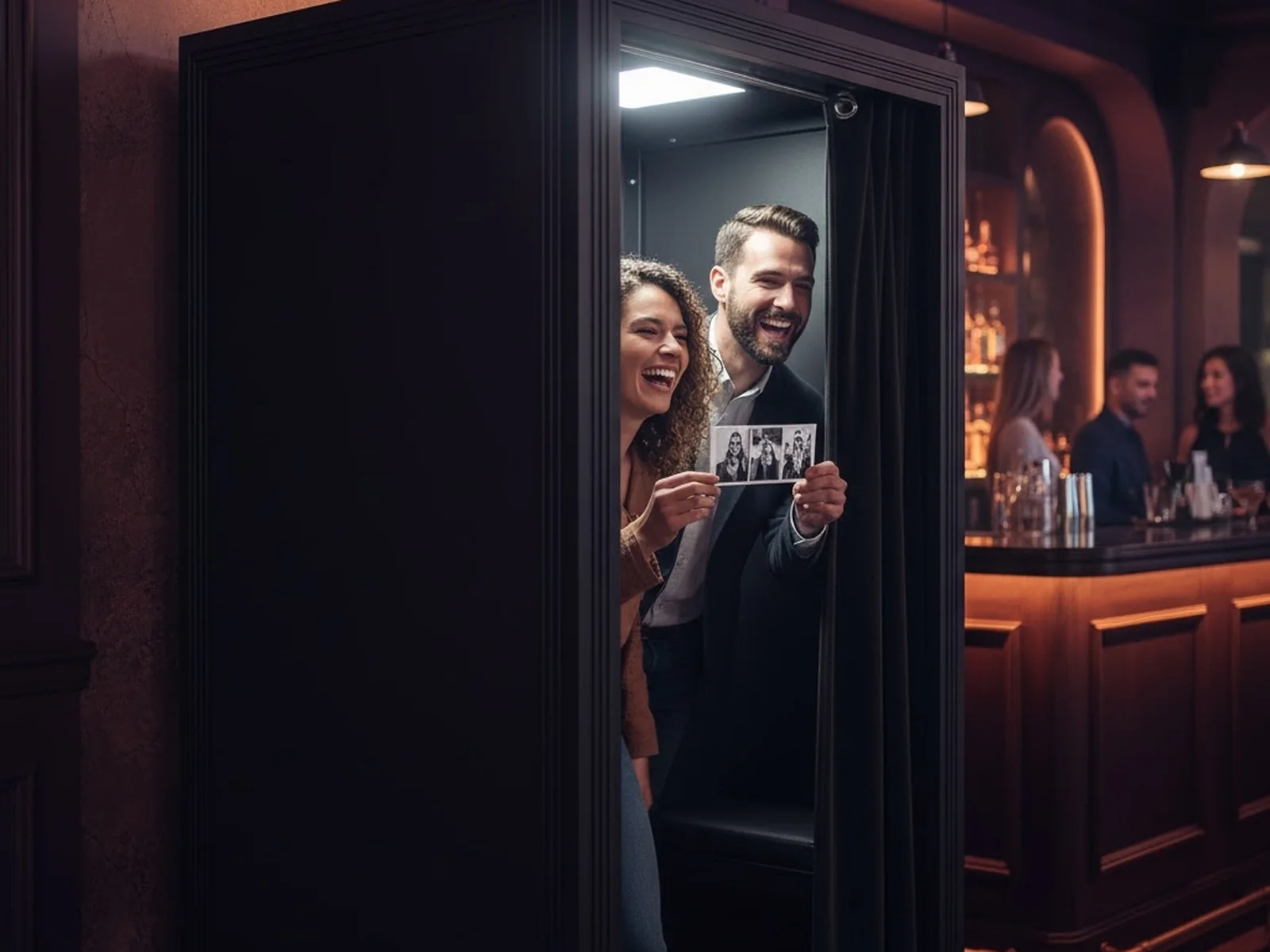
Enclosed booths create a more private, traditional experience: guests step inside, close a curtain or door, and shoot away from the rest of the event. This can be appealing for weddings and nostalgic parties with enough floor space. Enclosed booths are heavier and less flexible: transport, load-in, storage, and setup time all matter more, so they generally suit an operator with a consistent market rather than someone testing the business from a small vehicle.
Roaming setups move through the event instead of asking guests to visit a fixed station, often an attendant carrying a tablet or compact camera between tables or around a venue. This works well when the venue has limited floor space, guests are spread across rooms, or a staffed experience is part of the package. Portability and battery management become the priority. Not every platform offers a dedicated roaming mode; confirm how your software handles mobile capture and connectivity before building a business around it.
Installed booths stay in a venue, entertainment center, hotel, mall, or office on a permanent basis. They need to operate reliably without the same hands-on support as a staffed event, which can mean secure hardware housing, stable internet, remote monitoring, payment support, and a clear agreement with the venue. For a permanent installation, talk to your software provider before buying hardware; the best event setup isn’t always the best unattended setup.
Match the setup to your market
For most weddings, an open-air iPad booth is a sensible starting point: easy to transport, quick to set up, and capable of delivering photos, GIFs, boomerangs, and video digitally. Choose a DSLR workflow instead if clients expect premium portraits or high-quality prints.
Corporate events and brand activations often need branded overlays, consistent image quality, lead capture, fast sharing, custom AI experiences, and reliable support. A DSLR setup can suit polished branded photography; an iPad setup may be better when speed and a digital-first journey matter most. See Pictor for corporate events for the full workflow.
Parties usually reward simplicity and speed. An iPad or Android tablet booth is often enough, especially with immediate digital delivery. GIFs, boomerangs, video, and AI styles make a compact setup feel more engaging without adding equipment.
For low-budget testing, start with the smallest setup that delivers a professional guest experience: a compatible tablet, a stable stand, good lighting, reliable power, software, digital sharing, and a backup plan. Add a printer, DSLR, or enclosure once bookings justify the investment.
Premium activations usually justify a higher-quality camera, stronger lighting, custom branding, and a more intentional guest flow, but the hardware should support the concept rather than become it. A technically impressive booth won’t rescue a confusing queue or slow delivery.
For a venue installation, think beyond the camera: uptime, remote support, payment, security, and maintenance all matter more than they do for a single staffed event. Explore Pictor for event venues before choosing permanent hardware.
Don’t overlook printing
Digital sharing is faster and easier to transport, but prints still matter for weddings, family events, and some corporate activations. If printing matters to your market, confirm which printer models are supported, whether the workflow needs a separate computer, how print jobs are queued, and what happens if the network drops. Pictor’s free Print Partner App bridges the booth software to supported printers, printing is included on every plan including Basic, and DNP dye-sublimation printers are the best-tested option, with HiTi and standard inkjet or laser also supported. Check the current camera and printer compatibility information before buying.
The simplest decision framework
Choose an iPad or Android tablet for portability, low startup risk, and digital-first events. Choose a DSLR or mirrorless camera when image quality and premium prints are central to what you sell. Choose a PC-based setup for a permanent installation, webcam support, or computer-connected equipment. Choose an open-air booth for the most flexible format across weddings, parties, and corporate events. Choose an enclosed booth when the physical experience and privacy matter more than portability. Choose a roaming setup when your value comes from bringing the experience to guests. Choose an installed setup only when you’re prepared to manage reliability, maintenance, and remote support.
If you’re still unsure, start with the setup that lets you run a professional event without overextending your budget. You can build into DSLR, printing, AI video, corporate activation, or venue installation work as demand develops.
Equipment requirements, event risks, contracts, permits, taxes, and liability obligations vary by location and business model. Consult your insurance provider about appropriate coverage and speak with a qualified lawyer about contracts, waivers, privacy, and other legal matters before operating your photo booth business.
Which Pictor plan matches your setup?
Basic ($49/mo) covers iPad and Android tablet setups with photo, GIF, and print workflows. Pro ($99/mo) adds DSLR tethering and the Custom Prompt Editor. Premium ($149/mo) adds the browser-based Virtual Booth for PC setups and AI video. Test any platform on a free trial before you commit.
Build and test a Pictor setup for free before your first event. Start free on Pictor →
FAQ
Is an iPad good enough to start a photo booth business?
Yes. An iPad can be a strong first setup for digital-first weddings, parties, and smaller corporate events. It’s portable, relatively simple to operate, and supports fast sharing. Move to a DSLR workflow when clients consistently require higher image quality or premium printing.
Is a DSLR better than an iPad for photo booths?
Not universally. DSLR generally offers more image control and higher potential quality, but it also costs more and requires more setup. An iPad may be the better business decision when portability, speed, and lower upfront risk matter more.
Can Pictor run on Android?
Yes. Pictor has a native Android tablet app. Confirm your specific tablet model and current requirements before an event.
Can Pictor work with a DSLR?
Yes. Pictor supports tethered Canon, Nikon, and Sony cameras on Pro and Premium plans. Check your specific camera model before purchasing or relying on it for a booking.
Can Pictor run on a PC?
Yes, through the browser-based Virtual Booth, included with Premium ($149/mo). Native Mac and Windows booth apps are on Pictor’s roadmap but separate from the current browser-based workflow.
Should I buy a printer immediately?
Not necessarily. If your first market is digital-first parties or low-budget testing, start without one. Add printing, which is included on every Pictor plan, once your bookings and pricing support the extra equipment and consumables.
Next in the series: Photo Booth Software for Beginners.
Beginner series · Stage 1 of 5 · Part 4 of 22
Start here: How to Start a Photo Booth Business
Previous: What You Actually Need for Your First Photo Booth Event
Next: Photo Booth Software for Beginners: What Matters and What Doesn’t