AI vs. Practical: A 20-Year Pro’s Guide to Scaling 2,000+ Activations
Chris Meyer shares his playbook from 22 years and 2,000+ brand activations: when to use AI photo booth effects, when practical setups win, and how to blend both for premium results.

Eve Martin

If you’ve been in the photo booth game for more than five minutes, you’ve heard the debate: AI or practical setups? Green screen or generative effects? DSLRs or iPad magic?
Chris Meyer doesn’t pick sides: he picks the right tool for the job. And after 22 years running photo booths, scaling 60 teams at Extraordinary Entertainment, and executing 2,000+ brand activations a year, he’s seen what works (and what flops) in the real world.
Here’s his playbook on when to lean into AI photo booth software, when to go old-school practical, and how to blend both for maximum ROI. Spoiler: The answer isn’t one-size-fits-all.
When AI Absolutely Crushes It
Let’s get straight to it: AI wins when you need scale and consistency across multiple teams or locations.
Traditional green screen setups? They’re great: until you try to replicate them across 10 cities with 10 different operators. Lighting changes. Backgrounds don’t match. One team nails it, another delivers blurry chaos. Your client sees the inconsistency and questions your professionalism.
AI solves that problem.
Generative AI effects ensure uniform outputs no matter where your booth is or who’s running it. Upload the prompt, dial in the style, and every guest across every location gets the same high-quality transformation. Your brand (and your client’s brand) stays intact.
Case Study: Pluto.tv’s 10-City Holiday Promo
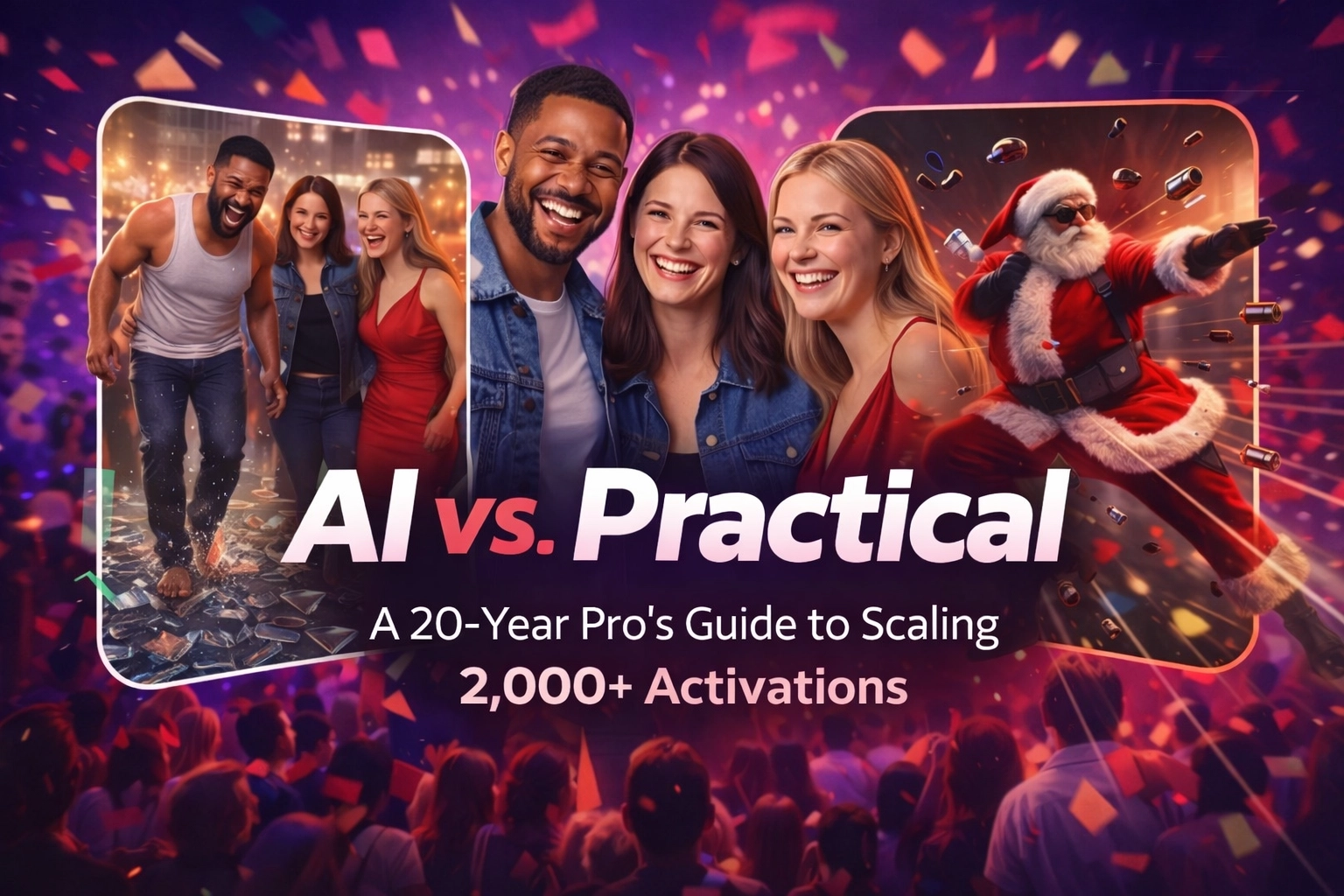
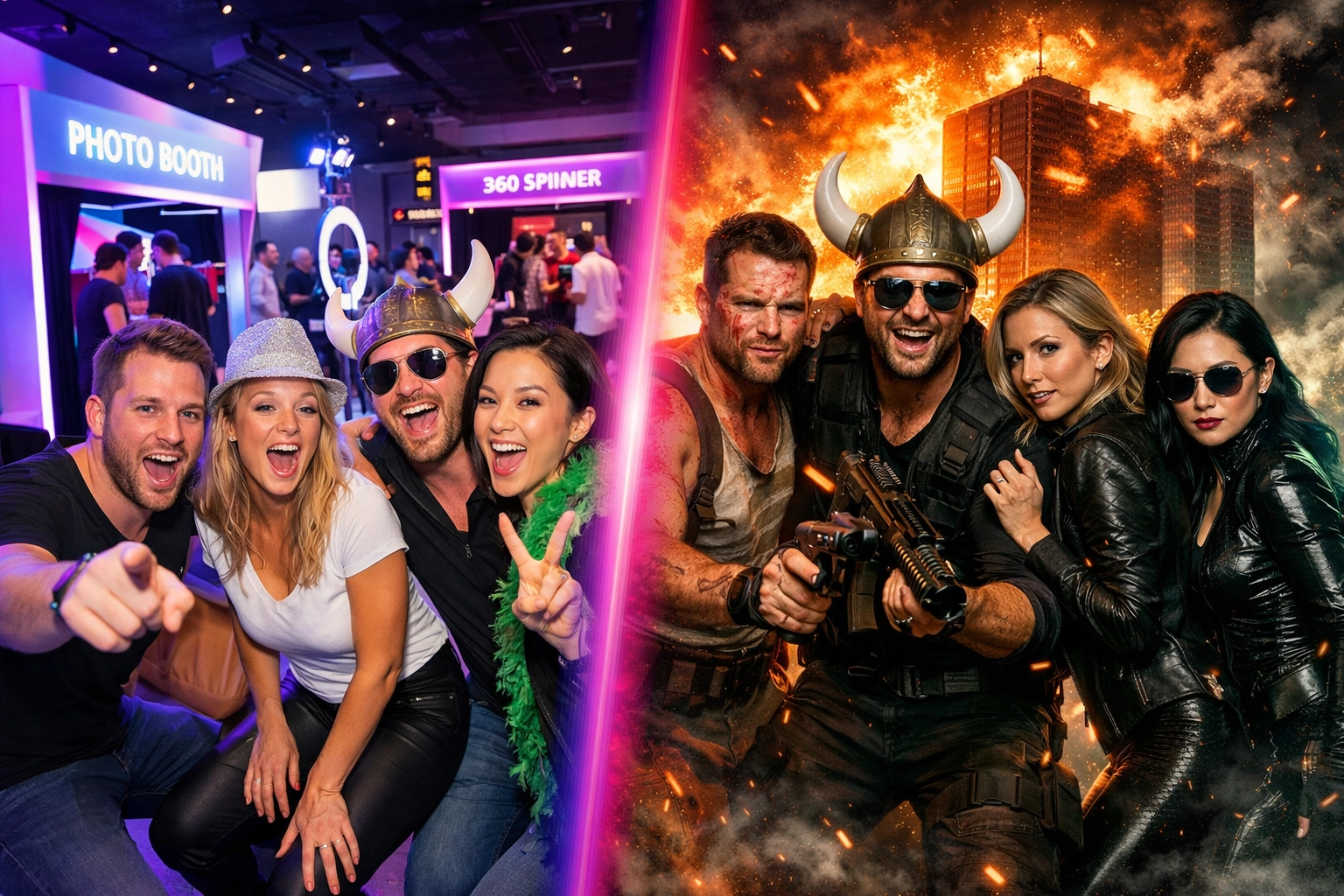
Chris pitched a massive 10-city holiday activation for Pluto.tv: rage rooms with explosive themes. Think Die Hard walks through glass, Matrix-style Santa dodging bullets, and over-the-top destruction scenes.
Budget? $4,000–$5,000 per location. Stakes? High. The client needed flawless execution across all markets with zero room for off-brand weirdness.
Chris leaned hard into AI photo booth effects. Why? Trying to run consistent green screens with multiple teams would’ve been a logistical nightmare. Instead, AI handled the heavy lifting: guests got transformed into their movie scenes, logos stayed intact, and every output looked like it came from the same branded universe.
The pitch itself? Chris used NanoBanana to create mockups fast, showing the client exactly what guests would walk away with. Visuals closed the deal before a single booth hit the ground.
When Practical Beats Digital Every Time
AI is powerful, but it can’t fake everything. When the experience is tactile and visceral, practical wins.
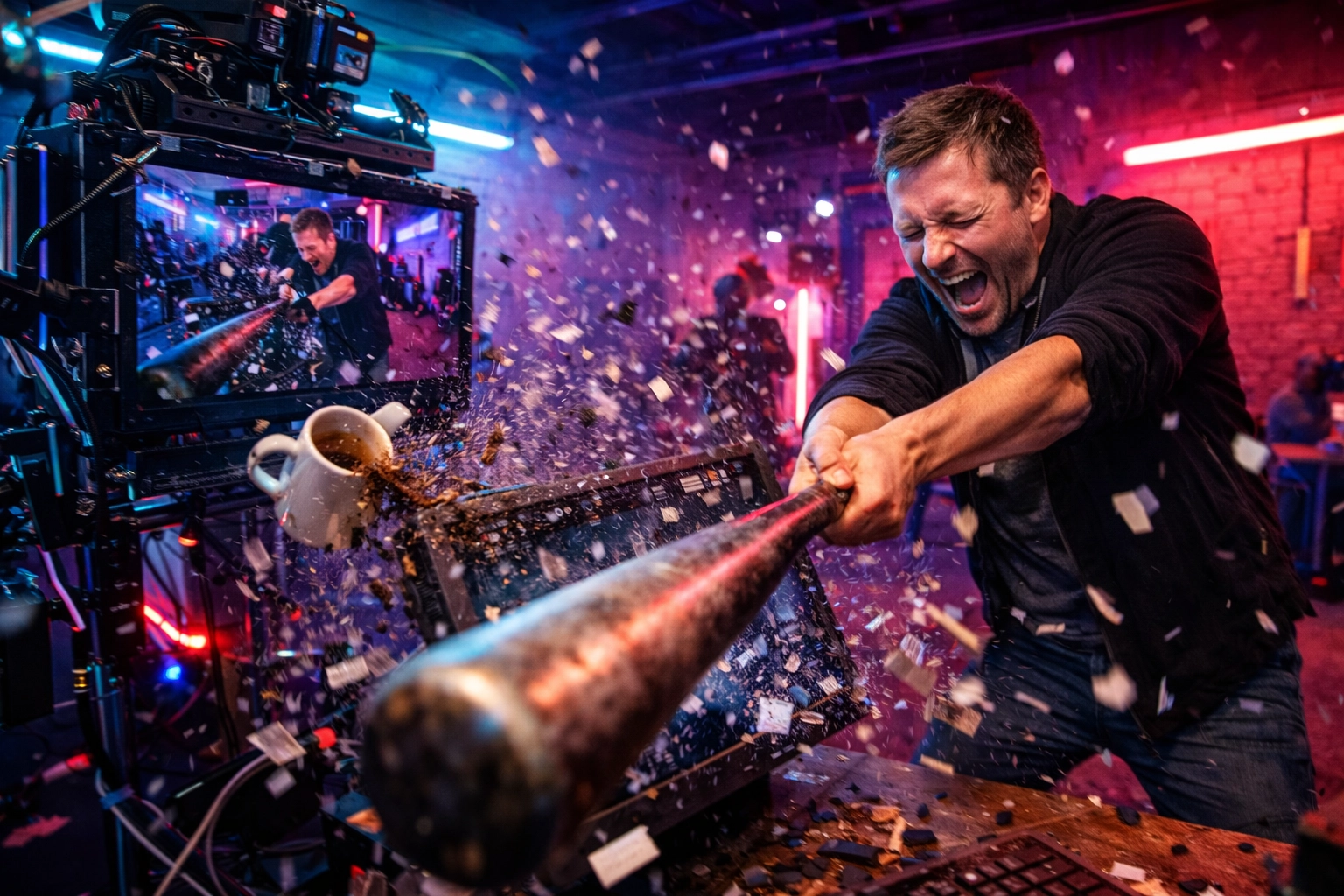
Take that same Pluto.tv rage room activation. Guests weren’t just posing: they were smashing props, swinging bats, and destroying stuff. You want to capture that chaos? Use a GoPro mounted to the wall and let the real destruction play out on camera.
AI can generate an explosion. But it can’t replicate the thrill of a guest actually shattering a monitor with a sledgehammer. The authenticity of that moment: the flying debris, the genuine adrenaline: that’s what makes the content shareable.
Headshots and Pro Portraits
Chris is also clear on this: If you’re doing professional headshots or high-quality portraits, start with real gear.
Strobes. DSLRs. Overexpose by half a stop. Get the lighting right on-site with a cheerleader attendant who hypes the line. Then: and only then: use AI for cleanup: fixing eyes, whitening teeth, smoothing skin.
Why? Because real light creates depth and dimension that no generative model can fully replicate from scratch. The hybrid approach gives you the best of both worlds: pro-level photography with AI polish.
The Hybrid Playbook: Blend, Don’t Choose
Here’s the truth most operators miss: You don’t have to pick one.
Chris runs hybrid setups all the time. Practical capture (DSLR, strobes, real props) combined with AI overlays or effects in post. It’s not either/or: it’s both/and.
For example:
- Album cover recreations: Use AI to transform guests into custom scenes based on their favorite album art. Chris did this for a musician with 6 million followers at a virtual event: AI handled the wild themes while maintaining likeness.
- Green screen with AI overlays: Capture on green screen for reliability, then layer in impossible effects via AI that would take hours manually.
- Slideshow previews + AI styling: Run a live slideshow at the booth (like Chris did at Dell’s Javits activation starting at 8 a.m.) to build lines, then offer AI-enhanced versions as a premium upsell.
Professional photo booth software like Pictor makes this seamless. Set up your DSLR for real captures, toggle on AI effects for specific moments, and brand everything with one-click client logos. No switching platforms. No export/import headaches.
The Decision Matrix: AI vs. Practical
Still not sure which route to take? Here’s Chris’s cheat sheet:
| Scenario | Best Tool | Why? |
|---|---|---|
| Multi-city brand activations | AI (generative) | Scales perfectly; controls output/likeness across teams |
| Rage room destruction | Practical video (GoPro) | Authentic tactile experience trumps digital fake |
| Headshots/pro portraits | DSLR/strobe + AI cleanup | Real light + AI fixes = pro results |
| Custom album recreations | AI + client photos | Handles wild themes with likeness intact |
| Green screen twists | Practical + AI overlay | Combines reliability with impossible effects |
The pattern? Use AI when consistency and scale matter. Use practical when authenticity and tactile experience matter. Blend both when you want premium results.
Pitching Like a Pro: Show, Don’t Tell
Chris doesn’t pitch with words: he pitches with visuals.
Before an event, he uses tools like Gemini or Perplexity to generate mockups of what guests will see. He’ll spend 3–4 hours refining prompts to ensure broad likeness (testing on 100+ sample images), then presents fully branded examples to the client.
Why does this work? Because clients don’t buy features: they buy outcomes. Show them the Die Hard walk. Show them the Matrix Santa. Show them their logo perfectly integrated into every output. That’s what closes deals.
And if you’re using AI photo booth software like Pictor, you can generate these mockups and deliver them live at the event without switching tools. One platform. One workflow. One brand experience from pitch to delivery.
How Pictor Handles Both Worlds
Here’s where Pictor’s operator-first design shines.
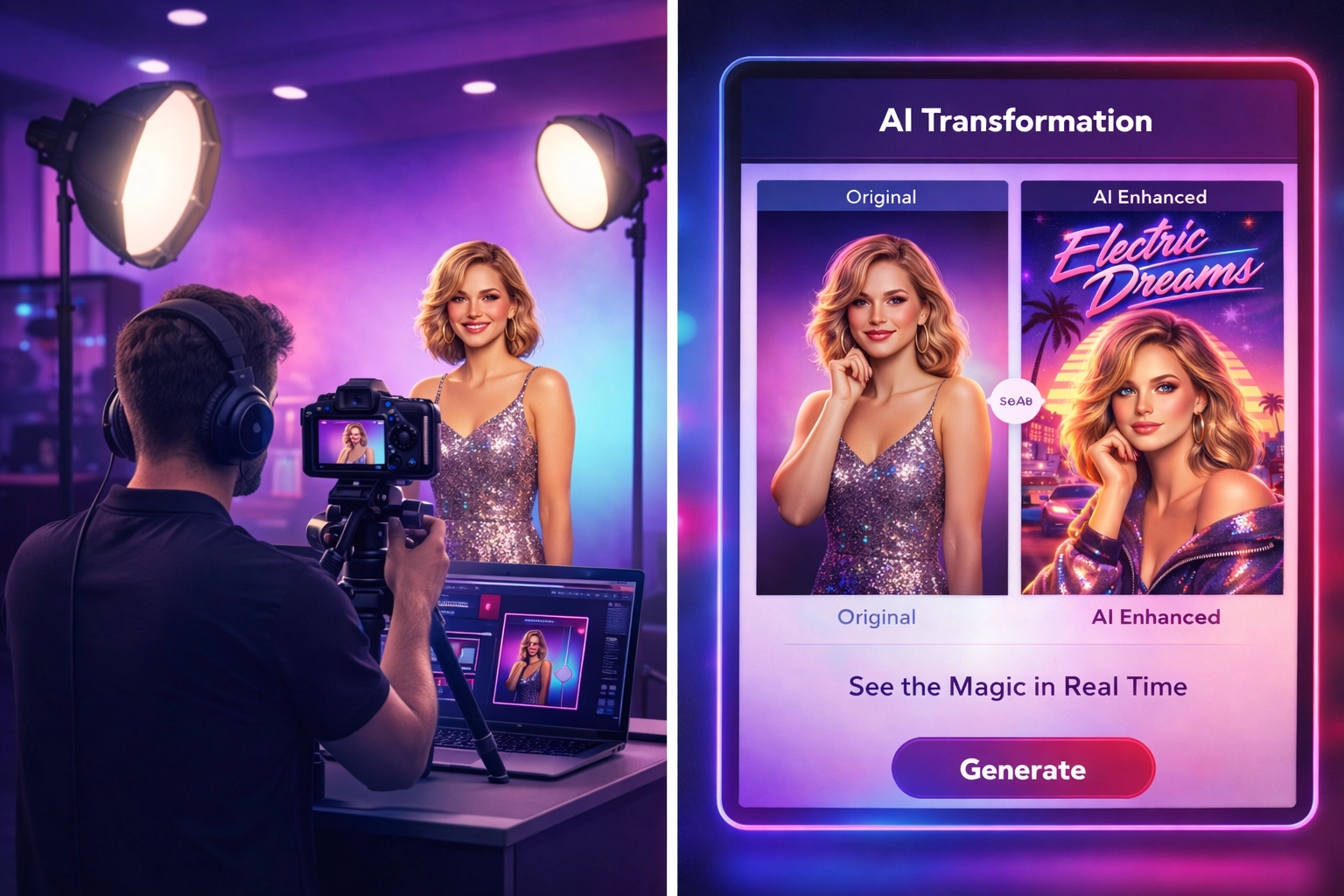
Want to run AI effects? Toggle on our AI video beta and let generative models handle transformations while preserving guest likeness. Want to stick with high-res DSLR captures? Plug in your camera and go. Want to do both? Switch between modes in seconds.
One-click client branding means every proposal, email, and output matches your client’s visual identity: no manual Photoshop work. And because Pictor runs offline, you’re not stuck when Wi-Fi dies at 2 a.m. in a basement ballroom.
The result? You can pitch AI effects to land the deal, deliver practical captures for authenticity, and brand everything seamlessly: all from one platform.
Learn from Chris at Booth Camp: Create
Want to level up your AI and practical game in person? Chris is hosting Booth Camp: Create on February 15–16 in Las Vegas (right before PBX). He’ll cover:
- Light painting techniques
- Multi-cam setups
- Cinemagraphs
- AI integration strategies
If you’re serious about scaling multi-city activations or just want to master the hybrid approach, this is the room to be in.
The Takeaway
AI isn’t replacing practical setups: it’s expanding what’s possible. The operators who win in 2026 are the ones who know when to use each tool and how to blend them into a premium experience.
Chris Meyer’s been doing this for two decades, and his advice is simple: Match the tool to the client’s goal. Fun and shareability? AI. Tactile thrill? Practical. Pro-level polish? Hybrid.
And if you want software that handles all three without forcing you to choose? That’s why we built Pictor the way we did.
Ready to scale your activations like a pro? Start your free trial and see how fast you can set up AI, practical, or hybrid booths. No fluff. Just results.
Nicholas Rhodes
Founder of Pictor & OutSnapped
Nicholas is the founder of Pictor and OutSnapped—a premium photo experience agency producing AI activations, red-carpet productions, and branded content for global events. He hosts Pictor Show & Tell almost every Wednesday.
Nicholas has scaled AI and practical photo booth setups across 60+ markets, producing thousands of brand activations annually.