Photo Booth Software for Corporate Events
Conferences, trade shows, and brand activations: branded overlays, custom AI, and webhook lead capture.
Last updated
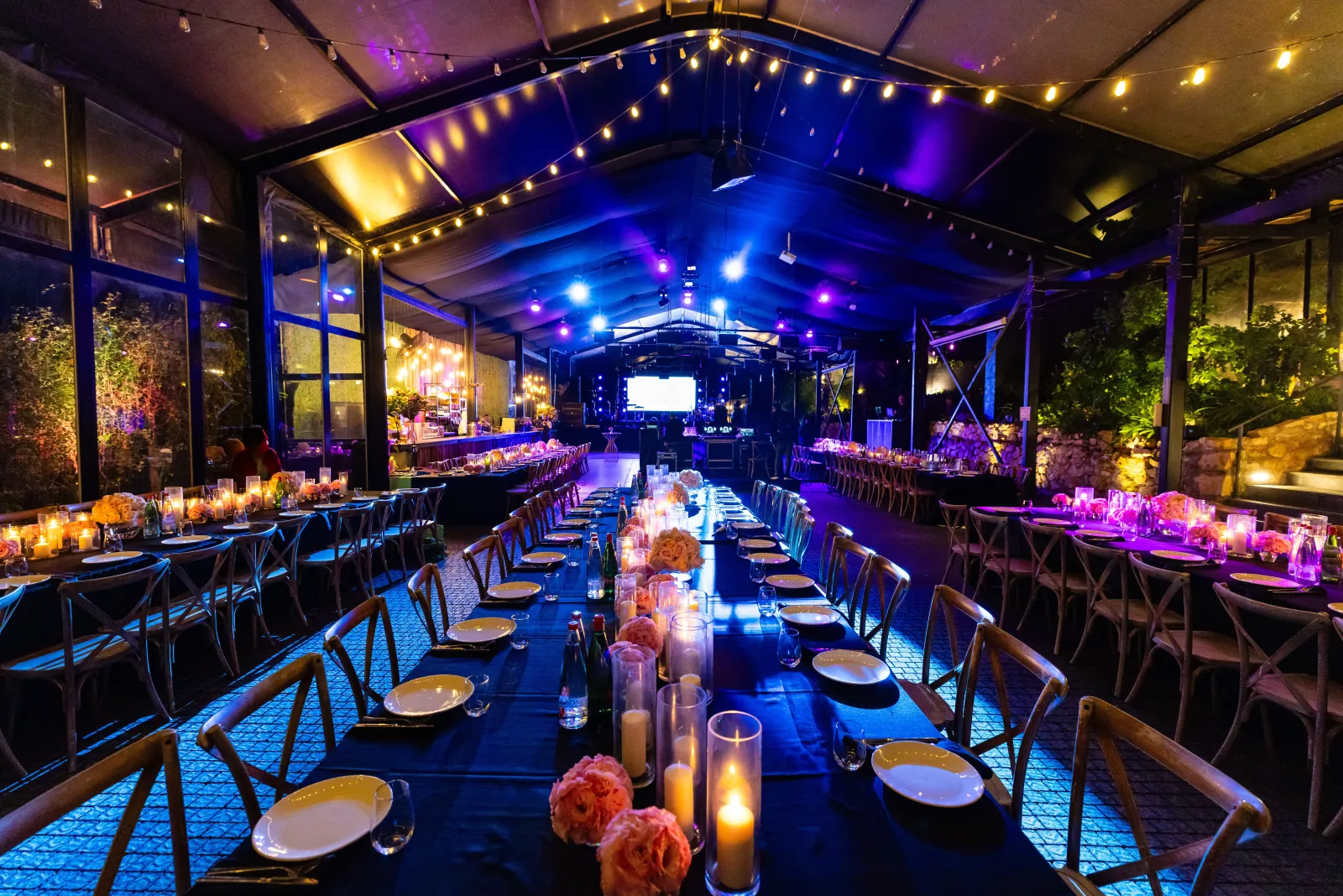
Companies host more events than they plan for: the holiday party, the summer family day, all-hands, customer appreciation nights, recruiting fairs, milestone celebrations, the office move. Historically each one meant hiring a photo booth company for the evening. Pictor is the software those companies run — and there is a version of this that fits an in-house events, HR, or marketing team.
Most companies still get it through an operator, and for a once-a-year holiday party that is the right call: they bring the hardware, the printers, and the staffing. Tell us what you run and we’ll connect you with an operator in your market. Companies running events monthly, or across several offices, often license Pictor directly instead.
What your team gets
Brand consistency without a design request
Branded overlays carry your logo, colours, and messaging on the guest-facing experience across all paid plans, and overlays can be swapped between events — one design for the holiday party, another for the customer day. If you need the app itself to carry your brand with no Pictor presence at all, that is white-label or grey-label delivery, part of an Enterprise arrangement (from $1,500/yr plus custom terms).
Lead capture that lands in your stack
For recruiting fairs, customer events, and trade show booths, the list is the point. Pictor collects emails, phone numbers, and custom fields before or after the photo session. From there you can export as CSV, or push leads in real time by webhook to any CRM, marketing platform, or internal tool that accepts webhooks — no waiting for a native connector for whatever your company happens to run.
Photos your marketing team will actually use
DSLR support is available on Pro ($99/mo) and Premium ($149/mo). For conference lighting, step-and-repeat walls, and anything destined for your careers page or social channels, that is the difference between a fun night and usable assets.
AI that reads as premium, not gimmick
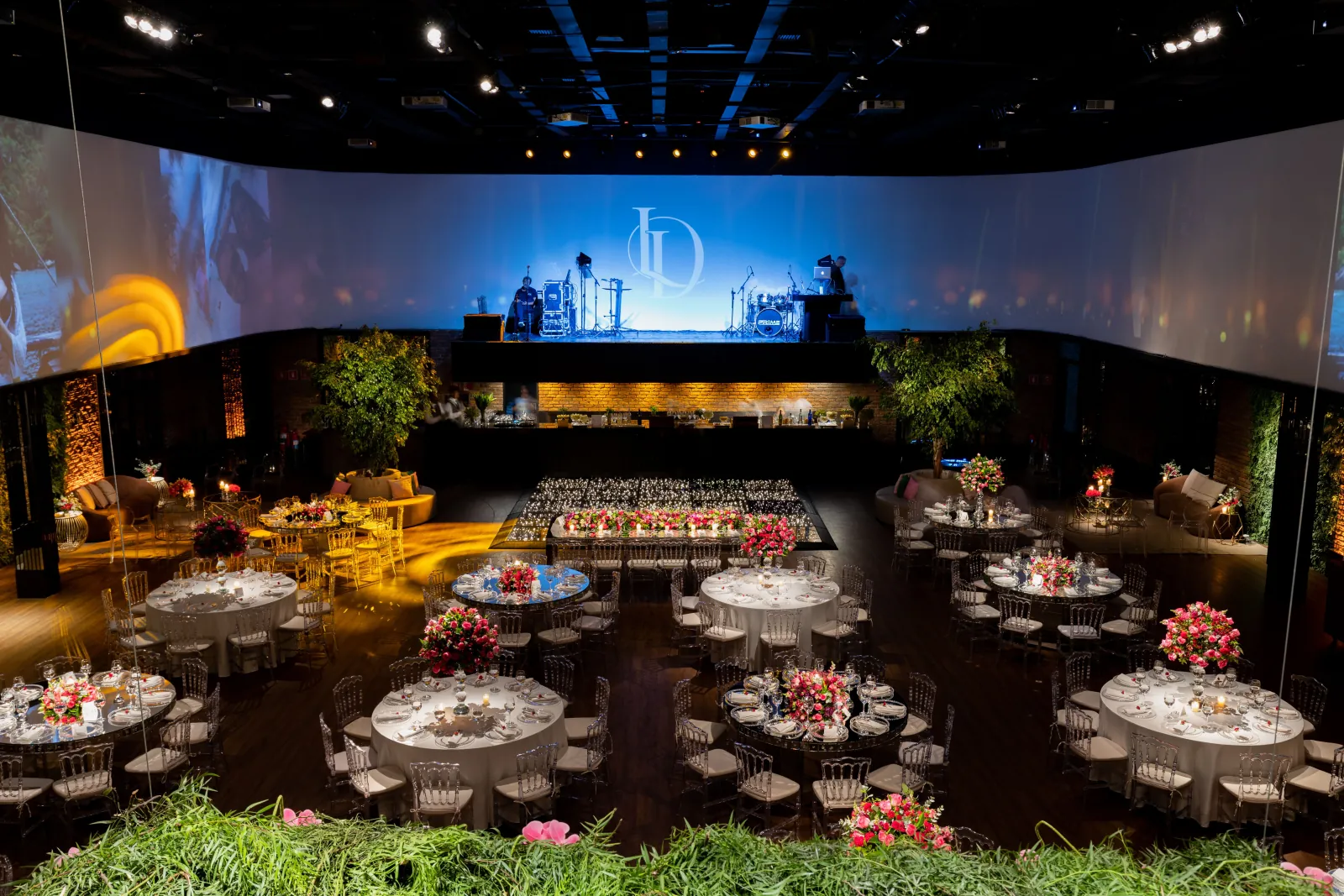
AI presets are included from the Basic plan. Pro adds the custom prompt editor, digital props, and background removal — so a look can match a campaign or product palette rather than a stock filter, and guests can be dropped into a branded scene without building a physical set. Premium adds AI video and custom AI video.
More than one office, or more than one room
Licensing is per active device and feature tier, and tiers can be mixed on one account — useful across multiple sites, or a main stage plus a quieter breakout room. Each license allows one live Virtual Booth.
Hybrid and remote teams
Not every company event has a single physical footprint. The Virtual Booth is a browser-based guest experience with no hardware and no app download — remote staff, a hybrid all-hands, or a campaign microsite. It is included with Premium ($149/mo) and Enterprise.
Each event carries its own allowance of 500 virtual sessions. Past 500 in a single event, additional sessions deduct one token each from your company token balance. Sessions that include an AI output are not charged the extra session token.
When the office or venue WiFi buckles
Conference centre networks are famously oversubscribed. If the connection drops, captures queue locally on the device and automatically process and send when it returns. Emergency phone support is available on every plan, including during a live event.
How companies get Pictor
Through an operator — best for occasional events
If you run two or three events a year, an operator is almost always the better economics: no hardware to own, no printer consumables, no one on your team learning the software. Ask the vendors you already book whether they run Pictor, or get in touch and we will point you toward operators serving your area.
In-house — best for frequent or multi-site programmes
Companies running events monthly, or the same programme across several offices, often bring it in-house. Pictor runs as a native app on iOS and Android, so an events team can run it from a tablet. You can build and test a full setup free for as long as you like; a paid plan is required to run a live event.
Charging guests, or not
Company events are usually funded by the business rather than the guest, so the in-app paywall is often switched off entirely. When you do use it — a public-facing brand activation with paid premium renders, for example — Pictor’s fee is 10% on Pro, 5% on Premium, and 2% with the Enterprise add-on. It is not available on Basic.
Worth knowing up front
- No 360 booth or dedicated roamer mode. If a brief specifies a 360 platform, Pictor is not the capture software for that unit.
- No native Mac or Windows booth app. Those are on our roadmap. Mac and PC use today means the browser-based Virtual Booth, which requires Premium.
- Enterprise is a custom arrangement, not a self-serve fourth plan. White-label, grey-label, remote access, and dedicated phone support live there.
- No unlimited-device licensing. Each active device carries its own license and tier.
Not sure which page applies to you? Start at who Pictor is built for. If you run photo booths as your business rather than hosting the events, see Pictor for photo booth operators and Pictor by event type.
FAQ
Can a company run its own photo booth instead of hiring a company?
Yes. Pictor runs as a native iOS or Android app on a tablet your events team provides, with a self-serve guest flow. It makes most sense for companies running events monthly or across several offices; for one or two events a year, hiring a photo booth operator running Pictor is usually better economics.
Can I brand the photo booth experience with our company logo?
Yes. Branded overlays carry your logo, colours, and messaging on the guest-facing experience across all paid plans, and can be swapped between events. Full white-label and grey-label delivery, where the app itself carries no Pictor branding, is part of an Enterprise arrangement from $1,500/yr plus custom terms.
Can Pictor send captured leads into our CRM?
Yes. Lead capture collects emails, phone numbers, and custom fields, and results can be exported as CSV or pushed in real time by webhook to any CRM, marketing platform, or internal tool that accepts webhooks. You are not limited to a fixed list of native integrations.
Which Pictor plan suits corporate events?
Pro ($99/mo) is the practical floor, because it adds DSLR support, the custom AI prompt editor, digital props, and background removal. Premium ($149/mo) is the choice when an event needs AI video or the browser-based Virtual Booth for hybrid and remote attendees.
Does Pictor work for hybrid or fully remote company events?
Yes, through the Virtual Booth — a browser-based guest experience with no app download and no hardware, included with Premium and Enterprise. Each event includes 500 virtual sessions; beyond that, additional sessions deduct one token each from your balance.
What happens if the venue WiFi fails during our event?
Captures are stored locally in a queue on the device and automatically process and send once the connection returns. Emergency phone support is included on every plan, including while an event is live.