Photo Booth Software for Event Venues
Hotels, ballrooms, and event spaces: a venue-branded, self-serve photo experience that can pay for itself.
Last updated
Hotels, ballrooms, country clubs, and event spaces get asked for a photo experience on nearly every booking. Pictor is the software behind it — venue-branded, self-serve for guests, and paid for by guests rather than by your events budget.
Most venues get Pictor through a photo booth operator: they bring the hardware, the printers, the setup and strike, and an attendant when the night calls for it. You get the guest experience and your name on every photo. Tell us about your space and we’ll connect you with an operator running Pictor in your market.
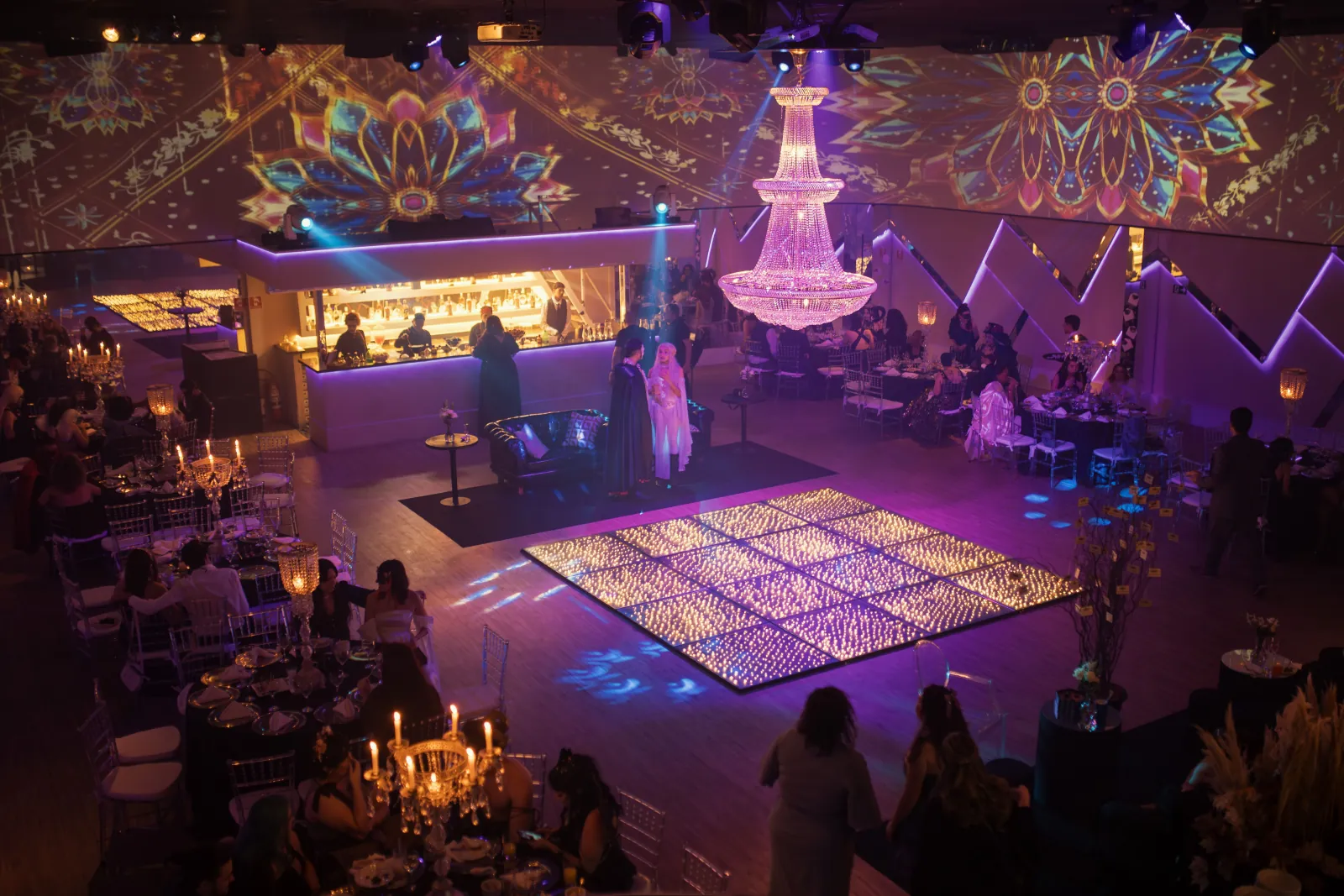
What your guests get
They run it themselves
The guest flow is self-serve by design. Guests capture, and photos arrive on their own phones — no app download, no queue at a staffed counter, no member of your team tied up for the evening.
Your brand on every share
Branded overlays carry the venue’s name, logo, and colours on every photo a guest sends to their phone. For a venue that lives on referrals and social reach, that is the marketing case as much as the guest-experience case.
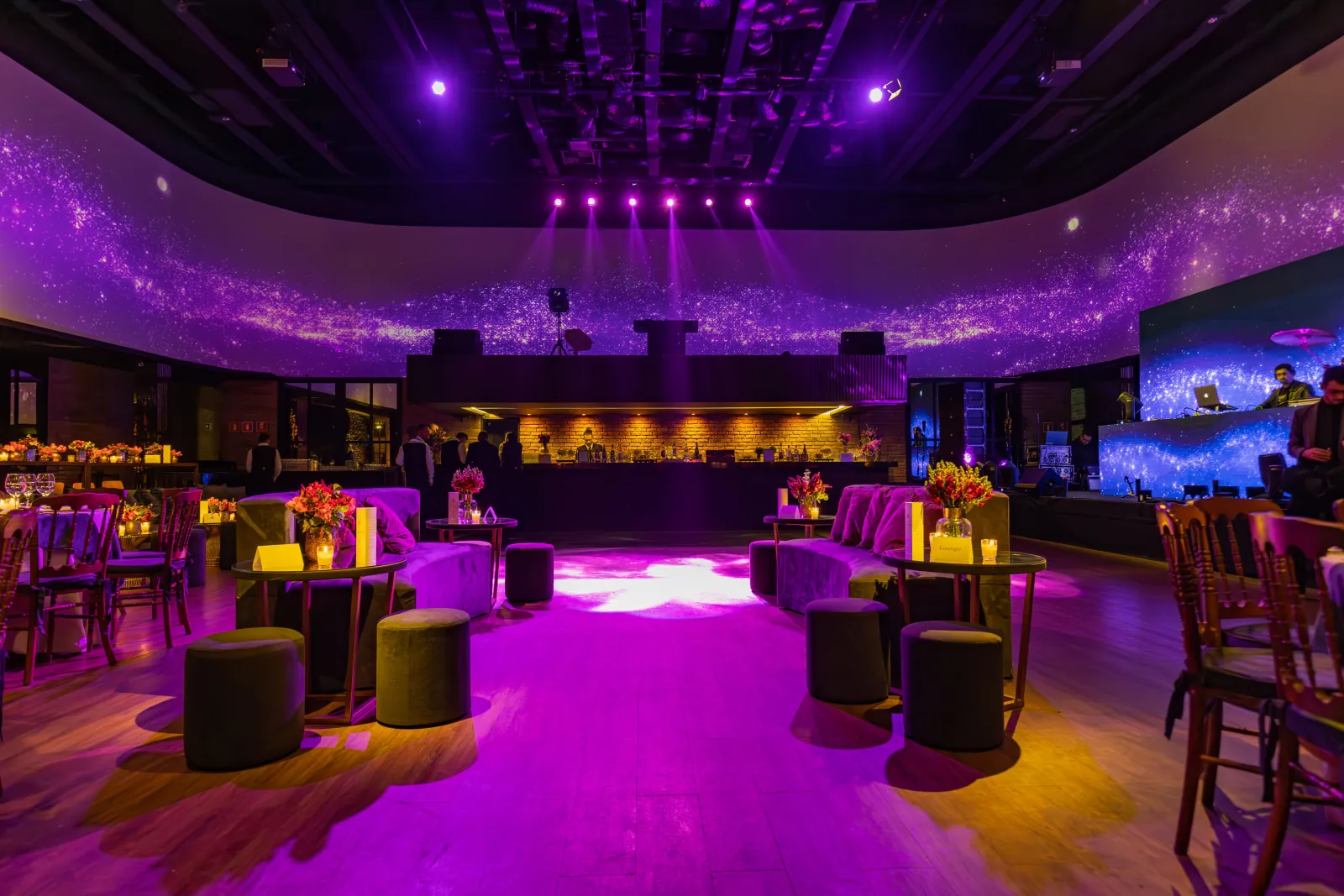
AI that gets talked about
AI presets are included from the entry plan. Higher tiers add a custom prompt editor, digital props, and background removal — so the look can match a wedding’s palette or a gala’s theme instead of a stock filter. AI video is available on Premium.
Photos your clients will actually publish
DSLR support is available on Pro and Premium. For ballroom lighting and step-and-repeat work, where a couple or a corporate client will push frames to their own channels, that is the difference between a fun night and usable assets.
More than one room
Licensing is per active device and feature tier, and tiers can be mixed on one account — a higher tier in the main ballroom, something simpler in a secondary space. Each license allows one live Virtual Booth.
It survives a bad night on the network
If the connection drops, captures are stored locally in a queue and automatically process and send once it returns. Emergency phone support is available on every plan, including while an event is live — which matters more for a venue than for a touring operator, because your name is on the room.
How venues get Pictor
Through an operator — the usual route
Photo booth operators are Pictor’s core customers, and for a venue they are the shortest path to a live photo experience. The operator owns the hardware, the printer consumables, the spares, and the on-night troubleshooting. You get a partner who has already run a thousand events, and a guest experience carrying your branding.
Ask the operators you already book whether they run Pictor — if they do, everything on this page is something you can request by name. If you would like an introduction, get in touch and we will point you toward operators in your market.
In-house — for high-volume venues
Venues with heavy event volume, existing AV staff, or a dedicated space often prefer to license the software directly and run it on a tablet they already own. Pictor runs as a native app on iOS and Android. You can build and test a full setup free for as long as you like; a paid plan is required to run a live event.
If you are planning a permanent or unattended installation rather than event-by-event use, talk to us first so we can confirm the configuration before you buy hardware.
Which plan fits a venue
| Situation | Plan | Why |
|---|---|---|
| One room, tablet booth, AI presets | Basic $49/mo | Lowest entry point; no DSLR |
| Photos a client will publish | Pro $99/mo | DSLR support, custom AI prompt editor, background removal |
| AI video, or a browser-based booth | Premium $149/mo | AI video plus the Virtual Booth; paywall fee drops to 5% |
| Venue-branded app, remote access | Enterprise | White-label, grey-label, remote access, dedicated phone support |
Guest-paid, not budget-funded
The built-in paywall lets guests pay directly for prints, AI renders, or premium experiences, which turns the photo experience from a cost you absorb into a line that can fund itself. Pictor’s fee is 10% on Pro, 5% on Premium, and 2% with the Enterprise add-on. It is not available on Basic.
AI actions run on tokens, and tokens never expire — a bundle bought before gala season is still usable in the quiet months. Bundles start at 100 for $20 and reach $0.07 each at volume.
Worth knowing up front
- No 360 booth or dedicated roamer mode. Pictor does not currently support either.
- No native Mac or Windows booth app. Native desktop apps are on our roadmap; today Mac and PC means the browser-based Virtual Booth, which requires Premium.
- No unlimited-device licensing. Each active device carries its own license and tier.
Not sure which page applies to you? Start at who Pictor is built for. If you run the booth business rather than the venue, see Pictor for photo booth operators.
FAQ
How does a venue add a photo booth without buying equipment?
Work with a photo booth operator running Pictor. The operator supplies the hardware, printers, and setup, while the guest experience carries your venue’s branding. Contact support@pictor.pro and we will connect you with operators in your market.
Can a venue run a photo booth without hiring an operator?
Yes. Pictor runs as a native iOS or Android app on a tablet you provide, and the guest flow is self-serve — guests take their own photos and receive them on their phones without downloading anything. For a permanent or unattended installation, contact support@pictor.pro to confirm the setup before purchasing hardware.
How does a venue make money from a photo booth?
Through Pictor’s built-in paywall, guests can pay directly for prints, AI renders, or premium experiences. Pictor’s fee on those transactions is 10% on Pro, 5% on Premium, and 2% with the Enterprise add-on. It is not available on Basic, separate from the monthly subscription.
Can I put my venue’s branding on the photos?
Yes. Branded overlays carry your venue’s name, logo, and colours on the guest-facing experience across all paid plans. White-label and grey-label app delivery, where the app itself carries no Pictor branding, is part of an Enterprise arrangement starting at $1,500/yr plus custom terms.
Do I need a separate license for each room?
Yes. Licensing is per active device and feature tier, and you can mix tiers on one account — for example a Premium license in the main ballroom and Basic in a smaller space. Pictor does not offer unlimited-device licensing.
What happens if the venue network drops during an event?
Captures are stored locally in a queue on the device and automatically process and send when the connection returns. Emergency phone support is included on every plan, including while an event is live.