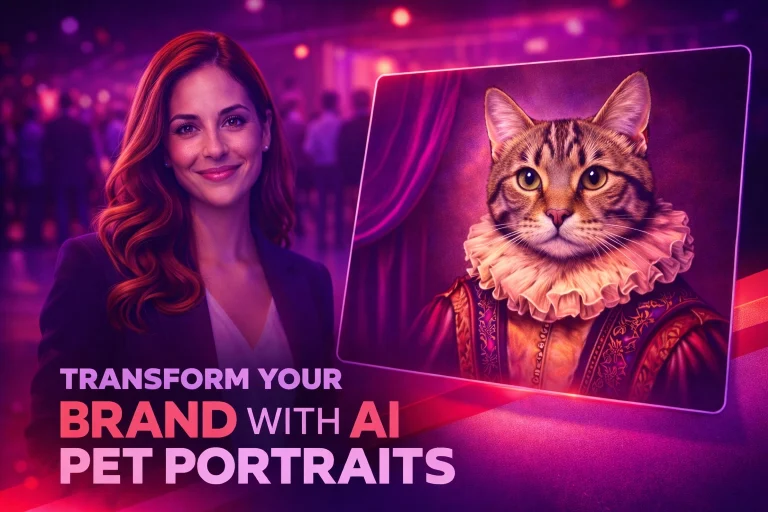
How to Build a Pet Portrait AI Experience in Pictor — Branding, Variables, and Virtual Booths
Build a custom pet portrait AI experience in Pictor using branding, variables, and virtual booth—step-by-step tutorial with template downloads.
Articles tagged “tutorial”
5 articles
Build a custom pet portrait AI experience in Pictor using branding, variables, and virtual booth—step-by-step tutorial with template downloads.
When to use Pictor's simple mode vs the template editor—a practical guide for choosing the right tool for your booth type and experience.
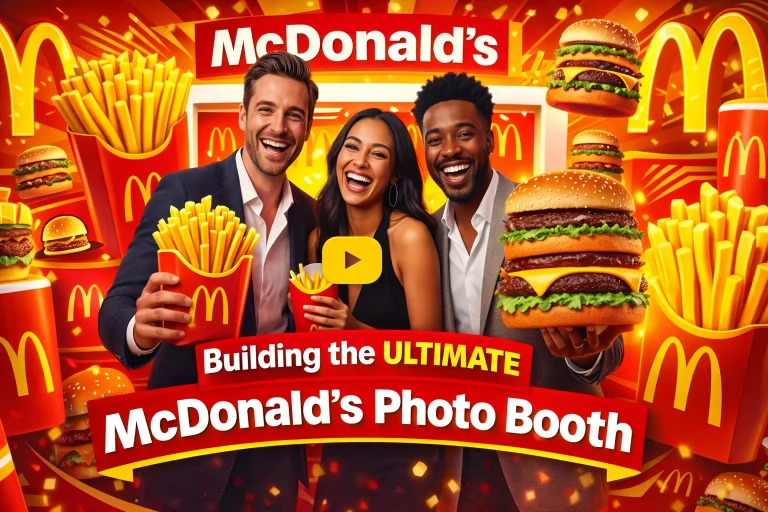
Pictor founder Nicholas responds to a mock DM from Ronald McDonald and builds a completely branded McDonald's photo booth in under an hour — global styles, custom AI prompts, branded templates, virtual booths, and microsites. Here's the full tactical recap.
Walk through building a classic 2x6 photo strip in Pictor — from a simple three-frame layout to a fully styled vintage booth experience with distressed overlays, curtain backdrops, and AI-powered film-era effects.
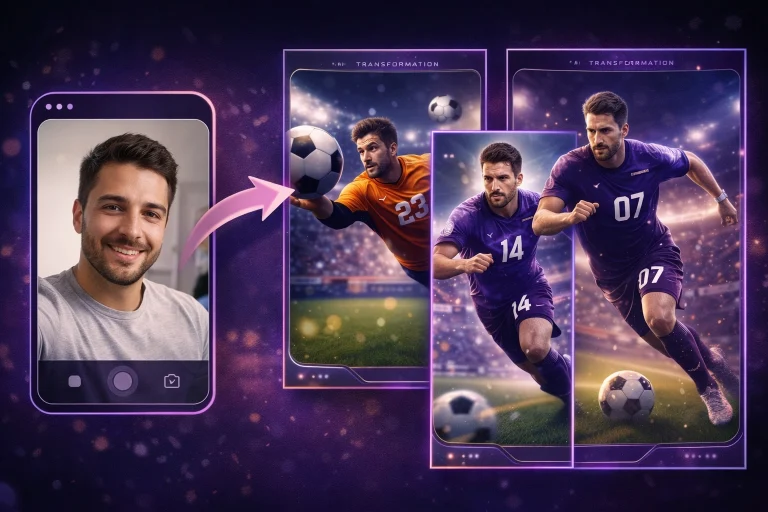
A step-by-step recap from our March 18, 2026 Show & Tell covering how to craft AI prompts that maintain likeness, set up multi-option event flows, and use reference images and survey questions to deliver polished branded photo experiences.
No credit card required