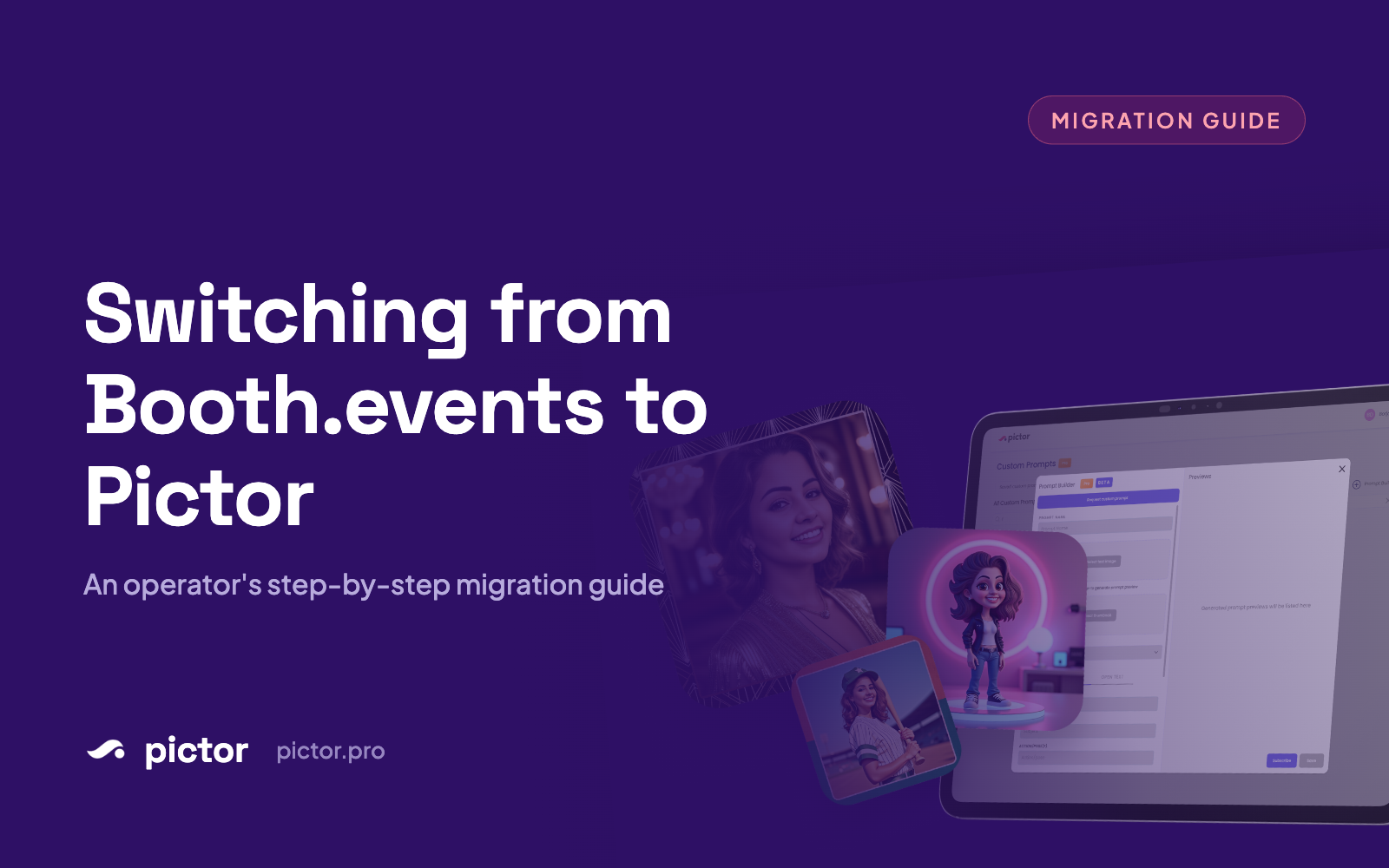
Switching from Booth.events to Pictor: An Operator’s Migration Guide
Step-by-step guide to switching from Booth.events to Pictor: migration workflow, data transfer, and why operators are making the move.

Nicholas Rhodes
Drafted with AI assistance; reviewed and approved by Nicholas Rhodes before publishing.
Pictor is built for operators who need hardware choice, lower per-device costs, and unified AI pricing—features Booth.events reserves for premium tiers. This guide walks you through whether the switch makes sense for your operation, how your pricing translates, and a complete migration checklist.
Should You Actually Switch?
Booth.events built a polished iPad ecosystem that works well for many operators. Pictor isn’t a replacement—it’s an alternative with different tradeoffs. Here’s the honest assessment.
Where Booth.events still wins
AirDrop sharing works seamlessly on iPad with Booth.events. Guests pull photos directly to their devices without QR codes or app downloads—that’s valuable friction-reduction in the right context.
Optimized iPad experience means 4.8 App Store rating for a reason. If your fleet is all iPads and workflows are locked in, switching costs outweigh the benefits.
If your operation runs all iPads and they’re working? Don’t switch just to diversify. You’d trade a known ecosystem for learning curves.
Where Pictor wins (and why you might switch)
Android support. Booth.events has no native Android app. If you operate Android tablets—often cheaper and more durable in high-use venues—this alone decides the question.
Virtual booth on Mac/PC (Pictor Premium, included at no per-event fee). Booth.events keeps Mac/iPhone as share stations only, not full operating units.
Unified AI pricing. Booth.events charges extra AI credits beyond subscription. Pictor includes basic AI presets at the $49 tier, with more advanced AI unlocked as you upgrade. No separate token meters.
Multi-platform parity. Run the same booth software across iOS and Android devices. Mac/PC operators access a browser-based Virtual Booth. Booth.events treats non-iPad platforms as second-class.
Device-based licensing. Pictor charges per active device + feature tier. Scale from 2 to 5 booths without event-volume penalties.
Pricing Translation: Booth.events to Pictor
Side-by-side comparison
| Your Booth.events Plan | Equivalent Pictor Tier | What Changes |
|---|---|---|
| Booth.events Basic | Pictor Basic $49/mo | Same price point. Booth.events includes Glam Filter & background removal; Pictor Basic covers AI Presets & Library. Pictor adds Android and Mac/PC support at this tier. |
| Booth.events Pro (standard events) | Pictor Pro $99/mo | Booth.events allocates monthly event credits per subscription. Pictor charges per active device + tier. Pro unlocks Custom Prompt Editor, Digital Props, Background Removal—but no video effects yet. |
| Booth.events Pro+ (high volume, 360) | Pictor Premium $149/mo | Booth.events Pro+ unlocks 360 Spinner and Roaming modes. Pictor Premium includes Virtual Booth (browser-based, no per-event fee) plus AI Video Effects and custom AI video. Pictor does NOT support 360 or roaming booth modes—a real product gap if that’s your primary workflow. |
The AI credit gotcha
Booth.events charges a separate token system for AI Prompts and AI Portraits on top of subscription fees. Pictor’s token model is unified: optional tokens across all tiers, cheaper at higher plans. Heavy AI users typically see lower all-in costs with Pictor—but calculate your actual spend first.
Migration Checklist: From Booth.events to Pictor
1. Trial & Validation (Week 1)
- [ ] Sign up for Pictor’s free trial at app.pictor.pro (no credit card required)
- [ ] Test on your primary device type (iPad, Android, Mac, or PC)
- [ ] Run a test event with your current camera/DSLR setup if applicable
- [ ] Verify QR code or in-app share works as an AirDrop alternative for guest flow
- [ ] Check venue WiFi performance with Pictor’s real-time sync
2. Recreate Event Presets (Week 1–2)
- [ ] List your 3–5 most-used event presets (resolution, aspect ratio, time limit, GIF settings)
- [ ] Recreate each template in Pictor’s event setup
- [ ] Upload your logos, backgrounds, and overlays to Pictor
- [ ] Test your most complex preset end-to-end
- [ ] Export one test event and compare file names, metadata, and guest experience
3. Update Branding & Signage (Week 2)
- [ ] Test existing vinyl wraps and printed assets—they work on any tablet
- [ ] Update QR codes and printed instructions to point to Pictor’s guest landing page
- [ ] Create one custom filter or AI preset in Pictor and verify the visual matches your brand
- [ ] Update website and social media to reference Pictor (optional, depends on marketing strategy)
4. Device Setup (Week 2–3)
iOS:
– [ ] Download Pictor from the App Store
– [ ] Sign in with your Pictor account
– [ ] Configure MDM (Mobile Device Management) if managing devices at scale
– [ ] Run a booth event on each iPad model you use
Android:
– [ ] Download Pictor from Google Play
– [ ] Test on your Android tablet(s) in the same venue conditions as your current setup
– [ ] Verify sync and printing work with network printers
Mac/PC (Virtual Booth):
– [ ] Open the Virtual Booth link in a modern browser
– [ ] Connect your external monitor or projector
– [ ] Test the interface in the browser
– [ ] Test printing if you offer on-site prints
5. DSLR & Camera Integration (if applicable)
- [ ] Confirm your DSLR model is supported — DSLR and mirrorless tethering is included on Pictor Pro ($99/mo) and Premium ($149/mo), not Basic
- [ ] Pair your camera via Pictor settings
- [ ] Run a test capture and confirm photos auto-import in real time
- [ ] Test manual camera mode if your workflow requires it
6. Run One Parallel Event (Week 3–4)
Before full cutover:
– [ ] Schedule a real event running Pictor alongside your last Booth.events event
– [ ] Same venue, same guest flow, same branding
– [ ] Monitor for sync issues, printing delays, or token depletion
– [ ] Gather operator and guest feedback
– [ ] Document any surprises for team training
7. Full Cutover (Week 4)
- [ ] Archive your Booth.events account (keep active 1–2 weeks as fallback)
- [ ] Set Pictor as your primary booth software
- [ ] Brief your team on device handover and support contacts
- [ ] Monitor your first 3 live events closely
AI & Effects by Tier
Understanding how AI scales with your subscription:
Pictor Basic ($49/mo): AI Presets & Library only. No custom prompts or video effects. Good for starting; most operators upgrade when they need custom looks.
Pictor Pro ($99/mo): Add Custom Prompt Editor (write your own AI descriptions), Digital Props, and Background Removal (1 token per action). No video effects yet.
Pictor Premium ($149/mo): Everything above plus AI Video Effects and custom AI video (5–15 tokens per 5-second render). This is where you unlock effects Booth.events users often buy credits for.
Token spend math: If you currently spend $30–50/month on Booth.events AI credits, expect $20–40/month on Pictor tokens at Premium. Tokens are optional and cost less at higher plans.
FAQ
Will my event files transfer automatically?
No. Event exports don’t cross platforms cleanly. You’ll recreate templates and presets in Pictor. Guest photos from Booth.events stay on your old account. Start fresh with Pictor’s library going forward.
What if my iPad fleet uses Booth.events’ roaming photographer mode?
Pictor doesn’t support roaming mode in the same form. Use iPad capture + mobile share (QR or app) instead. Pictor does not currently support 360 booth or dedicated roamer mode—Virtual Booth is a separate browser-based experience, not a 360 equivalent. Test this workflow in your trial before committing.
Do I lose my custom AI filters?
Booth.events custom AI filters live in their system. You’ll recreate descriptions in Pictor’s Custom Prompt Editor (Pro tier and up). Most operators complete this in 5–10 minutes per filter.
Can I run both Pictor and Booth.events at the same time?
Yes, especially during migration. Booth.events keeps your old events and guest library intact. Running them in parallel for one event gives your team confidence before full cutover.
What if I want to keep Booth.events as a backup?
That’s valid, especially for high-value events. Keep Booth.events active through your first month on Pictor, then decide renewal based on actual usage.
How does phone support work on Pictor?
Pictor includes emergency phone support across all plans, including during live events. Email and chat support are built in for every tier. Reach out to support with any questions.
Is Virtual Booth free to use, or does it cost per event?
Virtual Booth is included with Pictor Premium ($149/mo) and Enterprise plans at no per-event fee. It runs in any modern browser on Mac, Windows, or Linux. Booth.events charges $25/event for this feature, so Pictor’s model saves money at scale.
How does device licensing work if I have mixed iOS and Android?
Pictor supports per-device tier mixing on one account. Run Basic on Android, Pro on iPad—whatever matches that device’s needs. No team account required.
Next Steps
- Start your free trial at app.pictor.pro—no credit card needed. Spend 30 minutes walking through event creation and branding import.
- Join the Pictor community on Facebook. Talk to other operators who’ve made the switch.
- Test with your team. Even 10 minutes on a test iPad will surface questions before committing.
- Plan your migration window. Most operators complete full cutover within 3–4 weeks of starting their trial.
Can’t wait to see what you make with Pictor.