AI Photo Booth: The Complete Guide for Professional Operators
What an AI photo booth is, how to judge likeness and group shots, how to run the guest flow, what to charge, and a one-hour test for any AI booth software.
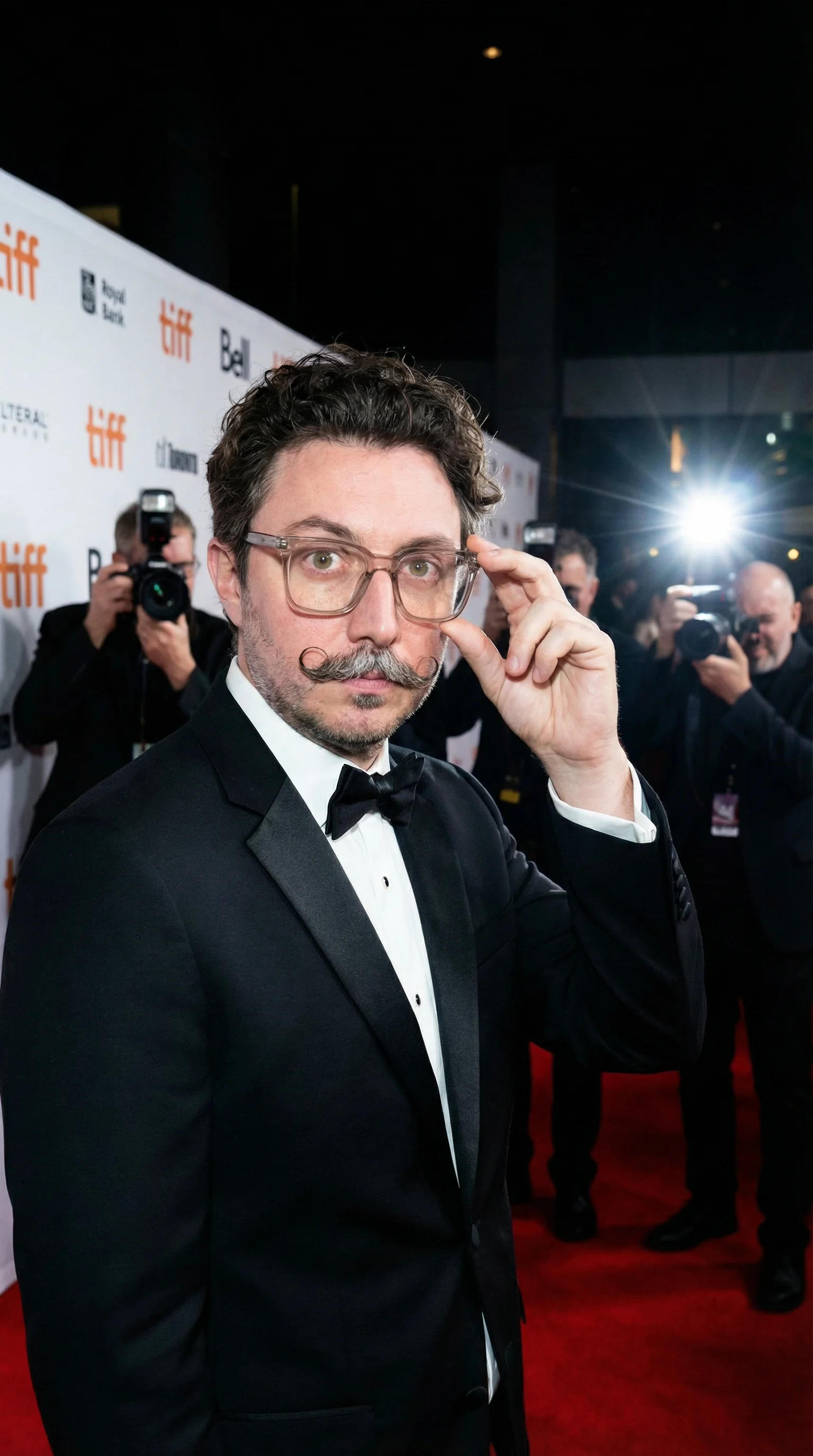
Nicholas Rhodes
Drafted with AI assistance; reviewed and approved by Nicholas Rhodes before publishing.
What is an AI photo booth, and what makes one sellable?
An AI photo booth uses generative AI to rebuild a guest’s photo or video into a new style or scene while keeping the guest recognizable. For an operator, four things decide whether it is sellable: likeness, group-shot accuracy, prompt control, and render speed in a live queue. Test all four in one hour before you commit to a platform, and price AI as a premium experience. Operators report charging 30 to 60 percent more for it than for traditional packages.
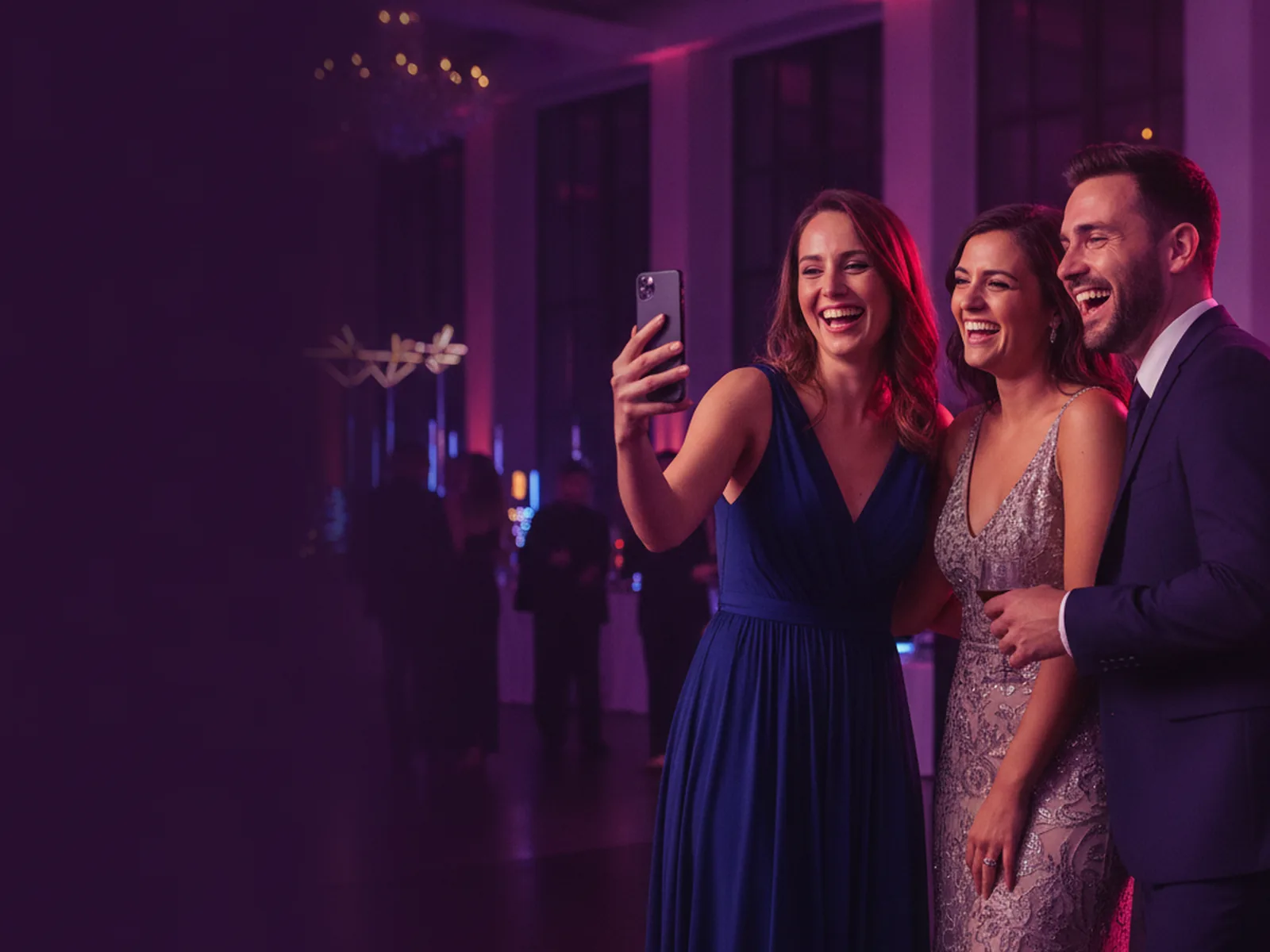
An AI photo booth can put a group into a different world, turn a portrait into a film still, or turn a short clip into something a guest posts before they have left the room. That gives an operator something to sell besides a camera, a backdrop, and a gallery link.
Not every AI booth produces results you would put in front of a client, though. This guide covers what separates the ones that do: what the technology is, why likeness matters more than style, how to run the guest flow, what to charge, and how to test any platform in an hour.
What is an AI photo booth?
A standard photo booth captures a photo, applies an overlay or a basic effect, and delivers the result to the guest.
An AI photo booth transforms the image itself. It can change the visual style of a portrait, rebuild the background, create a new scene around the guest, apply a client’s art direction, transform a group photo while keeping each person intact, or turn a photo or clip into a short AI video.
The distinction that matters: AI changes the entire visual context of the image, and the guest still looks like the guest.
Operators sell three kinds of AI experience.
AI style transfer
The guest takes a photo and the AI reimagines it in a style. Vintage film portrait, oil painting, comic-book illustration, fashion editorial, a client’s campaign look. A good style-transfer workflow keeps the face, pose, expression, and defining details, and changes the lighting, wardrobe, environment, or treatment.
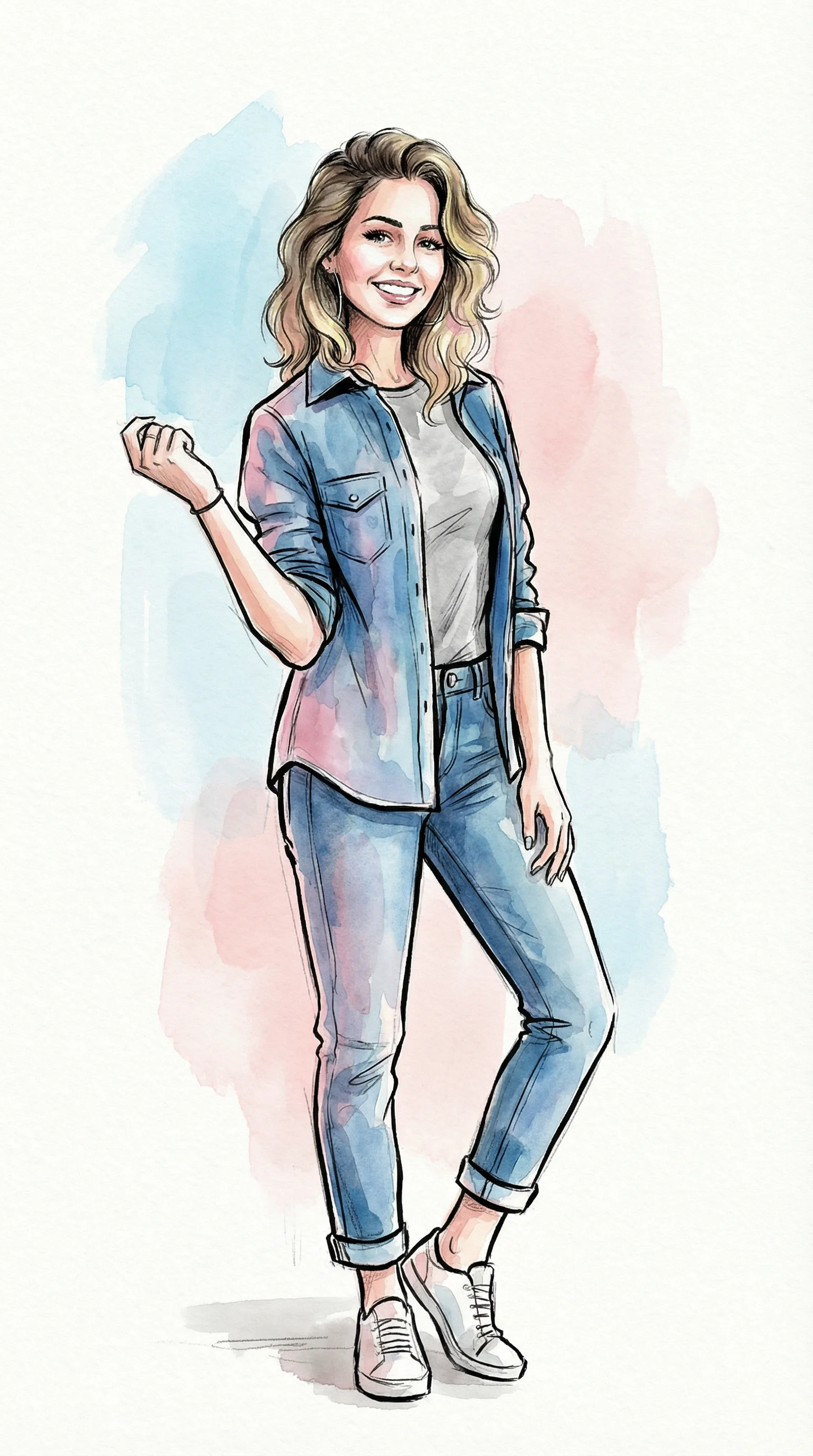
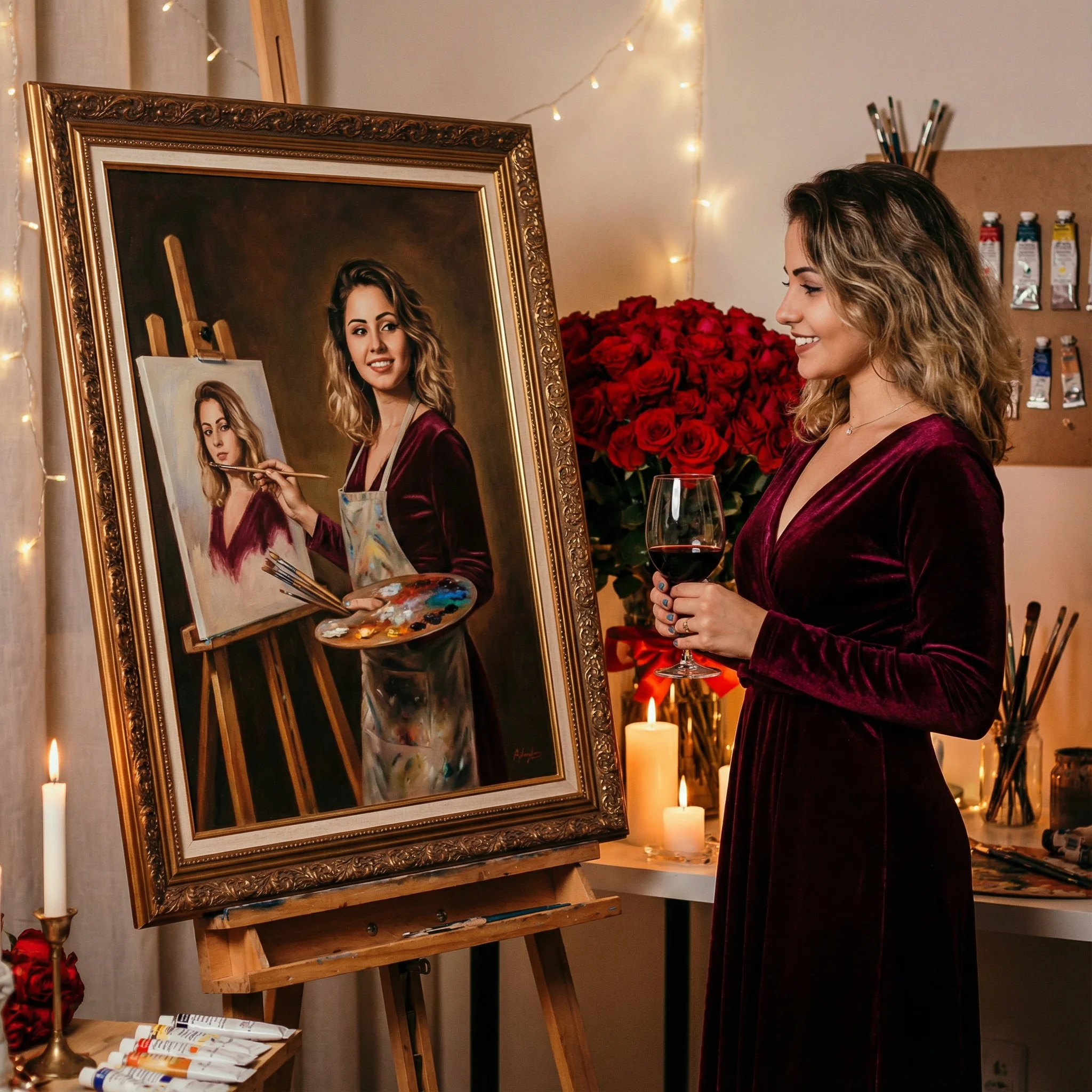

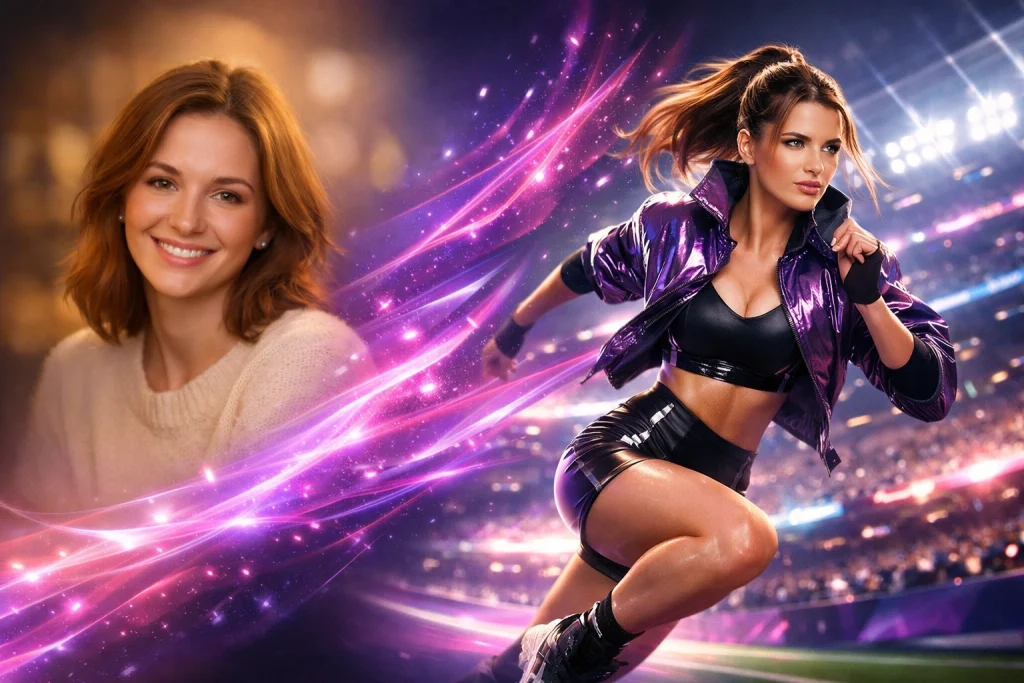
Three styles from the Pictor gallery: watercolor, oil painting, and a full scene change.
AI image generation
Here the booth creates a new image from the guest photo plus a written instruction. Instead of a color grade, the guest lands in a specific scene that you designed. This is where prompt control earns its keep, because you can build the experience around a client’s campaign, venue, product, or theme.
AI video
AI video applies the same idea to motion. Pictor supports two modes. AI Video Transformations apply a style to a clip the guest records. AI Video Generation creates a short video from a single guest photo, which helps when guests do not want to perform on camera.
Pictor brought AI to the photo booth industry in June 2023, a full year before anyone else, and was first to market with AI Video. The setup steps are in the help center article on creating an AI video.
How does AI help operators get out of price competition?
Traditional packages are hard to tell apart. When every provider offers photos, props, an attendant, and digital sharing, clients compare on price.
AI gives you a different product to describe. Instead of “a photo booth with digital delivery,” you can quote:
- A branded AI portrait experience for a corporate event
- A cinematic guest transformation for a product launch or brand activation
- A themed portrait station for a wedding
- A virtual AI booth for remote attendees
- A short AI video activation on a red carpet
The conversation moves from equipment and hours to creative outcome. You are no longer competing only on how long the booth runs.
Lead with that outcome, not the technology. Clients may be curious about AI, but what they buy is participation, branded content, social sharing, and guests who remember the event.
What separates a good AI photo booth from a bad one?
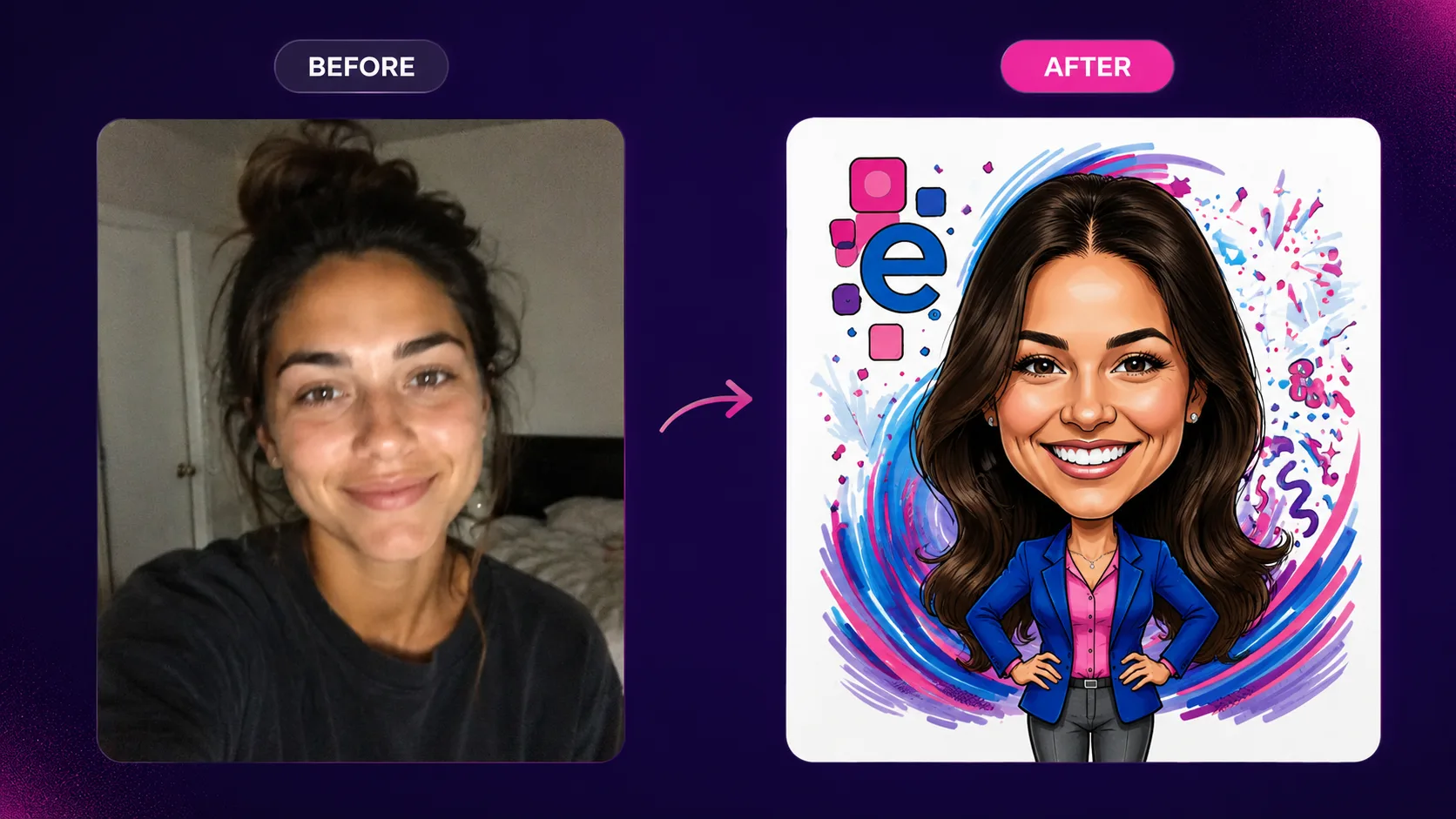
Likeness. A striking result is worthless if the guest does not recognize themselves in it.
Weak AI output tends to fail in the same ways:
- Distorted or asymmetrical faces
- Melted or duplicated hands
- Changed hair, glasses, or facial features
- Clothing details that disappear
- Skin tones that shift
- Shirt text that turns to nonsense
- One person’s face blending into another in a group shot
These failures do the most damage at weddings and corporate events. Guests expect to see themselves, not a character who looks a bit like them.
Why are group shots the real test?
A single portrait is comparatively easy for an AI system. A group is much harder. The system has to find every face, keep each person’s features, and apply the style evenly across the frame.
So a platform’s group-shot performance deserves more of your attention than the size of its preset library.
Pictor built GroupSense™ for this problem. It detects and preserves every individual face in a group shot. It is included on every plan, there is nothing to switch on, and a group shot costs the same tokens as a single face.

Do you need custom prompts, or are presets enough?
Presets are right when you need to launch quickly. They give you tested looks without writing a word.
A preset-only system limits how far you can tailor an experience to one client. A custom prompt editor lets you define:
- The visual style
- The setting and environment
- Lighting and color direction
- Wardrobe or era
- Composition
- Brand-safe creative boundaries
- What must stay unchanged
A generic preset makes a fantasy portrait. A custom prompt makes the specific world that matches a client’s campaign, venue, or brand colors.
In Pictor, presets and the AI library are on Basic. The Custom Prompt Editor, with up to four reference images for logos, uniforms, or products, starts on Pro.
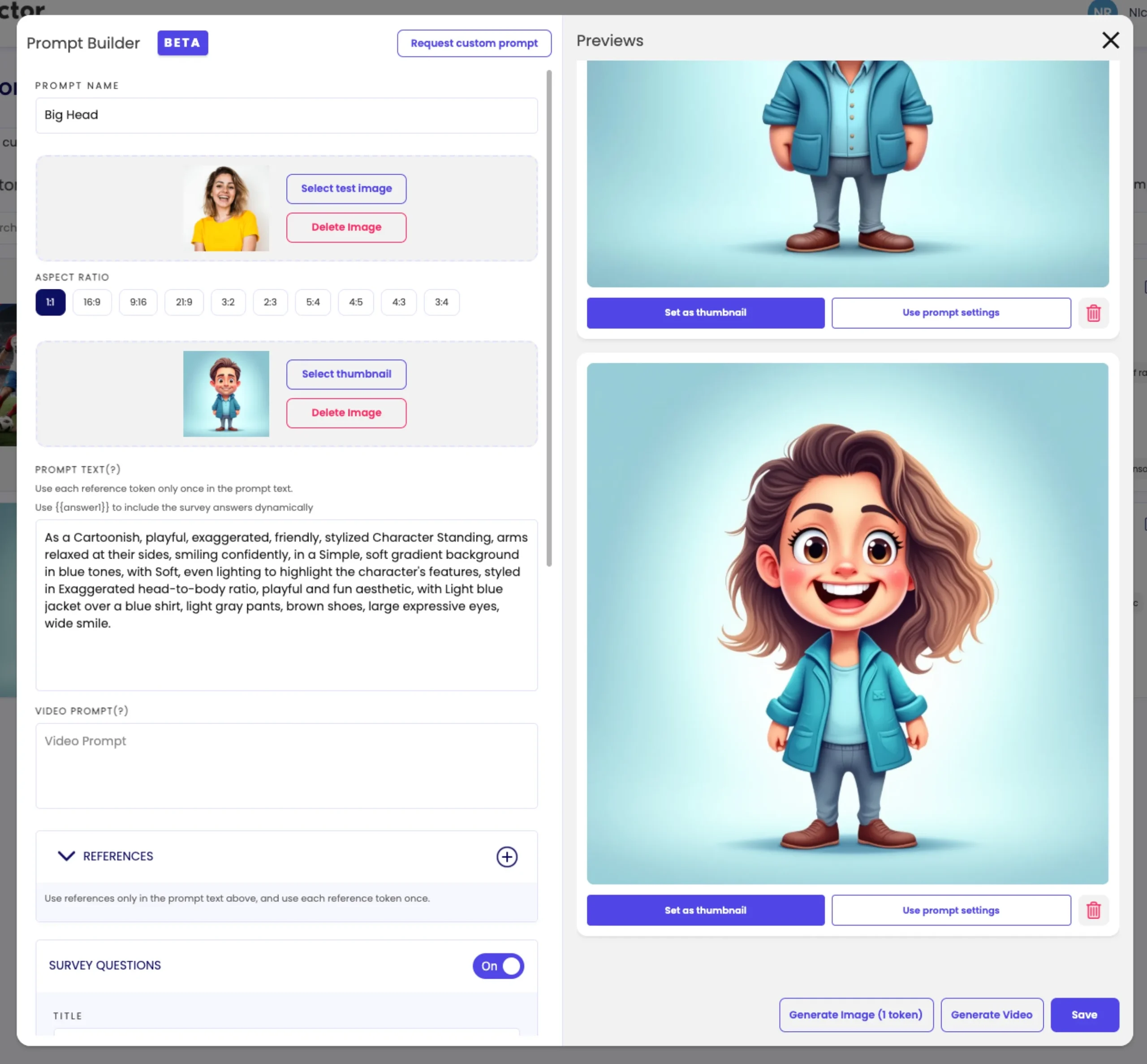
Three posts go further on this. How to build branded AI photo experiences in Pictor walks from prompt to event. 65 AI photo booth prompts gives you a starting library. How to test AI photo booth prompts before an event is the QA method.
Which AI experiences should you offer first?
You do not need every AI feature on the menu. Start with the ones guests understand at a glance and you can price with confidence.
The starter menu
Three AI experiences, in the order to add them
- 1AI Photo stylesGuest takes a photo, picks a look, gets a transformed portrait. Weddings, birthdays, holiday parties, brand activations, employee celebrations. Offer three or four strong styles, not thirty near-identical ones.
- 2AI group shotsOften worth more than solo portraits because several guests take part at once. Wedding parties, corporate teams, school events, sponsor activations. Test groups of two, four, and six or more before the event.
- 3AI VideoA styled version of a guest’s clip, or a moving scene from one photo. Renders take longer than stills, so sell it as the premium tier and plan the queue around it.
When you test groups, look hardest at people on the edge of the frame, guests in glasses or hats, and any visible logo or shirt text.
In Pictor’s help center, AI video renders are listed at one to two minutes each. That is why video should sit beside the photo option as an upgrade, not replace it.
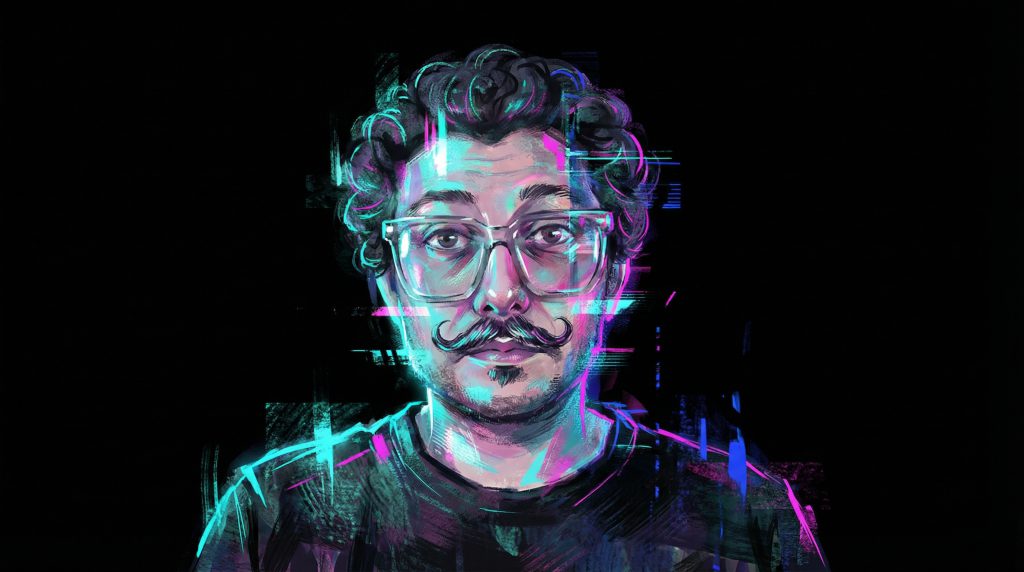
How do you keep the line moving when AI takes longer to render?
AI generation takes longer than applying an overlay. That is manageable if the guest flow is designed around it.
Guest flow
Use the render time, do not wait through it
- 1Guest chooses an experienceFew choices, clear thumbnails.
- 2Guest takes a photo or records a clipProcessing starts straight away.
- 3Guest enters a phone number or emailThis is where the render time goes. The guest is busy, not waiting.
- 4Result arrives by text, email, or gallery linkOn the guest’s phone, ready to share.
- 5Next guest startsThe booth is free while the previous result finishes.
Show a progress state, and tell guests up front if a render takes longer than a standard photo.
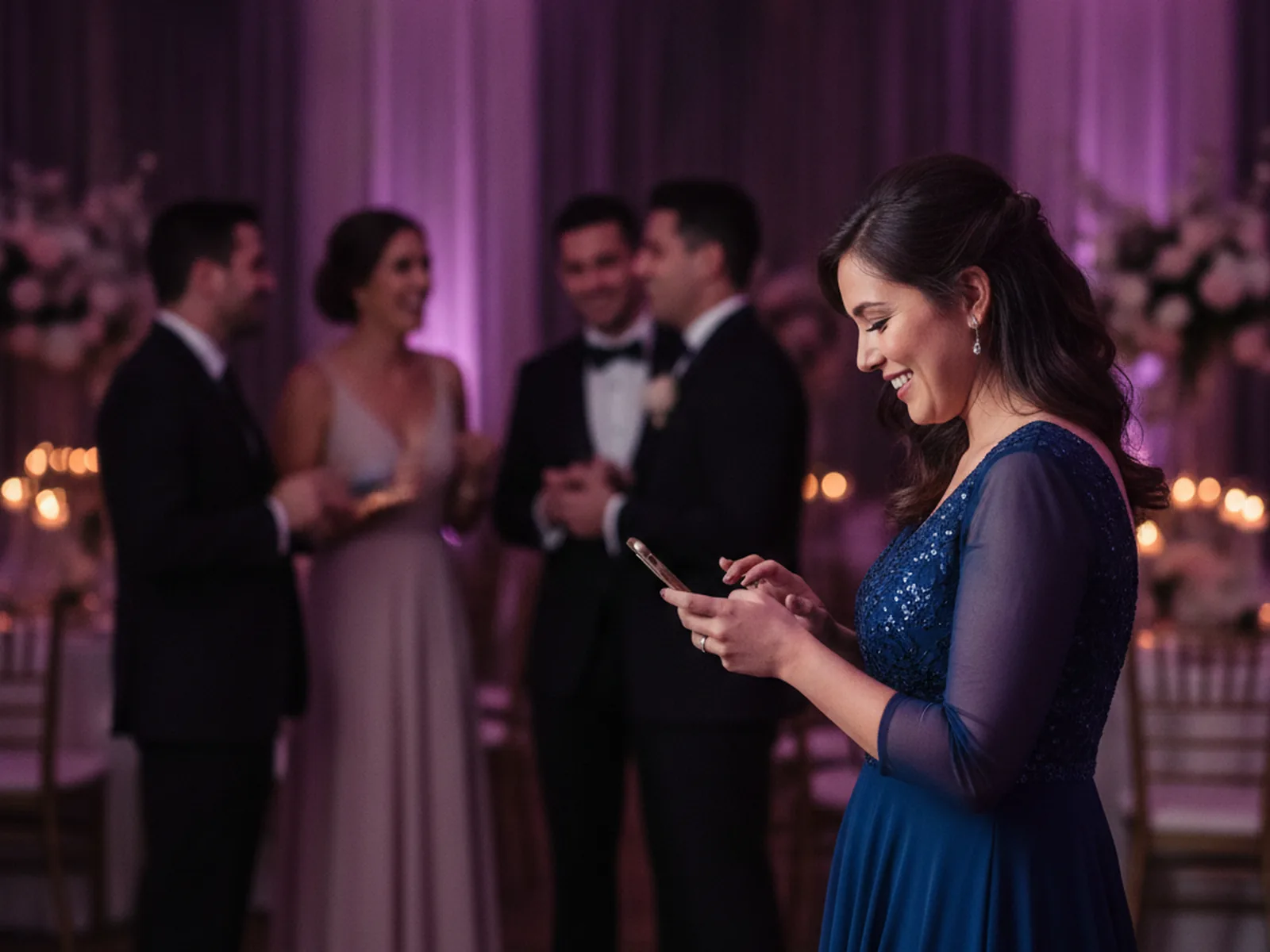
At high-volume events, put a fast standard photo beside the AI option. The line keeps moving, and guests choose between instant delivery and a bigger transformation.
Venue Wi-Fi is the other risk. In Pictor, capture keeps working when the connection drops. Captures queue on the device and upload when the connection returns. AI rendering, uploading, and sharing do need a connection, so bring a hotspot.
The One-Click Event Builder and instant sharing cut setup time, which leaves you free to run the event.
See it on your own face first
Run an AI style on a group photo of your own team tonight
Create a free Pictor account, build an event, and try GroupSense on the hardest group photo you have. You will know in ten minutes whether the likeness holds.
No credit card required
How much should you charge for an AI photo booth?
Do not treat AI as a free add-on. You are providing creative development, testing, software, processing, and branding. Build packages around that value.
Pricing models
Three ways to package AI
-
01 · Premium package
AI is the centerpiece
One higher-priced package built around the AI experience. Suits corporate events, weddings, and activations where the client wants a signature moment.
-
02 · Per-session upgrade
Standard package plus a charge per AI output
Works when you cannot predict guest demand. The client pays for what gets used.
-
03 · Tiered
Four clear steps
Standard photos and sharing. Then AI photos with custom styles. Then AI photos plus group experiences. Then AI photos plus AI Video.
-
Every model
Count the real costs
Software plan, AI processing, setup time, testing, staffing, and expected volume. Guests see a button. You built everything behind it.
The processing cost is smaller than most operators expect. On Pictor an AI image costs one or two tokens. Token bundles run from $0.20 down to $0.07 each, and tokens never expire. An event with 150 guests and half of them taking an AI photo at high quality uses 150 tokens. That is $22.50 on the 500-token bundle.
Operators report charging 30 to 60 percent more for AI experiences than for traditional-only packages. Set those two numbers side by side. The AI cost for the whole event is less than the premium on a single booking.
More detail in the 2026 guide to pricing AI photo experiences, the AI pricing page, and our piece on the AI photo booth cost myth.
What should you look for in AI photo booth software?
Before you choose an AI photo booth app or platform, check these:
- Likeness quality. Do faces stay recognizable?
- Group-shot performance. Does it hold up with several people in frame?
- Prompt control. Presets only, or can you write your own?
- Capture modes. Photos, GIFs, boomerangs, video, and AI?
- Hardware support. Does it run on what you own: iPad, Android, DSLR?
- Branding. Overlays, colors, logos, delivery screens, galleries?
- White-labeling. Can the whole experience carry your company name?
- Virtual booth. Can remote guests take part in a browser?
- Self-service payment. Can it run unattended in a venue?
- Analytics. Can you show the client what happened?
- AI cost. Is the price of each AI action shown before you run it?
Here is how Pictor answers them.
Which Pictor plan do you need for AI?
GroupSense on every plan. Custom prompts from Pro. AI Video on Premium.
-
Basic · $49/mo
AI presets and library
Ready-made AI looks, GroupSense™, photos, GIFs, boomerangs, video capture, printing, native iOS and Android apps.
-
Pro · $99/mo · recommended
Custom Prompt Editor + references
Your own prompts with up to four reference images, digital props, background removal, DSLR tethering, Paywall for unattended installs (10% fee), and Operator-Smart Analytics.
-
Premium · $149/mo
Everything in Pro, plus AI Video
AI Video Transformations and AI Video Generation (5 to 15 tokens per five-second render), browser-based Virtual Booth for Mac and PC with no per-event fee, Paywall fee drops to 5%.
-
Tokens · every plan
1 to 2 tokens per AI image
$0.20 down to $0.07 per token. Tokens never expire, and the cost is shown before each action. Full white-label is an Enterprise add-on.
Plans as of publish date. Current pricing and plan details: pictor.pro/pricing.
You can explore Pictor’s features, compare plans, or read our roundup of the best AI photo booth software in 2026.
Get the AI Photo Booth Software Scorecard
A six-page worksheet for comparing AI booth platforms: the one-hour test minute by minute, a 72-box likeness and group-shot grid, a guest flow timing sheet, a checklist for three vendors, and a cost-per-session pricing worksheet. Enter your email and we will send it to you.
We email the link so we know it reaches a real inbox. One email, no list, no drip.
What mistakes do operators make with AI photo booths?
Leading with novelty
“Look, it’s AI” is not a pitch. Say what guests receive and what the client’s event gains.
Over-filtering
If every output changes the guest beyond recognition, the novelty wears off by the second hour. Keep enough of the person that the result still feels like theirs.
Skipping pre-event testing
Test the camera, lighting, connection, capture distance, group sizes, and delivery method. A prompt that works in a quiet office can behave differently in a crowded venue.
Ignoring brand color fidelity
A client’s brand color should not come back purple, green, or orange. Check the output against the brand guidelines, and use overlays or templates to lock the colors that must be exact.
How do you evaluate AI photo booth software in one hour?
Run this test before you commit to any platform.
The one-hour test
Sixty minutes, five blocks
- 0–10Set upCreate one event, apply basic branding, and connect the hardware you plan to use.
- 10–25Solo portraitsDifferent lighting, expressions, glasses, hats, and distances from the camera.
- 25–40GroupsTwo people, four people, then a larger group. Check every face, hand, accessory, and visible clothing detail.
- 40–50Guest flowTime the capture, the render, the queue, and the delivery. Send results the way you will at events.
- 50–60Business fitBuild one branded style, estimate cost per session, open the analytics, and decide how you would package it.
The best AI photo booth is not the one with the most dramatic demo. It is the one that gives recognizable, brand-ready results quickly when the room is full.
FAQ
What is AI photo booth software?
AI photo booth software captures or accepts a guest image and uses generative AI to turn it into a new style, scene, portrait, or video while keeping the guest recognizable. Professional platforms add event branding, sharing, a guest queue, and analytics around that.
Can AI preserve likeness in group photos?
It can, but quality varies a lot between platforms. Test with different group sizes, poses, lighting, accessories, and clothing details before an event. Pictor’s GroupSense™ detects and preserves every individual face, is included on every plan, and costs the same tokens as a single-face photo.
How much should I charge for an AI photo booth?
Price from the value of the experience and your real costs. Put AI in a premium package, charge per AI session, or build tiers that add AI photos, group experiences, and AI Video. Operators report charging 30 to 60 percent more for AI experiences than for traditional-only packages.
How much does AI cost the operator per photo?
On Pictor, one or two tokens per AI image, depending on quality. Token bundles run from $0.20 down to $0.07 per token and never expire. A 150-guest event where half the guests take a high-quality AI photo uses 150 tokens, which is $22.50 on the 500-token bundle.
Is AI video worth offering?
Yes, for premium events, branded activations, and social-first experiences. Offer it selectively, test the render time on the venue’s connection, and price it above a still photo. In Pictor, AI Video is included with Premium and uses 5 to 15 tokens per five-second render.
What hardware do you need for an AI photo booth?
The same hardware you use now. Pictor runs as a native app on iPad and Android, supports DSLR tethering on Pro and Premium, and offers a browser-based Virtual Booth for Mac and PC with Premium. The AI renders in the cloud, so what matters most is a reliable connection.
Photo booth software built by operators
Start building your AI photo booth experience with Pictor
GroupSense on every plan, Custom Prompt Editor from Pro at $99 a month, AI Video with Premium, and tokens that never expire.
No credit card required · Tokens never expire
Take the one-hour test with you
The AI Photo Booth Software Scorecard: the hour minute by minute, a likeness and group-shot grid, a guest flow timing sheet, a three-vendor checklist, and a pricing worksheet. Enter your email and we will send it to you.
We email the link so we know it reaches a real inbox. One email, no list, no drip.