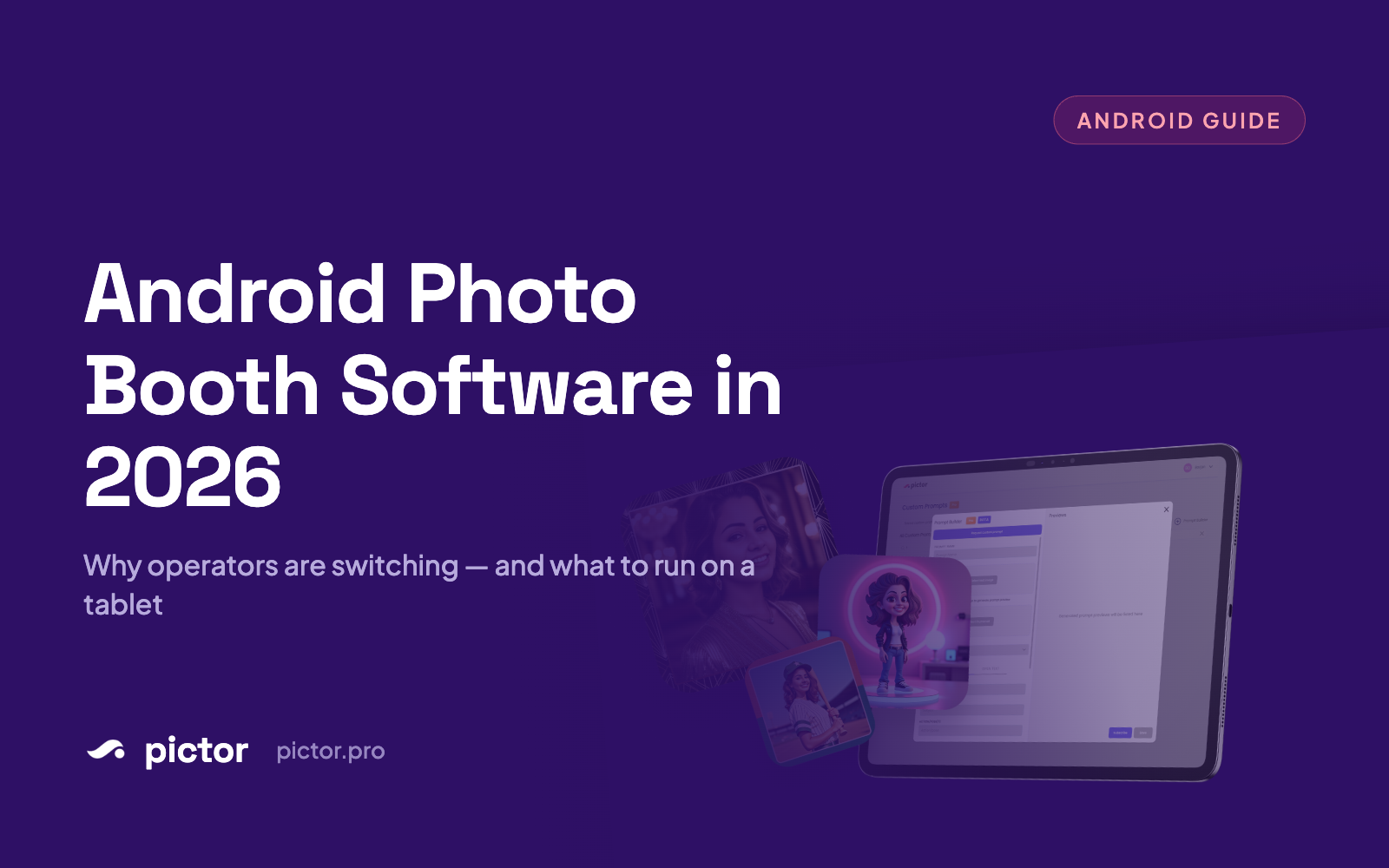
Android Photo Booth Software in 2026: Why Operators Are Choosing Tablets Beyond iPad
Why more operators are choosing Android tablets beyond iPad for photo booths in 2026—performance, pricing, and software compatibility breakdown.

Nicholas Rhodes
Drafted with AI assistance; reviewed and approved by Nicholas Rhodes before publishing.
Pictor offers native Android photo booth software with full feature parity to iOS, eliminating the hidden constraint that forces operators to buy premium iPad hardware. This guide explains what native Android actually delivers, how the hardware economics shift, and honest gaps where it doesn’t solve everything.
The Hardware Lock-In Problem
Your photo booth software choice just locked your hardware budget.
iPad Pro 12.9″? $1,599. iPad Air? $799. Even the entry iPad? $349. Multiply by your fleet size, backups, and spares: suddenly you’re committed to Apple’s pricing ecosystem before you’ve even looked at Android options.
The photo booth software industry has reinforced this lock-in. Snappic? iPad-first. Booth.events? iPad-only. The assumption persists: real photo booth software lives on Apple tablets. But what if your software didn’t make that choice for you?
Why iPad Dominance Happened (And Why It’s Changing)
iPad apps launched first and polished well. They came with solid App Store distribution, iCloud sync, AirDrop workflows, and a demographic (weddings, upscale venues) already comfortable with Apple. It worked. It still works for many operators.
For certain workflows, iPad remains the better choice. If AirDrop is your capture-to-guest handoff, iPad is frictionless. If your team knows iPad and your venue tech is iOS-optimized, switching costs you training friction.
But here’s what changed: the alternatives finally got good.
What Native Android on Pictor Actually Delivers
When we built Pictor as native iOS and Android, we were solving the constraint problem. Operators needed hardware choice, not hardware lock-in.
Native Android means the same software, same feature set, on a completely different device ecosystem. Your Pro tier tools—Custom Prompt Editor, Digital Props, Background Removal—work identically on an iPad Air and a Samsung Galaxy Tab S10. AI effects render exactly the same. Event controls, guest workflows, everything. No “Android lite” version.
That matters because it means you make hardware decisions based on hardware needs—durability, screen size, build quality, price—not based on what software will run.
Hardware Economics: Where the Math Shifts
Real numbers from mid-2026; your local pricing varies.
| Device | Price Range | Notes |
|---|---|---|
| iPad Air (11″, current gen) | $749–899 | Standard mid-range booth choice; reliable, 5+ year lifespan |
| Samsung Galaxy Tab S10+ (14.6″) | $649–799 | Larger screen, similar performance, often lower price point |
| iPad Pro 12.9″ | $1,299–1,599 | Premium option; rarely necessary for booth operations |
| Budget Android (e.g., Tab S6 Lite or equivalent) | $249–399 | Older but capable; 3–4 year lifespan for secondary booths |
Three-booth setup cost comparison:
– iPad-only: 3× iPad Air ~$800 ea = $2,400 upfront + $400–600/year repairs/AppleCare = $3,000/year
– Mixed Android+iPad: 2× Samsung Galaxy Tab ~$700 + 1× iPad Air $800 = $2,200 upfront + $300/year coverage = $2,500/year
The gap widens with larger fleets or multi-year lease terms. More importantly: hardware diversity creates backup resilience. Your iPad has screen issues? Your Android unit picks up the load. Device lifespans vary; staggered replacement means you’re not forced to refresh everything at once.
What Native Android Gets You (And Doesn’t)
Let’s be clear about scope.
What it gives you:
– Hardware cost flexibility. Upgrade or swap devices without leaving the software ecosystem.
– Device ecosystem optionality. Run what survives your venue’s environment—outdoor high-humidity setups, heavy transport, equipment-dense warehouses. Some tablets handle scenarios others don’t.
– Longer refresh cycles. Find an Android device you love and don’t chase Apple’s annual upgrade treadmill.
What it doesn’t give you:
– We still don’t support 360 booths or dedicated roamer modes. Booth.events and Snappic do; this is a real product gap if 360 or roaming is core to your business.
– AirDrop workflows are Apple-only. If your capture and guest stations run Pictor on iPad, AirDrop is seamless. Mix operating systems, and you’ll need Bluetooth or local-network fallbacks.
– Some venue-tech integrations (guest-list systems, check-in tools) optimize for iPad-first workflows. Cross-platform support varies by integration.
If 360 or roaming booths are core to your business, iPad-first software might still be your answer. Pick the right tool for your booth type.
Virtual Booth on Mac/PC: No Desktop App Required
One option often overlooked: Pictor’s Virtual Booth runs in a modern browser on Mac, Windows, or Linux. It’s not a native desktop app—it’s a full-featured browser-based booth experience, included on Premium and Enterprise plans at no per-event fee.
If you’re a Mac-based operator running a single booth from a studio, Virtual Booth in the browser might be all you need. Same AI effects, same editing tools, same pricing structure. No app to download, no native executable.
This is a different category from mobile booths, but it’s part of the ecosystem.
FAQ: Android, Feature Parity, and Platform Questions
Should I switch from iPad to Android if my workflow is working?
Not necessarily. If AirDrop is core to your team’s workflow, iPad-only makes sense. If your venue tech is iOS-optimized, the friction isn’t worth it. If your iPad lifespan is solid, don’t fix it.
But if you’ve winced at iPad pricing or felt locked into Apple’s refresh cycles—Android optionality solves exactly that pain.
Can I mix iOS and Android on the same Pictor account?
Yes. Run Basic on Android, Pro on iPad, whatever tier matches each device’s needs. Accounts support per-device tier mixing with no team-account requirements.
Are Android tablets as secure as iPads?
Security depends on OS version and device manufacturer, not the OS family. Modern Android flagships (Samsung, Pixel) ship with monthly patches and device-level encryption. Entry-level Android can lag on patches. iPad is generally quicker with OS updates, but the gap is narrower than 2020.
Do I get the same AI features on Android as iOS?
Yes. Same token costs: 1–2 tokens for AI images, 1 token for background removal, 5–15 tokens for AI video (per 5-second render). Same effects library, same custom-prompt editor (Pro tier and up), same digital props and background removal (Pro tier and up).
Will iPad-only photo booth software disappear?
Unlikely. iPad is a mature ecosystem with real advantages—build quality, app polish, venue familiarity, and mature integrations. The shift is optionality: operators who want Android have it; operators who love iPad keep their advantage.
What if I’m running one booth and want simplicity?
Virtual Booth on Mac/PC in a browser might be your answer. No app to manage, no device decision, same software features on your existing laptop.
How does phone support compare across platforms?
Pictor includes emergency phone support on all plans and platforms, including during live events. Email and chat support are built in. It doesn’t matter whether you’re running iOS, Android, or Virtual Booth—the support tier is the same.
What about Android updates? Will my booth software stop working?
Pictor regularly updates for new Android OS versions. Most photo booth operators update their devices within 1–2 years, so OS compatibility is rarely a blocker. Check our support site for minimum OS version requirements before purchase.
The Honest Take
We built Pictor as native iOS and Android because we’re operators who got tired of hardware lock-in. That’s it. We’re not saying iPad software is bad—we’re saying the choice shouldn’t be made for you.
If Android tablet software doesn’t fit your workflow, pick what works. But if you’ve never had the option to compare, now you do.
Can’t wait to see what you make with Pictor.
—Eve