PBX Europe 2026 Recap: Both Talks, Both Decks
Both PBX Europe 2026 decks from Nicholas Rhodes as free downloads: eight AI automation prompts for running a photo booth business, and Virtual Booth 101 with the five-step loop, pricing frame and event-ready checklist.
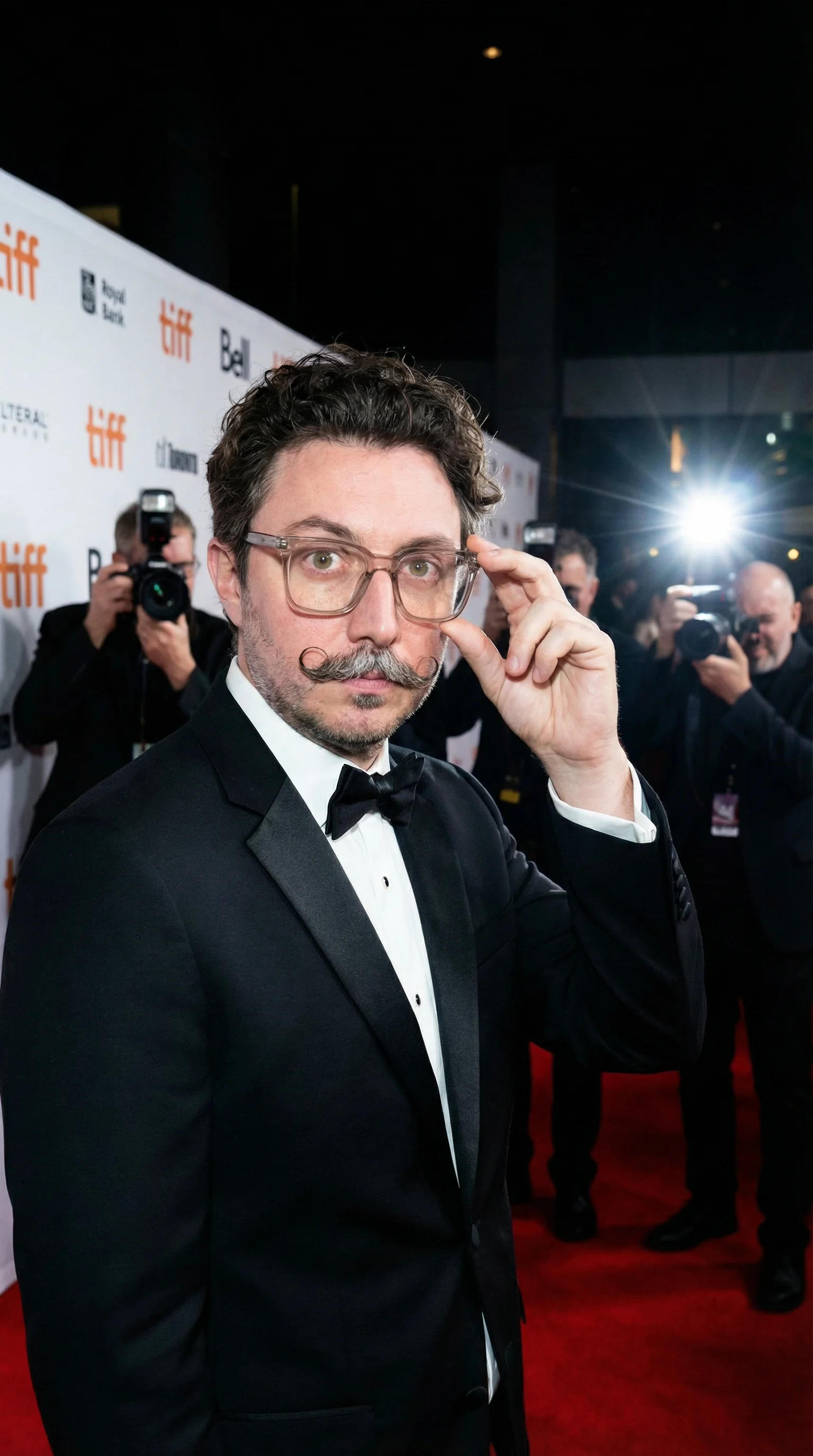
Nicholas Rhodes
Drafted with AI assistance; reviewed and approved by Nicholas Rhodes before publishing.
Keynote replay: AI Tools to Run Your Photo Booth Business, PBX Europe 2026, Amsterdam.
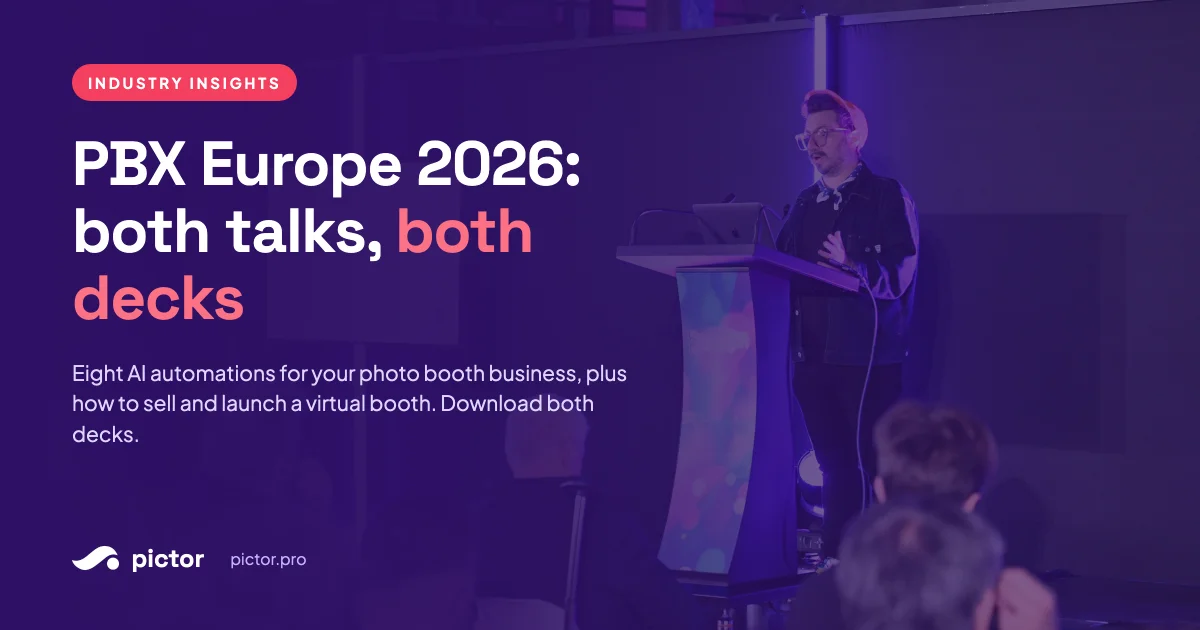
Nicholas Rhodes gave two talks at PBX Europe 2026 in Amsterdam: a Sunday keynote on AI tools that run the business side of a photo booth company, and a Monday Tech Room session on selling, building and launching virtual booths. Both decks are below as free downloads. The keynote deck includes eight copy-and-paste automation prompts and the take-home tool list. The Virtual Booth deck includes the five-step loop, the pricing frame and the event-ready checklist.
What happened at PBX Europe 2026?
Two sessions, one stand, and a room full of pet portraits.
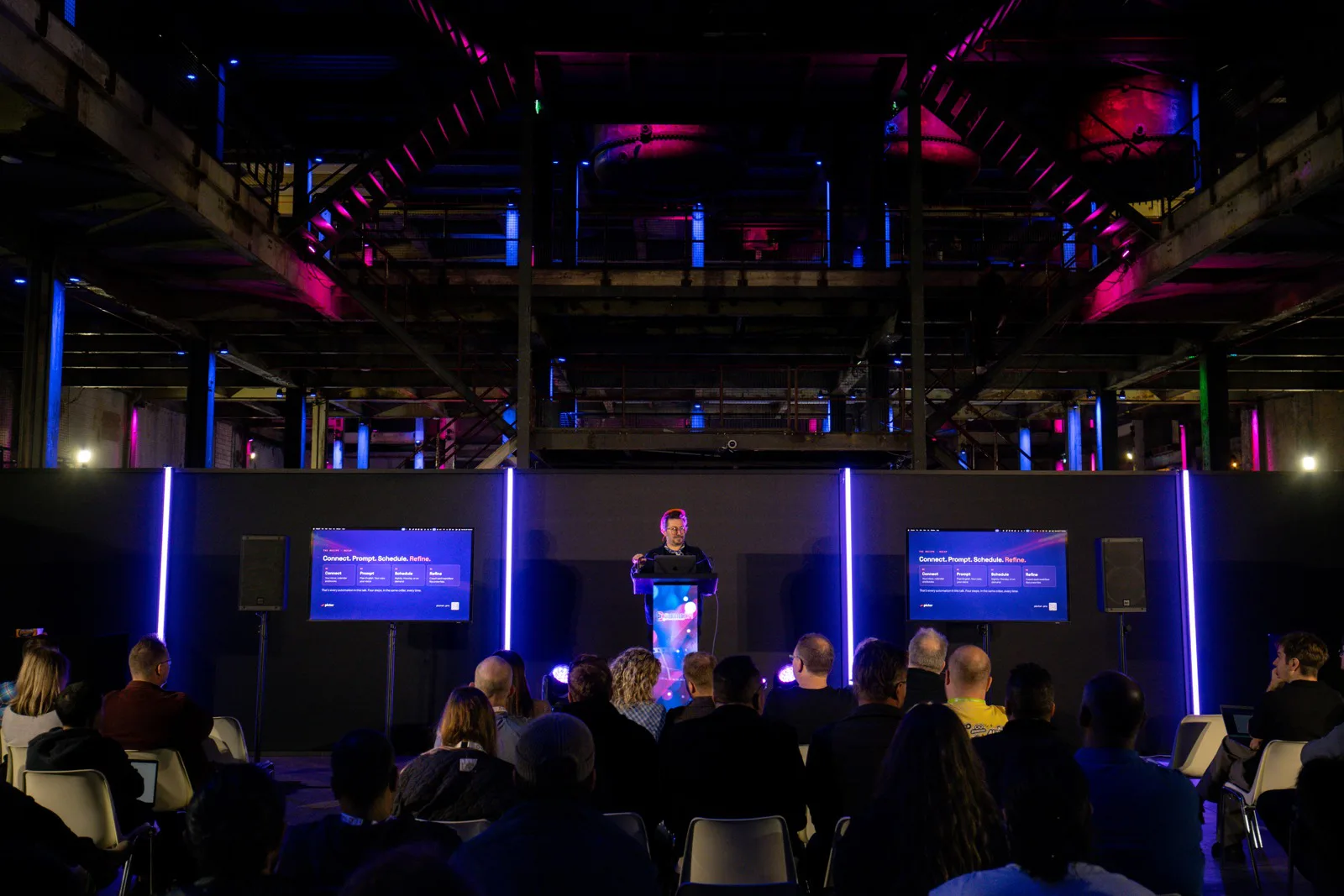
Sunday, the keynote. “AI Tools to Run Your Photo Booth Business” opened the morning. The whole room stood up, took a selfie at the same moment through a Pictor virtual booth, and then sat down one question at a time: who has used AI this week, who has used it for the business, who has something running on a schedule. More people stayed standing than we expected. Europe is further along than the US news cycle suggests.
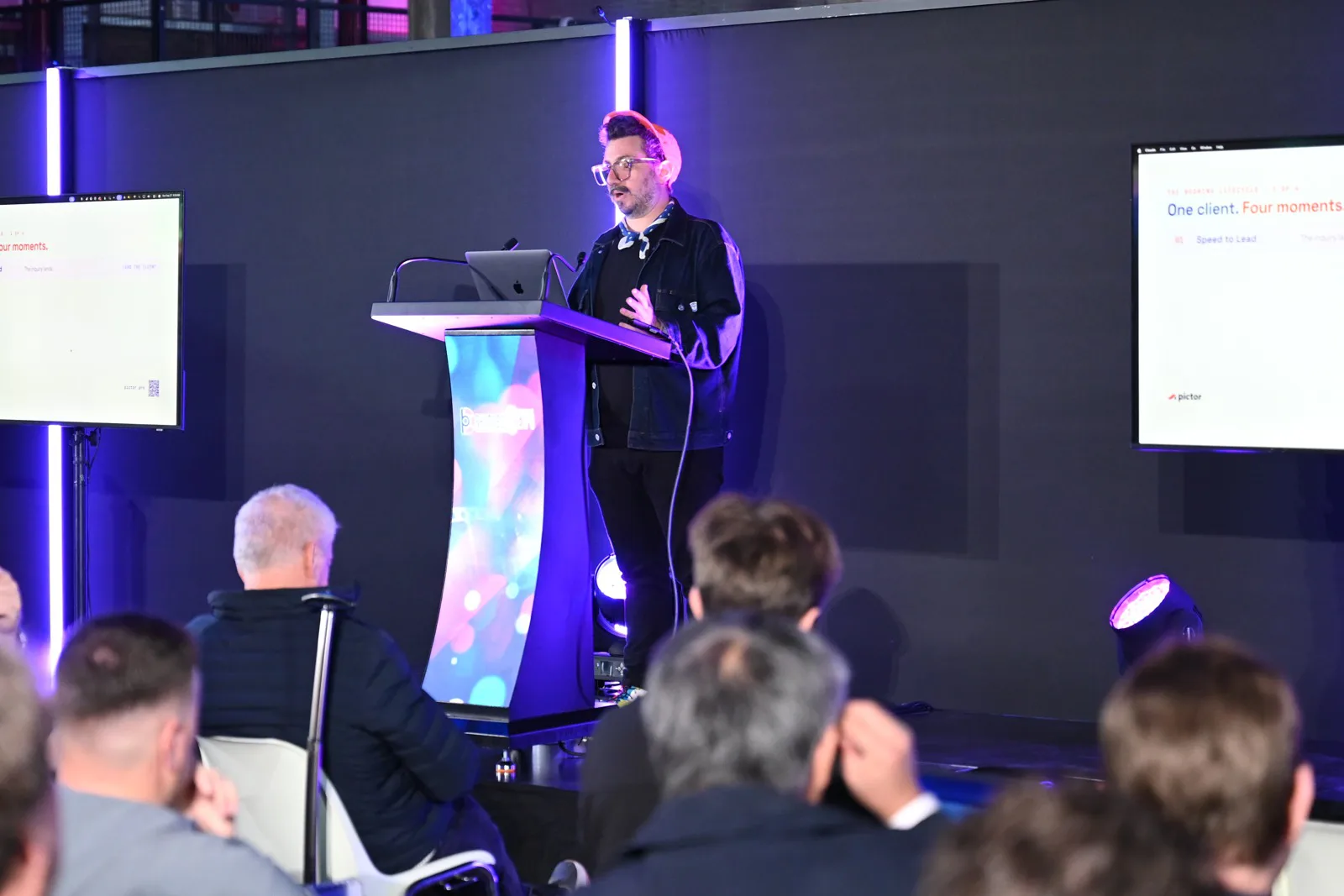
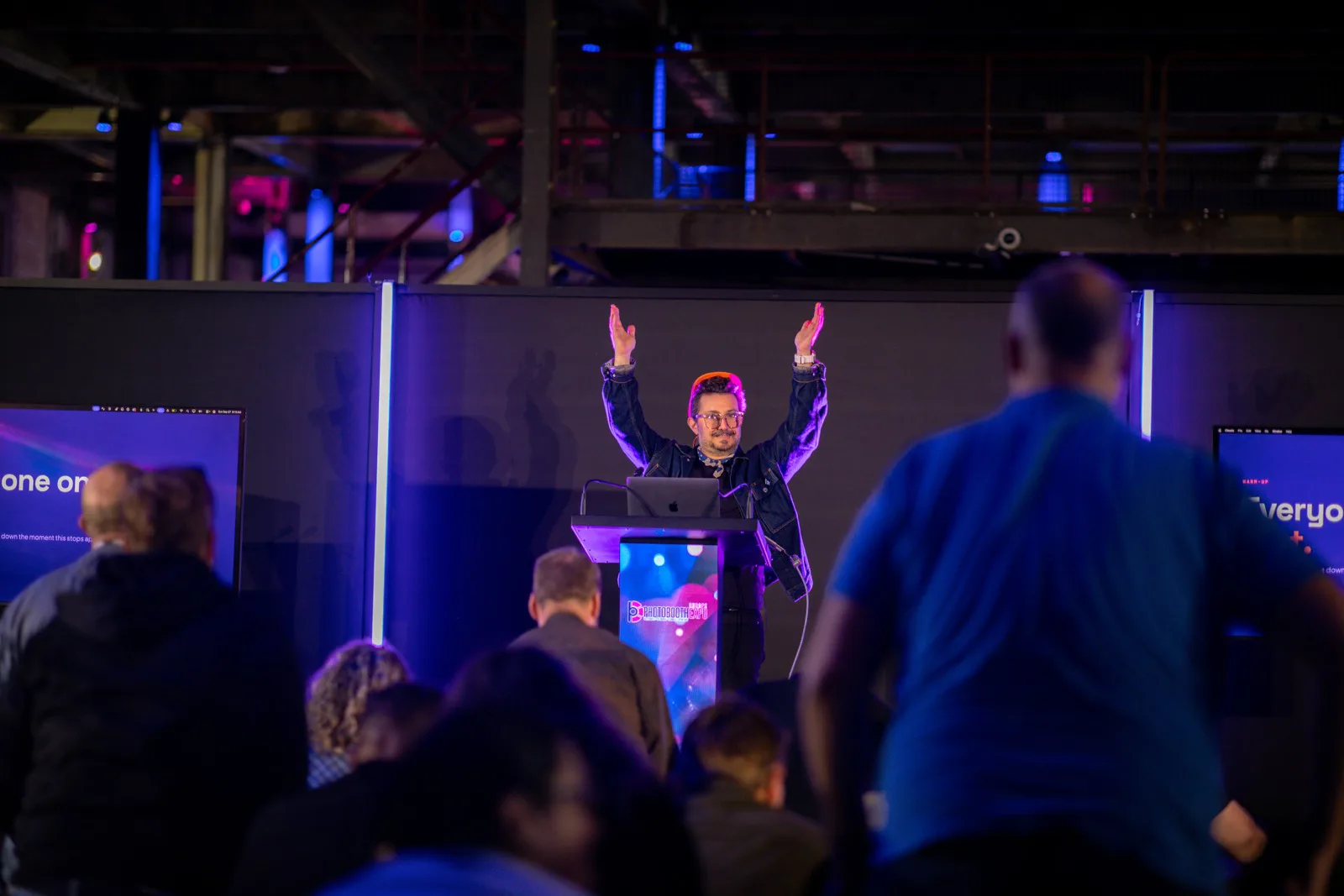
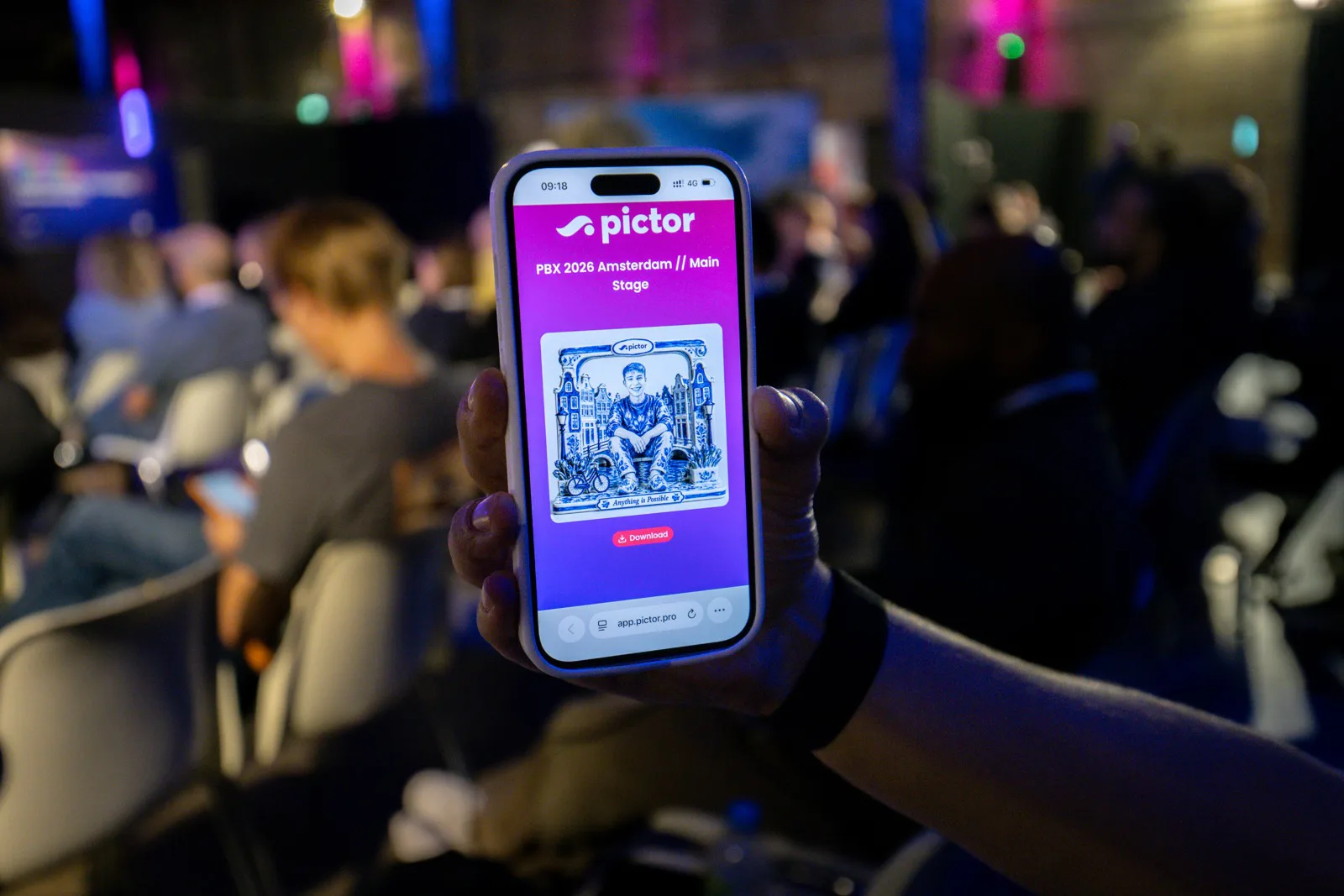
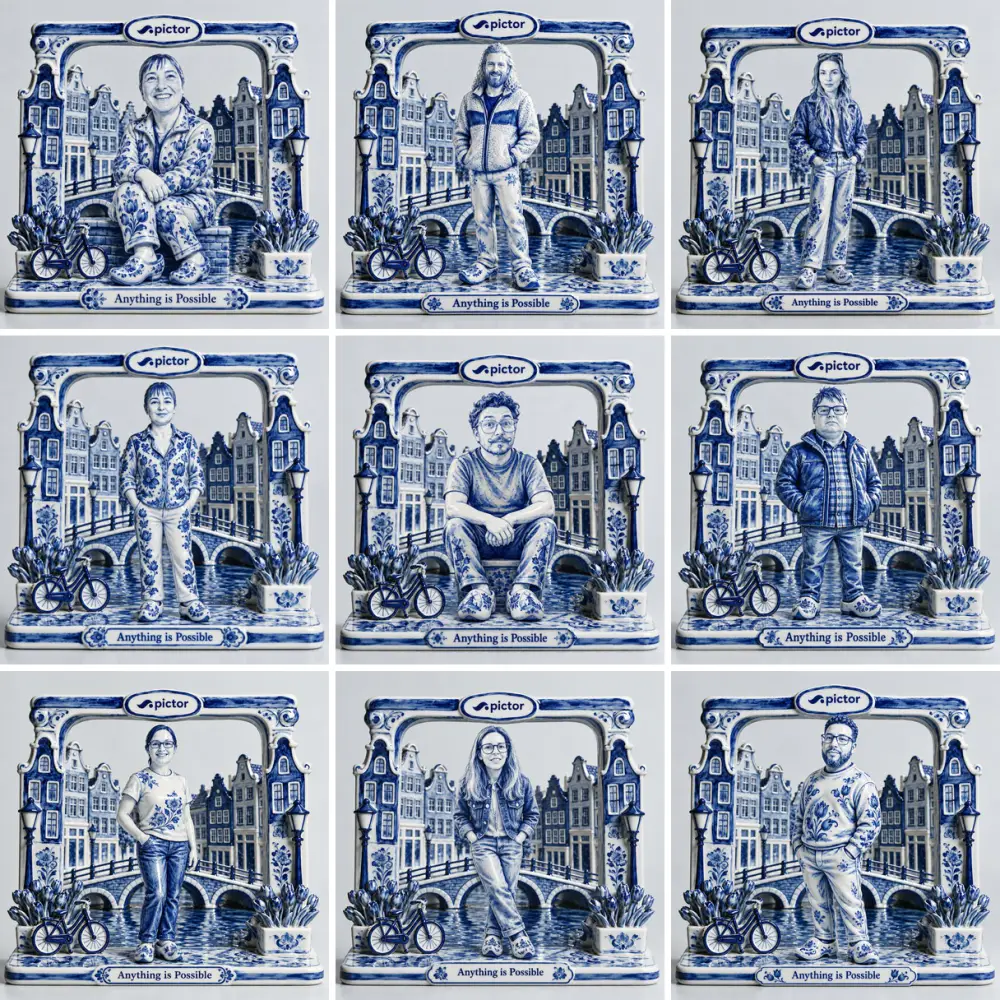
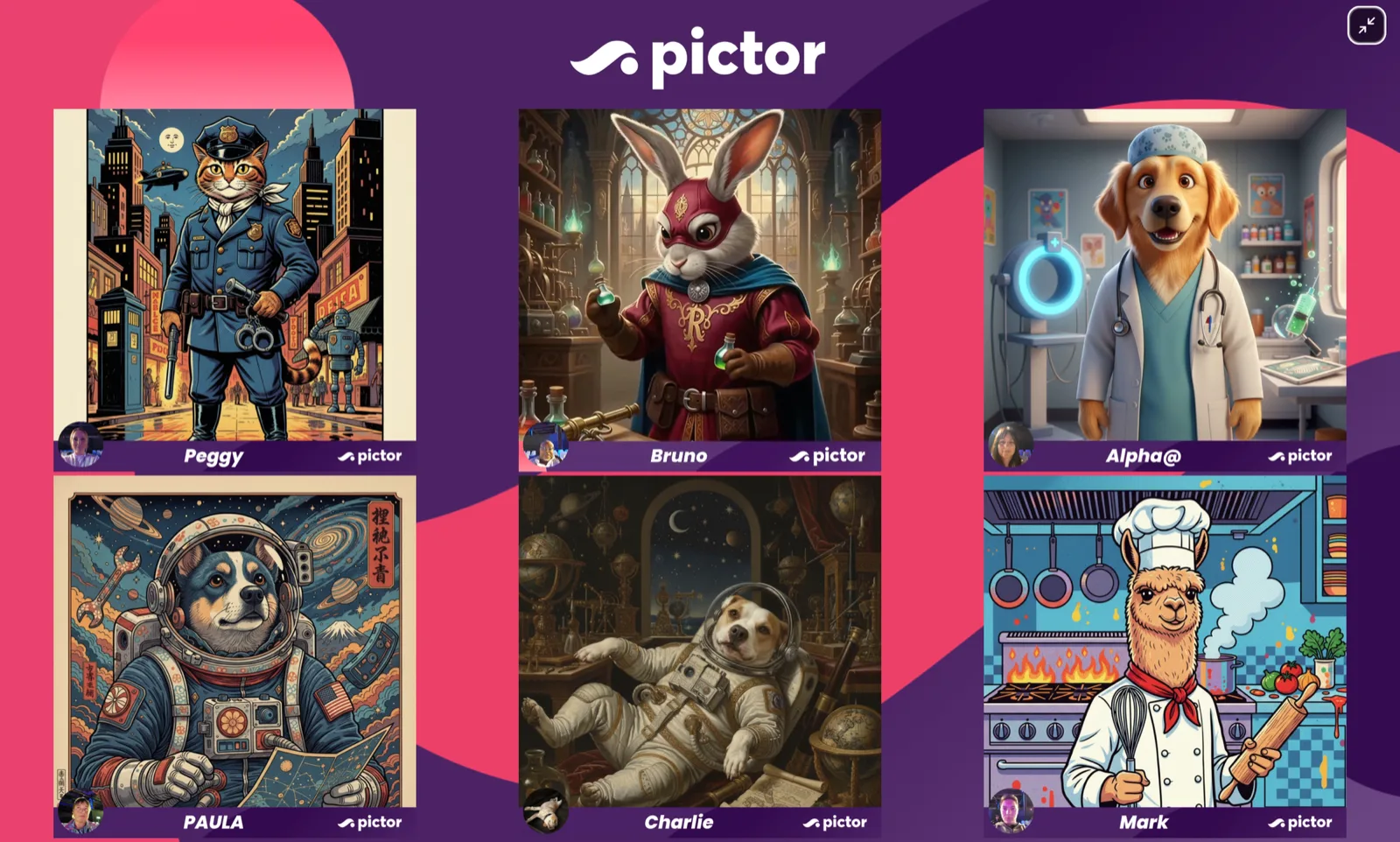
Monday, the Tech Room. “Virtual Booth 101” ran as a live build. Everyone scanned one QR code, picked a photo of their pet from their camera roll, and watched the portraits land on the big screen while we talked. One attendee wins a full year of Pictor Premium. The winner gets an email, not a blog mention.
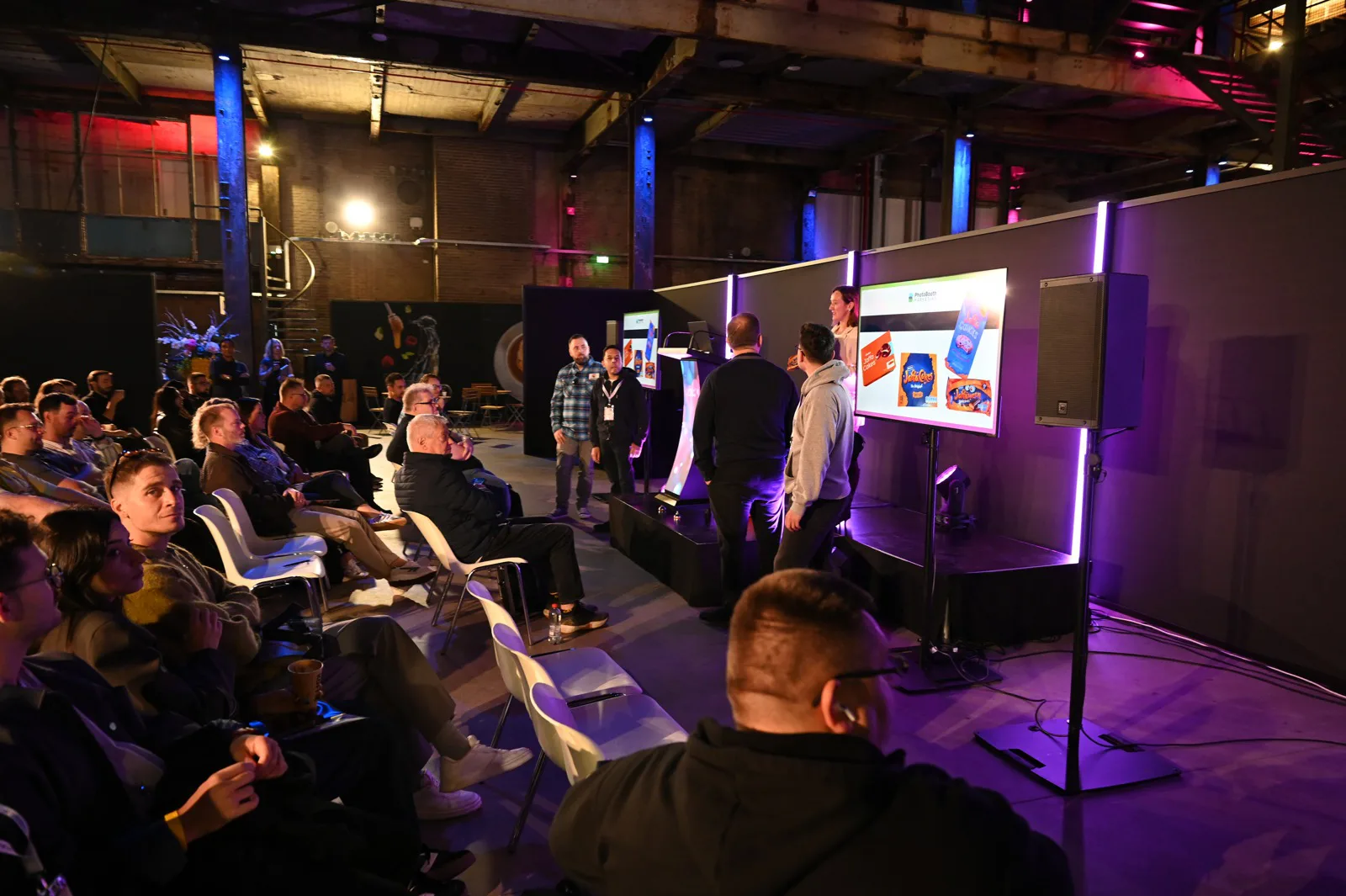
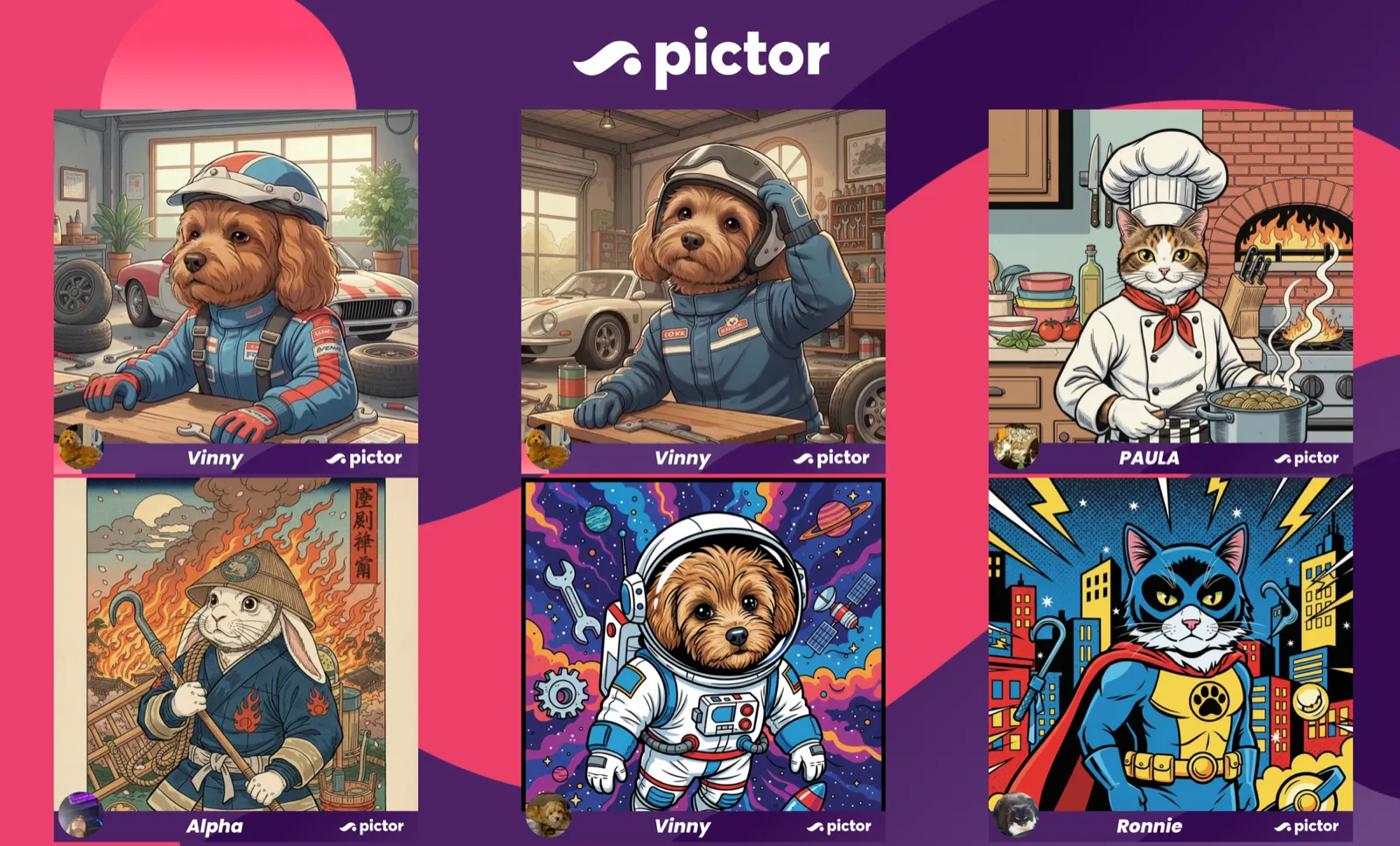
The stand. Pictor v2 launched the same weekend, so stand 1404 ran the new Lookbook flow all weekend: a client picks a theme, types the names, presses submit, and the event appears in the operator’s app already built.
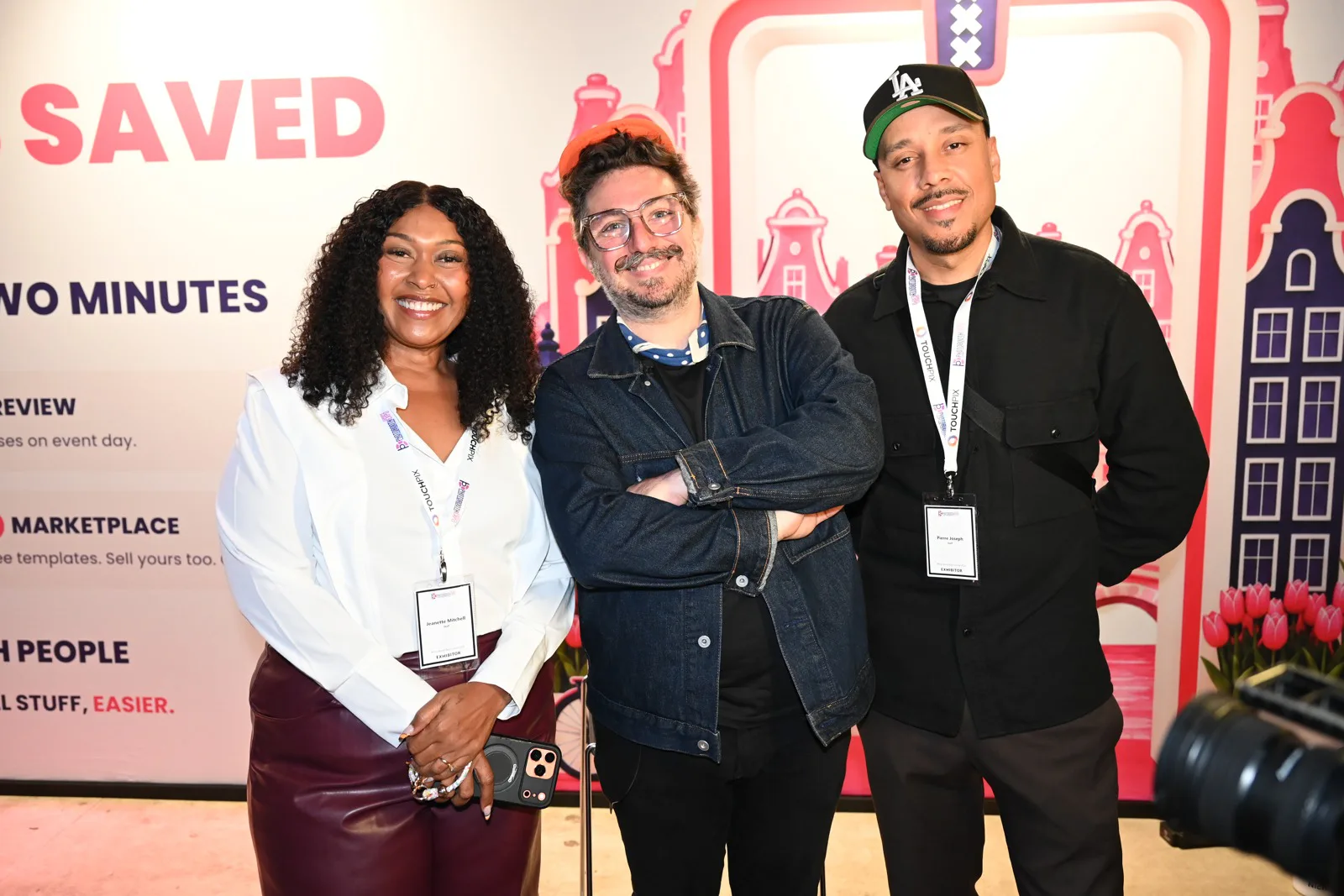
Backstage. Between the two, a backstage interview with the PBX team on bringing AI to small businesses. The short version of a long answer: use AI to clear the weeds, the repeatable tasks that eat a week, so the bigger picture gets the hours it never got before. That is the whole keynote in one sentence. Christian and Sarah from The Boothers Podcast also sat down with us for an episode, then came by the stand for a strip. Links to both interviews will be added here when they publish.
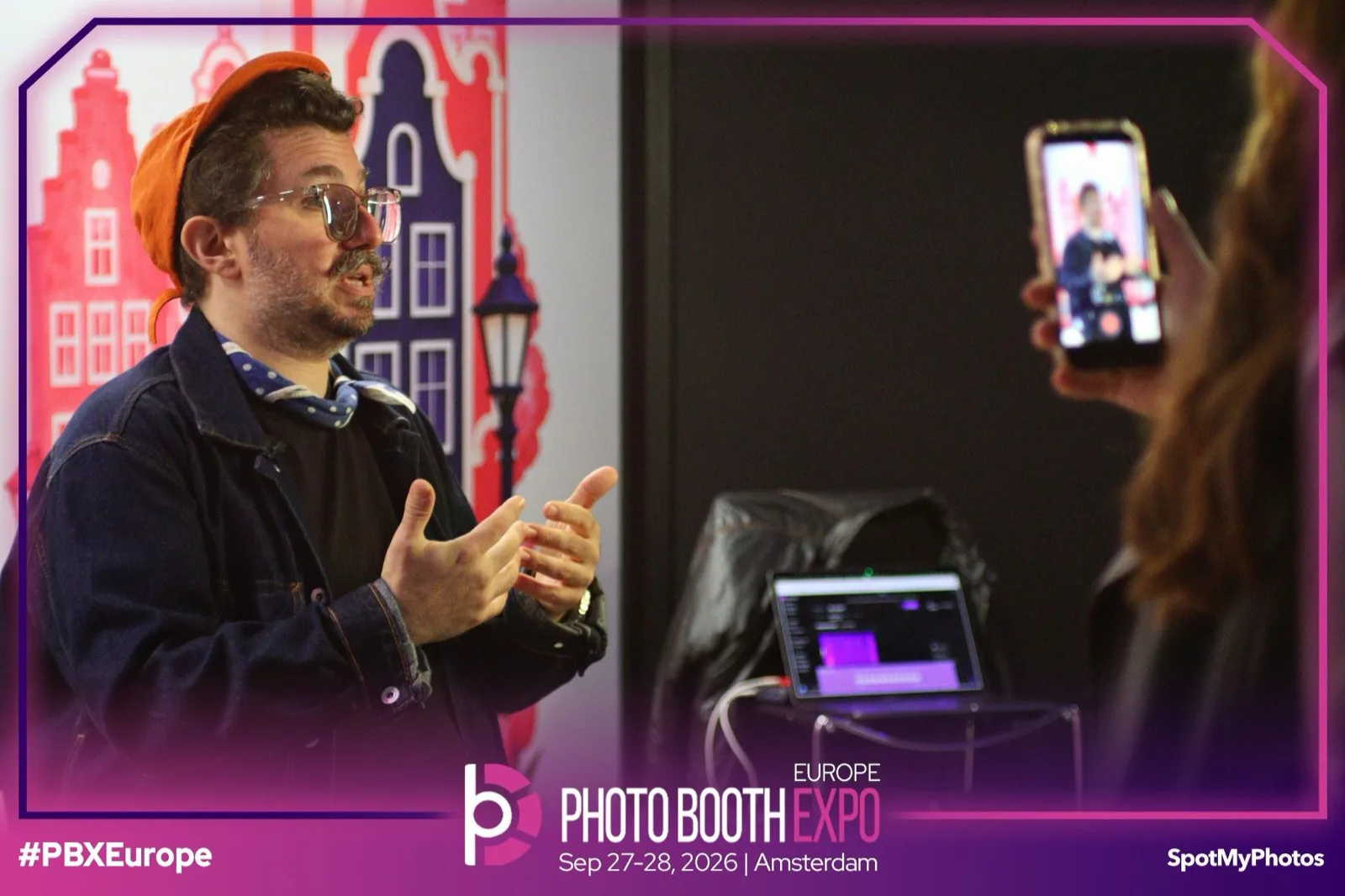
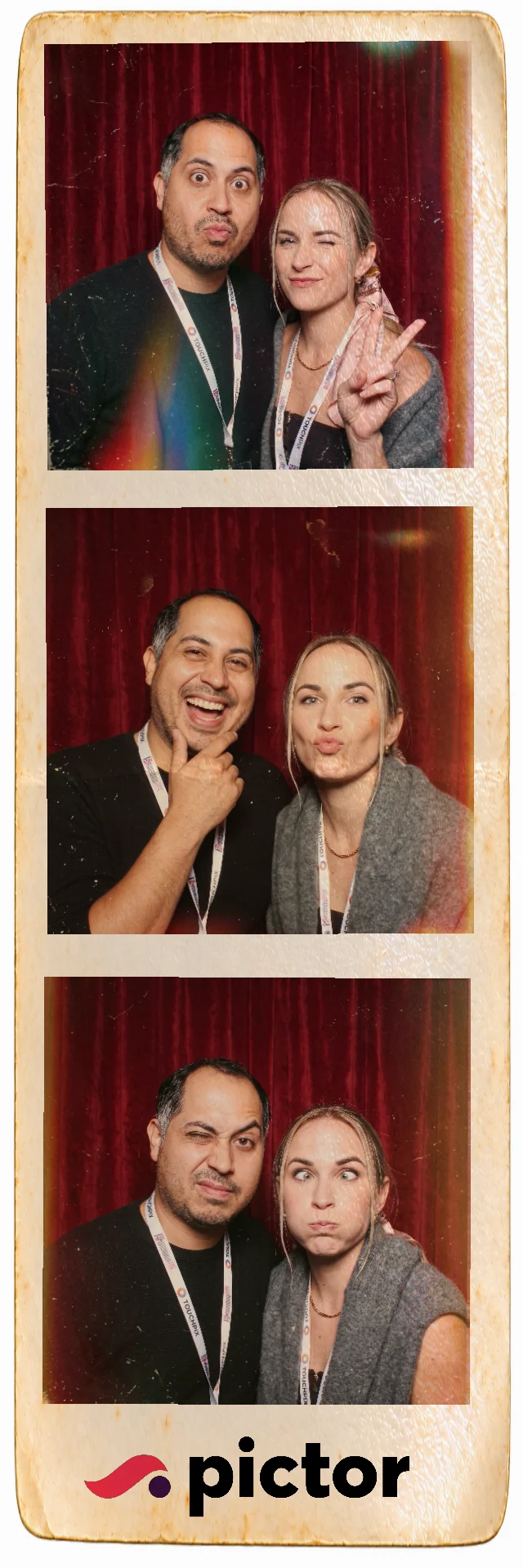
If you missed either talk, or you were there and want the slides, both decks are below.
Talk one: AI tools to run your photo booth business
The keynote was not about AI inside the photo experience. That is the talk we usually give. This one was about the eleven o’clock email, the fortieth rewrite of the same proposal, and the invoice nobody wants to chase.
Why does this matter more now than it did five years ago?
Fewer people find you by accident. Out of every 100 Google searches, about 79 never reach anyone’s website. They end in a closed tab, another search, a Google-owned page, or a paid ad. That figure comes from a Similarweb US panel published by SparkToro, and most operators in the room said their own traffic told the same story.
So the question stops being “how do I get found?” and starts being “how fast can I answer the ones who found me?” Every inquiry is worth more than it used to be, which makes the response time, the proposal turnaround and the follow-up worth automating first.
What is the four-step recipe?
Every automation in the talk is the same four things in the same order.
The recipe
Connect. Prompt. Schedule. Refine.
-
01 · Connect
Give the AI a key to the tools you already use
Gmail, your calendar, your CRM, your books. Start read-only. Move to “draft” when you trust it. Most of these are now a one-click plugin, not a developer project.
-
02 · Prompt
Tell it what to do in plain English
Start with the business problem, not the technology. “Every night, check my inbox for new booking inquiries, draft a reply in my voice, save as drafts, don’t send.”
-
03 · Schedule
Decide when it runs so you stop remembering
Nightly at 9pm means Friday’s 6:47pm inquiry has a draft waiting with your Saturday coffee. Add a random delay before the reply goes out so it reads like a human wrote it.
-
04 · Refine
Coach it like a new hire and let it keep score
“Too formal, and we never quote a price before the venue is confirmed.” Say it once. Then: “Log every draft I edit and what I changed, and show me the pattern each month.”
The golden rule underneath all four: draft, don’t send. You stay the one who presses the button until the drafts come back right thirty or forty times in a row. Then, and only then, let a workflow send on its own.
One more rule from the stage. If you want the AI to write in your voice, point it at emails you sent before 2022. Everything after that has been averaged out by the same chatbots everyone else uses.
Which four automations did we build live?
The talk followed one client through four moments. Each one gets a prompt you can paste into Claude, ChatGPT or Gemini today.
The booking lifecycle
One client, four moments, four prompts
-
01 · Speed to Lead
The inquiry lands
“Every night, check my inbox for new booking inquiries. Read my last 20 replies to similar inquiries and match that voice. Flag anything with an event in the next 60 days or 150+ guests as hot. Draft a reply with pricing and two open times from my calendar. Send me the draft on Telegram so I can approve it from my phone. Nothing goes out until I say yes.”
-
02 · Proposal Builder
They want a quote
“Here are my call notes. Build a proposal on my template. Price it from my price list and my last three similar events, and show me which ones you used. If a price or detail is missing, leave it blank and ask me. Don’t guess.”
-
03 · Invoice Chase
The balance is late
“Every Monday, find invoices more than 7 days overdue. Check Stripe first so we don’t chase anyone who already paid. Draft one reminder per client: friendly if they usually pay on time, firm if they’re often late. Save as drafts. Don’t send.”
-
04 · Review Reputation
They loved it
“Once a week, check my Google and Facebook reviews. Draft a reply to every new one in my voice, under 60 words. Thank happy clients for the specific thing they mentioned. For bad ones, own it and take it offline. Show me every reply before it posts.”
The invoice chase got the biggest laugh and the best receipt. Set up a billing@ address so the reminders come from your billing department, not from the person who sold the job. We pointed one at a client who had not paid since 2023, with nothing left to lose, and recovered $4,500 in three weeks. A daily email is annoying. It is also effective on a client you were never getting back anyway.
What is in the deck that we did not get to?
Four more playbooks, each with its own prompt: Inbox Manager (sorts the inbox into needs-me, drafted and handled), Report Builder (a Monday one-pager of bookings, cash and open quotes), Month-End Prep (matches payouts to invoices and lists what is missing a receipt), and Marketing Monday (ties inquiries back to where they came from and ranks the channels).
The deck also carries the take-home tool list with partner links (Claude, Viktor, Fyxer, Marblism, Wispr Flow, Granola, Perplexity, Cal.com), two books worth your next flight, and the notes from the Pictor v2 preview.
Download the keynote deck
AI Tools to Run Your Photo Booth Business, all 83 slides as a PDF. Eight automation prompts you can paste today, the four-step recipe, the take-home tool list with partner discounts, and the Pictor v2 preview. Enter your email and we will send it to you.
We email the link so we know it reaches a real inbox. One email, no list, no drip.
Talk two: Virtual Booth 101
The Monday session answered a question we hear at every show: is a virtual booth still a thing, or was that a 2020 workaround? It is a thing. It is also a different product than most operators think they are selling.
What is a virtual booth in 2026?
No booth, still a photo booth. The whole idea fits in five steps, and step five feeds step one.
The whole idea
Five steps, and the last one sells the next scan
-
01 · Big screen
Your call to action lives here
“Scan the QR code” is not a call to action. “Show us your pet, get a portrait, one of you wins a year of Premium” is. Say what they get, say what to do, give them a reason to go now.
-
02 · Scan
One QR code, their own phone
It opens in the browser. No app, no download, no line.
-
03 · Create
Photo, video or AI, right on the phone
One scan can produce six kinds of output: photo, GIF, boomerang, video, AI image and AI video. The AI outputs are now good enough that guests post them.
-
04 · Data
An email and one question that matters
In Amsterdam the fun question was “what’s your pet’s name?”, the reason-you-said-yes was the email, and the real one was “happy with your photo booth software?” Swap us for your client. A gym asks when your membership renews.
-
05 · Outputs
To their phone, and back up on the big screen
Emailed in a minute or two. The live slideshow is what the whole room watches, and every new portrait on it sells the next scan.
When should you go virtual, and when should you stay physical?
Go virtual when logistics would kill the deal: many offices and remote teams, national or international campaigns, hybrid events and live streams, no floor space, shipping that costs more than the gig pays, or campaigns that run for days or weeks.
Go physical when the room is the point: one room, one night, big energy, prints as the souvenir, the client wants a centerpiece, or the guests came to party rather than scroll.
The best answer is usually both. Remote guests join the same gallery as the room, and the virtual layer sits next to your booth rather than replacing it.
How do you price it?
Price the reach, not the hardware. Sell outcomes: more guests, more places, branded content, real leads. Never make it the cheap option. Charge for how many people can join, how long it runs, and the data it brings back. Then bundle it into every physical booth quote so it stops being a separate decision.
Before you sell it, ask any platform five things: is it your brand or theirs, is it the same setup every client, is there real support on event day, is guest data handled properly, and what is the plan when something breaks. A demo says “look what this can do.” An event-ready product says “sell it with confidence and trust it when the doors open.”
Download the Virtual Booth 101 deck
All 24 slides as a PDF: the five-step loop, when to go virtual versus physical, the big-screen call-to-action rule, the three-question data capture, six output types, the pricing frame and the event-ready checklist. Enter your email and we will send it to you.
We email the link so we know it reaches a real inbox. One email, no list, no drip.
What did the room see first in Pictor v2?
Both talks ended in the same place: the thinking behind the automations is now built into the app.
Lookbook. Your private-event client picks a theme from a gallery, types the names and the date the way they want them spelled, reviews it, and presses submit. The event is staged in your Pictor app, template loaded, names in place. They can change the ampersand to “and” the morning of the wedding and it will be live on the photo. You press go on event day. That is the only step you do.
Marketplace. Pictor v2 launches with a template marketplace built for operators. Buy a template once and keep it, or sell the ones you have already built. Launch partners are onboarding now. Details on the Photo Booth Marketplace page.
The show deal. A credit toward AI tokens or a monthly plan, plus buy one annual license and get a second one free. Both are on the PBX Europe offer page, which shows the current terms and dates.
Missed the stand?
Bring us the job you hate most
Fifteen minutes on a call, free. We take one thing off your plate and map the automation for it together. Pricing, staffing, busy-season chaos, or just which of the eight to build first.
Show deal terms and dates are on the offer page
FAQ
Where can I download the PBX Europe 2026 slides?
Both decks are on this page. Enter your email in either download box and the PDF arrives in your inbox. Attendees who requested the slides through the QR code during the talks get the same files by email this week.
Were the talks recorded?
The Sunday keynote was. The full replay is at the top of this page and on YouTube. Virtual Booth 101 was not recorded, which is why its deck includes the full checklists rather than just headlines. The related Show & Tell episode on PBX Europe with Peter Holding is on YouTube.
Do I need a developer to set up these automations?
No. Every automation in the keynote follows the same four steps: connect the tools you already use, write the prompt in plain English, schedule it, and refine it by telling it what you did not like. The prompts in the deck work as written in Claude, ChatGPT or Gemini.
How much does it cost to run AI for a photo booth business?
Less than most operators expect. We spend a lot across three companies because we run and break a lot of things. For a single photo booth company, a budget of a couple hundred dollars a month covers the tools in the deck for the first six months, and several of them are free to start.
Does a virtual booth replace a physical booth?
No. It grows where photo experiences happen and who gets to join. Remote guests share the same gallery as the room, and campaigns can run for days instead of hours. Sell it next to your booth, not instead of it.
Who won the pet portrait contest?
The winner of the year of Pictor Premium is announced by email to everyone who took part. If you scanned the code on Monday, check your inbox.
Photo booth software built by operators
Run the pet portrait booth for your own clients
Virtual booths, AI portraits, live slideshow, lead capture and the new Lookbook flow, all in Pictor v2. Start free, no credit card.
No credit card required · Tokens never expire