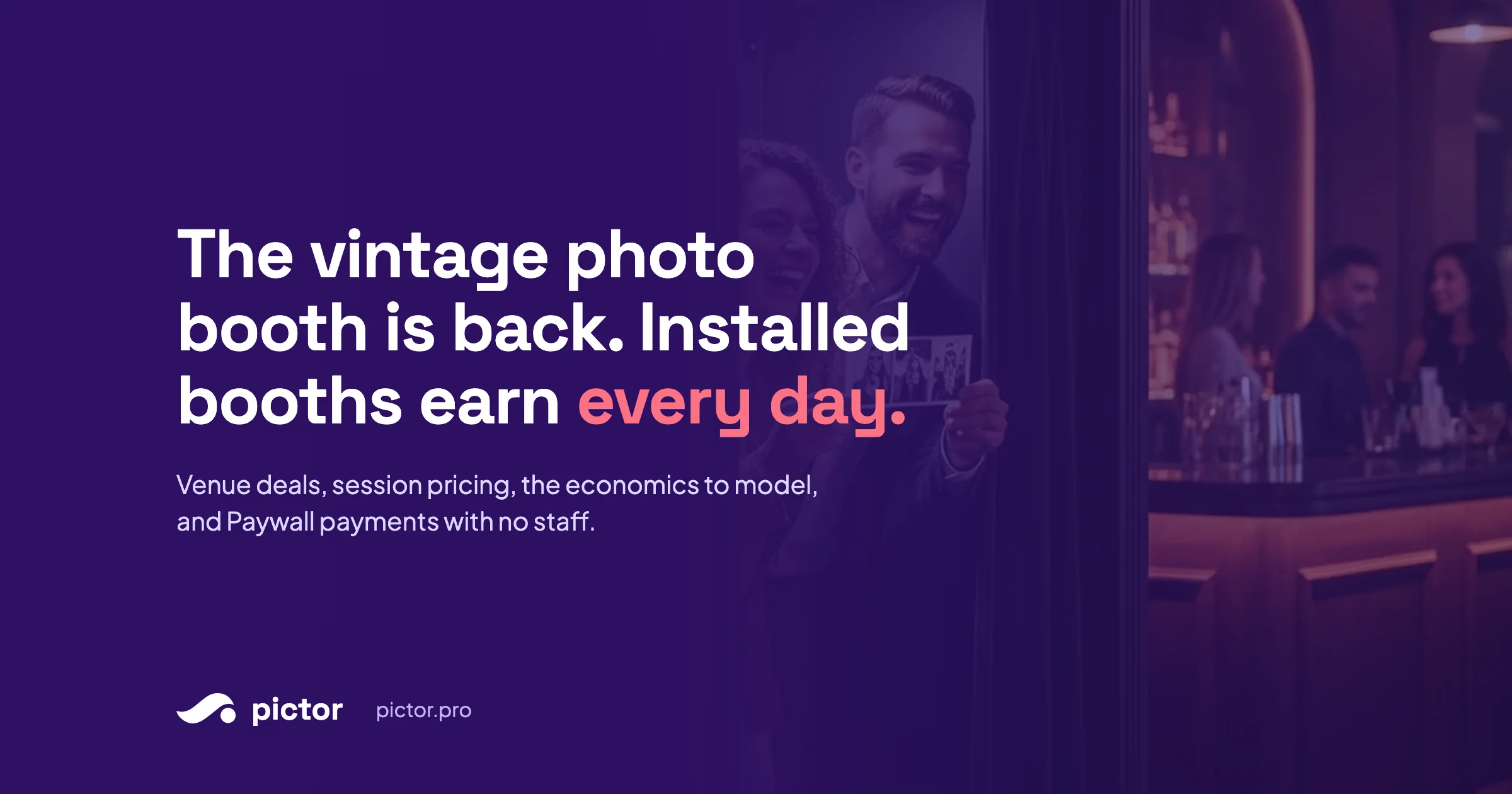
Installed Photo Booths: How the Vintage Booth Revival Becomes Recurring Revenue
Vintage sit-in booths are back. How to install one in a bar, mall, or FEC and earn daily: venue revenue share, session pricing, economics, Pictor Paywall.

Nicholas Rhodes
Drafted with AI assistance; reviewed and approved by Nicholas Rhodes before publishing.
How do installed photo booths make recurring revenue?
An installed photo booth is a booth placed permanently in a bar, restaurant, mall, or entertainment center that sells sessions to the public every day the venue is open. Operators usually install it at no cost to the venue and split session revenue, commonly somewhere around 70:30 to 80:20 in the operator’s favor. With self-service payment through Pictor’s Paywall (on Pro and Premium plans), one booth earns without staff, and the vintage sit-in format is what guests are lining up for right now.
The rest of this guide covers why the vintage booth is back, which enclosed booths run Pictor, how to structure the venue deal, what to agree before install, how to price a session, the economics to model before buying a fleet, and which Pictor plan fits an installed booth.
Why are vintage photo booths back?
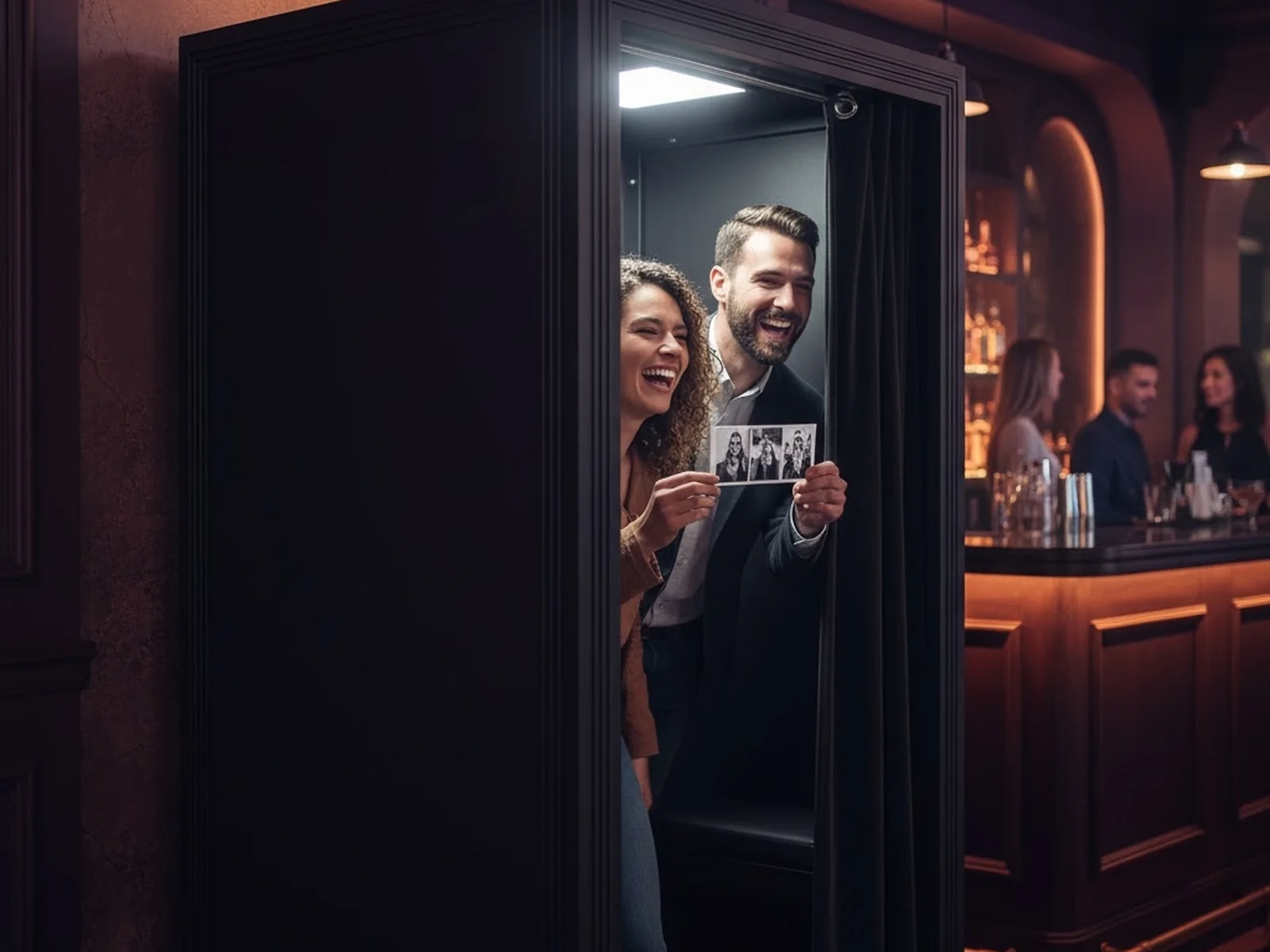
The revival is not just a design trend. It reflects a shift in how people value a photograph.
Most digital photos disappear into a camera roll. A printed strip has a different weight. It is an object, a souvenir, and a record of where you were and who you were with.
That lands hardest with a generation raised on unlimited images. CBS San Francisco’s report, From vintage to viral: photo booths are making a comeback, describes analog booth operator Photo-Matica running more than 200 booths across the country and an analog photo shop in the Castro drawing crowds of up to 100 young people a day after viral TikToks. Part of the attraction is the constraint. You get a few frames, not 200 attempts at the perfect selfie.
The four-cut format gives guests a recognizable visual language: four quick poses, a tangible print, a deliberately imperfect analog look, and an experience worth repeating on dates, birthdays, and nights out.
Operators are answering with restored analog booths, vintage-inspired enclosures, modern digital sit-in booths, and hybrids that combine physical prints with digital delivery and AI effects. The hybrid is the one that makes money. You keep the familiar strip guests came for and add a paid upgrade: an AI portrait, a digital copy, or a venue-branded design. In Pictor, the strip itself takes minutes to build. We showed the full process in how to build vintage sit-in strips in Pictor, with or without AI.
Which enclosed photo booths run Pictor?
Pictor runs natively on iOS and Android, so any enclosed booth built around an iPad works. The shell is only part of the decision. What matters operationally is the full hardware and software configuration. Two suppliers worth reviewing:
- Mobibooth Gallery. A premium enclosed sit-in booth sold in iPad and Surface Pro configurations, with integrated studio strobes, an optional Canon EOS R100 camera kit, a DNP RX1HS printer kit, and a shell-only option for operators supplying their own electronics. Mobibooth states that no software is included and the Gallery “runs whatever platform and software you’re already on.” The iPad configuration is the one to look at for Pictor. Confirm the exact camera, printer, tablet, mounting, and connectivity configuration with Mobibooth and with Pictor before ordering.
- Everybooth Cabina. A premium modular enclosed booth that ships as six sections in wheeled cases, designed for transport and for more permanent installations, with illuminated branding panels, optional vertical touch screens, pre-wired studio lighting and electrics. The turnkey plan is packaged with Breeze software, so if you plan to run Pictor, confirm camera, printer, screen, and software compatibility with both Everybooth and Pictor first. Compatibility is not guaranteed out of the box.
Compatibility depends on the exact configuration, not the shell. Confirm the camera-control method, printer model and driver support, tablet requirements, ports, power, network connectivity, and whether the booth’s own screens and controls work with Pictor. These are supplier examples, not endorsements or guarantees. Verify current pricing, lead times, warranties, and compatibility directly with each supplier. Pictor’s camera compatibility page lists supported tethering setups; DSLR and mirrorless tethering is a Pro and Premium feature.
Disclosure: Pictor has no referral or affiliate arrangement with either supplier. We partner with Mobibooth on promotional events, and Pictor’s software drives the lighting on Mobibooth booths. Everybooth is listed for comparison only.
How does an installed photo booth make money?
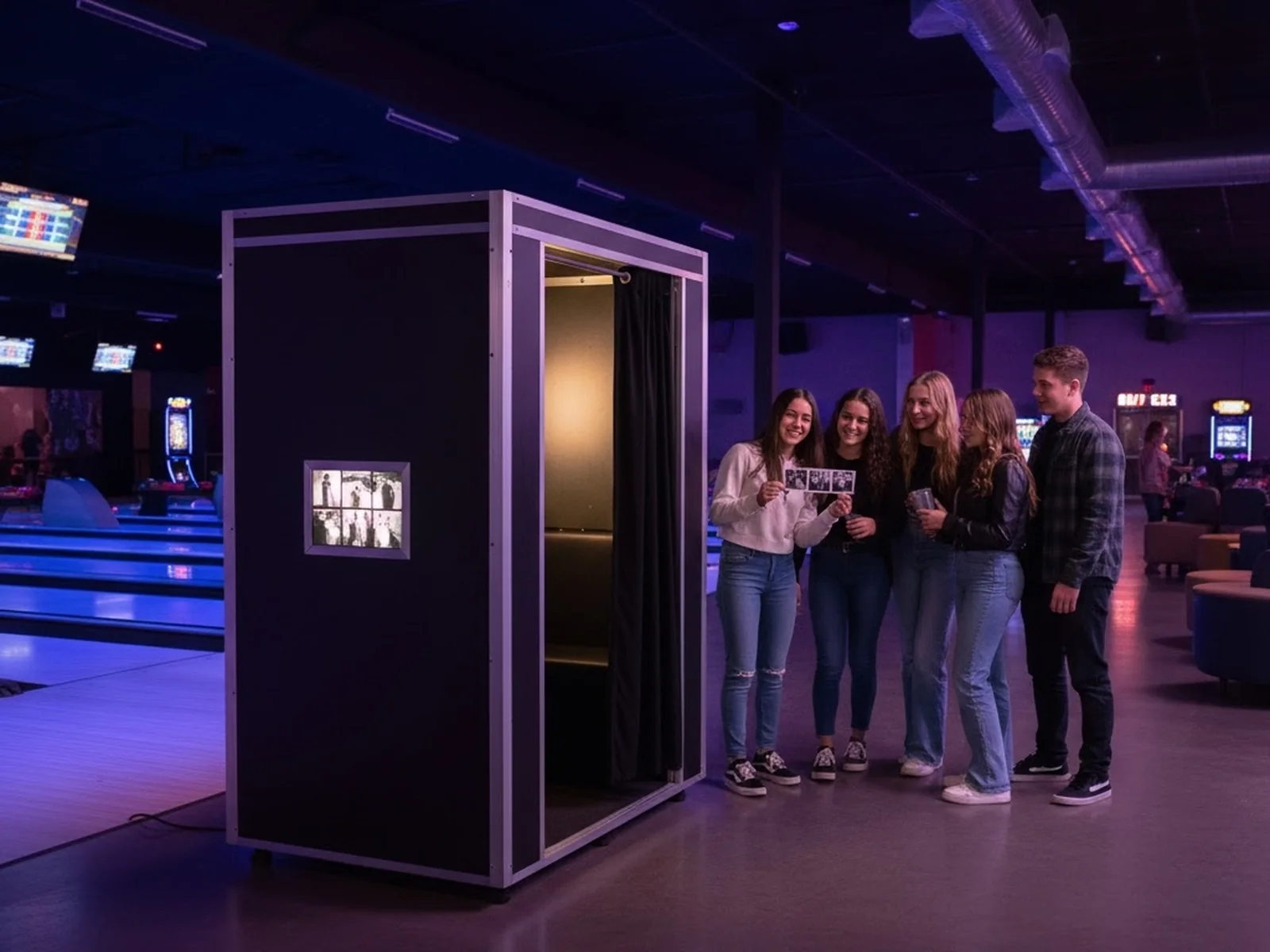
The vintage revival creates consumer demand. Installed booths are the business model behind it.
Permanent installations are already going into bars and restaurants, hotels and nightlife venues, shopping malls, arcades and family entertainment centers, bowling alleys and trampoline parks, museums, zoos, attractions, and university entertainment spaces. Permanent-installation operators have proven the model in several markets, and the proposition is simple: place a booth in a venue at no cost to the venue, and share the revenue.
It works because each side brings something different. The venue wants an attraction that needs little or no capital, no dedicated staff, fits its look, adds dwell time and repeat visits, and produces incremental revenue without adding an operation. The operator supplies the booth, camera, lighting, and printer, the installation, software and payment processing, consumables, remote monitoring, repairs, and regular reporting.
The venue gets a new amenity without buying and managing a system. You get a location that can sell every day rather than only on booked Saturdays.
Get the Installed Booth Deal Kit
A 9-page worksheet, not a reprint: venue pitch one-pager, deal structure picker, pre-install term sheet checklist, net contribution calculator, 12-week validation tracker, price and menu builder, monthly venue report, fleet routine, and an AI prompt for each. Enter your email and we will send it to you.
We email the link so we know it reaches a real inbox. One email, no list, no drip.
How do you structure a photo booth revenue share with a venue?
There are four common structures. The right one depends on how proven the location is, who is carrying the financial risk, and whether the booth is a standalone revenue stream or part of a broader partnership.
Four ways to structure a venue deal
Who carries the risk decides the split
-
01
Pure revenue share
Venue takes a percentage of sessions. No rent.
Best for
- Unproven locations
- Venues that need an easy yes
Watch for
- Income swings month to month
- Venue treats it as background revenue
Typical split: operators commonly report 70:30 to 80:20 in the operator’s favor, depending on traffic, service load, and who covers supplies.
-
02
Flat monthly rent or license fee
Fixed payment to the venue. You keep 100% of sessions.
Best for
- Locations with traffic data already
- Operators who want the upside
Watch for
- Rent is owed in slow months
- Hard to pitch without numbers
Rule: only after a unit has proven itself in that kind of environment.
-
03
Hybrid
Low base rent plus a smaller share, or a share with a monthly minimum.
Best for
- Long-term installs
- Venues hesitant about share-only
Watch for
- More variables to track
- Needs clear settlement terms
Often the fairest version for both sides, and the one worth negotiating when share-only stalls.
-
04
Placement plus event bookings
Revenue share on the install, plus the venue books you for its own private events at your normal rates.
Best for
- Venues that host regular events
- Operators who want a lead source
Watch for
- Keep the two agreements separate
Often the most profitable. The install becomes a lead source for holiday parties, VIP nights, and brand activations.
Bring the fourth option into the conversation early if the venue hosts its own events. The installation does more than sell sessions. It becomes the reason they call you for the higher-margin event work.
What should a photo booth placement agreement cover?
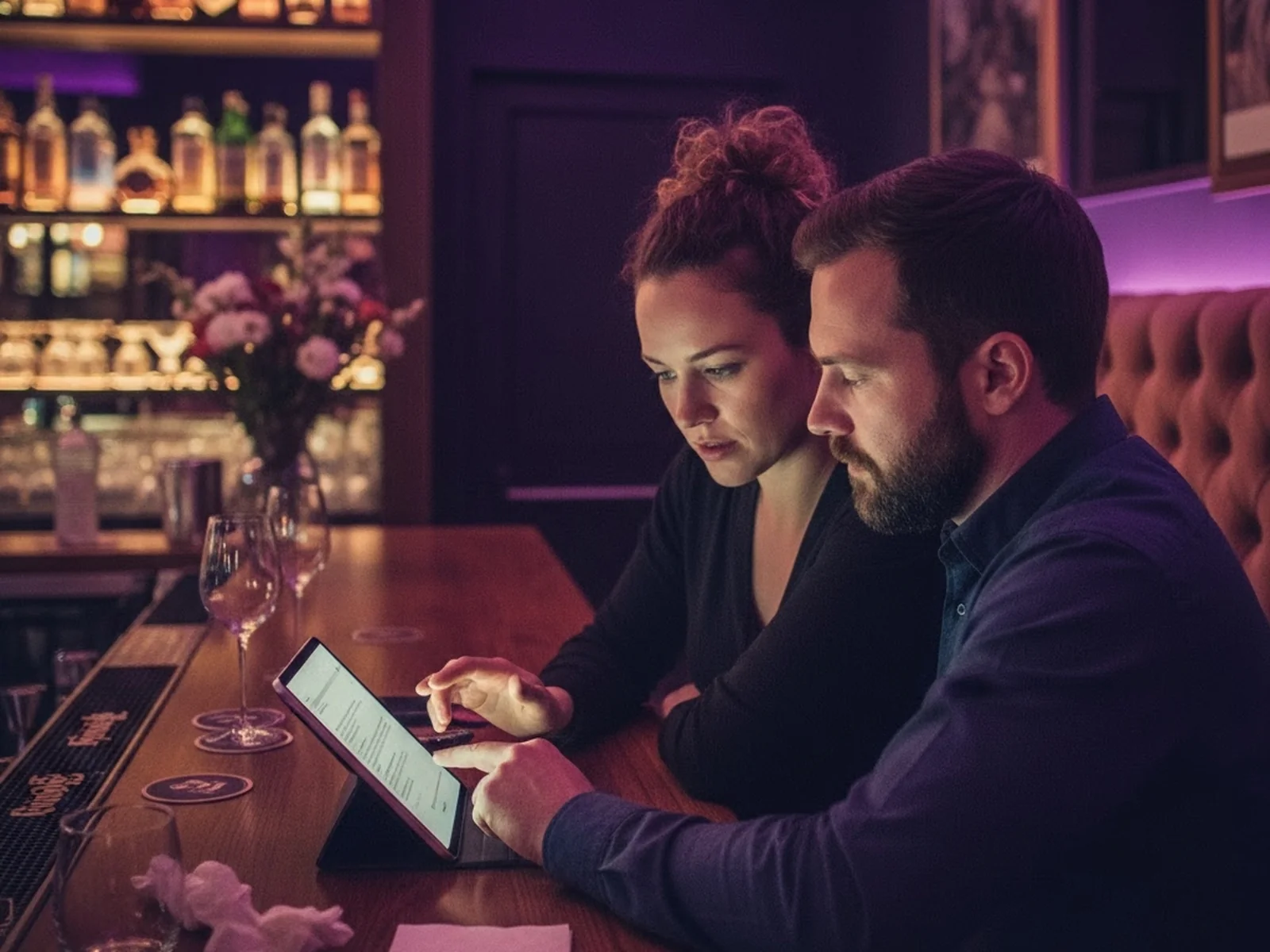
A good venue deal should be simple to explain and very clear in writing. Before installation, agree on:
- The split percentage, how it is calculated, and whether it is based on gross sales or net of fees
- How and when the venue is paid: weekly, biweekly, or monthly
- Whether there is a minimum guarantee, and what happens if it is not met
- Who pays for power, connectivity, and any electrical work
- Who supplies and pays for paper and other consumables
- Who handles cleaning, restocking, and first-line troubleshooting
- Insurance requirements, including who is named on the policy
- Maintenance windows and who is responsible for repairs
- Exclusivity: can the venue add a competing booth, and are you restricted from nearby placements
- Term length, renewal terms, and a relocation clause if the booth underperforms
- Notice period and termination conditions for either side
- Access hours for servicing, and who holds keys or credentials
This is general information, not legal or financial advice. Before you sign a venue agreement or install equipment in a third-party space, talk to your insurance provider and a qualified lawyer. You want clarity on liability, indemnity language, accessibility requirements, and any local regulations that apply.
When should the venue pay you instead?
Not every installation should be a revenue share. In the venue-owned model, the venue wants to own and operate the booth rather than split session revenue with you. Instead of earning from sessions, you charge the venue directly for setup, software, support, and supplies: a one-time installation fee covering hardware configuration, workflow build, and branding; a recurring monthly software fee per booth; a managed-service retainer for support, updates, and remote monitoring; and consumables and hardware resold at a margin.
This is common with family entertainment centers, trampoline parks, arcades, bowling centers, and venues that prefer to own the setup outright. It is also the lower-risk model if you would rather not carry the capital cost of building a fleet yourself.
Venues can license Pictor directly for this. See the options for event venues, malls and shopping centers, and family entertainment centers. If the venue takes guest payments through Pictor’s Paywall, the platform fee applies to them the same way it applies to an operator.
How do you pitch a photo booth to a venue owner?
Lead with what the venue gets, not what the booth is. The strongest pitch is simple: zero or low upfront capital, no staff time, more dwell time and repeat visits, a branded amenity guests photograph and keep, and incremental revenue from underused floor space.
Bring a one-page proposal with a realistic revenue projection, the expected monthly venue share, the booth’s footprint, and a short explanation of who handles servicing and support. Frame the split as a partnership, not a cost. You are not asking them to lease floor space to a machine. You are helping them add an attraction that fits the guest experience and earns over time. The Deal Kit below has the one-pager template and a prompt that writes the proposal from it.
How much does an installed photo booth make?
It depends on placement more than on hardware. A beautiful booth in a low-traffic corner will lose to a simpler booth positioned on the guest’s natural path. Before you scale, validate one unit for 8 to 12 weeks and track sessions per day and week, conversion from visitors to paying users, average revenue per session, print and consumable cost, payment and platform fees, downtime and support requests, venue share, your actual service time, and performance by day and hour.
The number that decides payback
Net monthly contribution, not gross sales
Net contribution = gross sales − venue share − payment fees − software fees − print costs − service and restocking.
-
Worked example
$4,000 gross, 20% venue share
Operator share is $3,200 before payment fees, software, prints, and service time. That $3,200 minus those costs is the number your payback period runs on. Not $4,000.
-
If it underperforms
Test placement before blaming the concept
Move it toward the entrance, the bar queue, photo-friendly décor, or the high-dwell zone. Let the data decide whether to change the offer, the price, or the location.
If hardware capital is the barrier, leasing or equipment financing can get a unit deployed sooner. Make sure the expected contribution comfortably covers the payment with room left for repairs, slow periods, and replacements.
How much should you charge per photo booth session?

A vintage strip may be the core product, but the guest is paying for the moment.
Depending on market and venue, operators commonly test a per-session price in the $5 to $10 range, with higher pricing possible in premium locations or for enhanced formats. Your local audience, venue brand, print quality, and number of deliverables matter more than any universal price.
A practical menu: a classic session (four-cut strip with one or two prints), a digital add-on (text or email delivery), a premium print (larger format, special paper, extra copies), an AI portrait (a stylized version of the guest’s image), an AI video (a short animated transformation from a photo, Premium plan), and a limited edition overlay or seasonal design.
Keep the first decision simple. Too many options slow down a self-service booth. A clear base price with one or two obvious upgrades beats a long menu.
The AI upgrades are where the margin is. In Pictor an AI image costs 1 to 2 tokens and tokens run from $0.20 down to $0.07 each in bundles, so a $3 AI portrait upsell costs you cents to deliver. Tokens never expire, so a slow month does not waste them. Full numbers on the AI pricing page.
The Paywall stage in Pictor lets you decide where payment sits in the guest experience. Charge at the start, before the guest captures anything. Or place the Paywall at the end, so the guest sees the result before paying for a print, download, or AI portrait. That second flow is the one that sells upgrades.
How does Pictor take payment at an unattended booth?
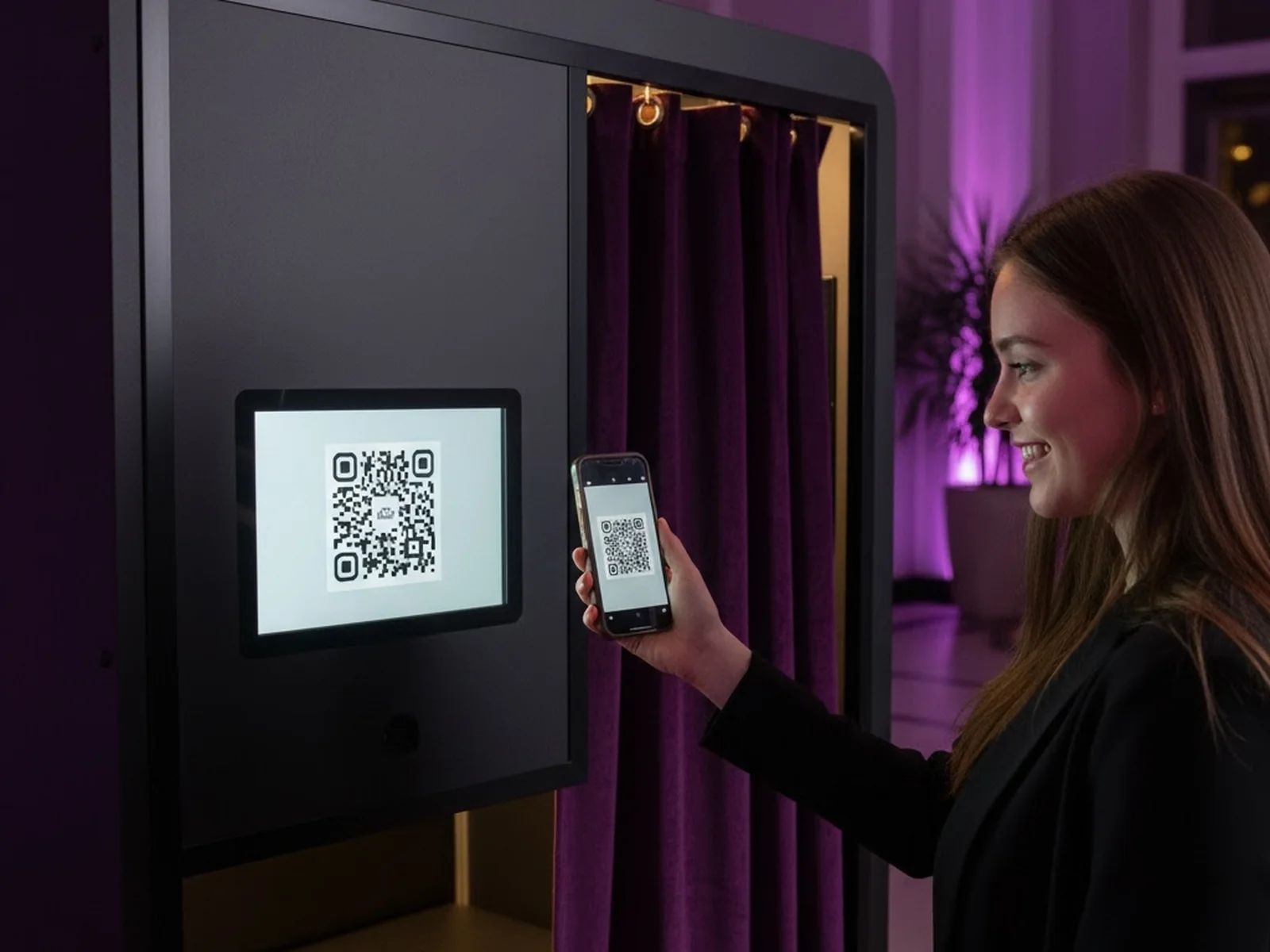
Pictor’s Paywall is a Workflow Stage built for self-service monetization. It shows a QR code on the booth, opens Stripe Checkout on the guest’s phone, and advances the booth automatically once payment succeeds. No cash box, no card reader, no staff member to take payment. The rest of each session deposits into your Stripe account after a platform fee of 10% on Pro, 5% on Premium, or 2% with the Enterprise add-on. Paywall is not available on Basic.
Guest flow with Paywall
Seven steps, zero staff
- 1ApproachThe guest walks up to the booth.
- 2QR codeA QR code appears on screen, styled in the venue’s colors.
- 3ScanThe guest scans it with their phone.
- 4Stripe CheckoutCheckout opens on the phone. No app to install.
- 5PayThe guest completes payment.
- 6DetectPictor detects the successful transaction.
- 7AdvanceThe workflow moves on to Capture, Print, Share, or whatever stage you configured.
You can customize the QR code colors and styling to match the venue. That detail matters. A booth that looks like part of the venue is easier for the venue team to accept and feels intentional to guests.
Setting up Paywall in Pictor
- Create an Advanced Event in Pictor.
- Open the Workflow tab.
- Click the + icon and select Paywall.
- Connect Stripe. The Stripe account must use the same email address as your Pictor account.
- Set the price per session.
- Optionally customize the QR code colors and styling.
- Add the remaining stages, such as Capture → Print → Share.
- Save the event and launch it on the booth’s iPad.
The full Pictor Paywall setup guide covers each step with screenshots.
Which Pictor plan do you need for an installed booth?
Pictor licenses per active device, so one installed booth is one license. Every plan includes printing through the free Pictor Print Partner App with DNP printers and emergency phone support. Pro and above add the Paywall and the event analytics that feed your monthly venue report. The plan decides what you can sell and what the Paywall keeps.
Plans for an installed booth
Pro to start. Premium once the booth is selling.
-
Basic · $49/mo
Attended only
No Paywall, so no self-service payment. AI presets and library only. Fine for a booth a staff member runs. Not the plan for an unattended install.
-
Pro · $99/mo · recommended to start
Paywall at 10%
Self-service payment, Custom Prompt Editor for venue-branded AI portraits, background removal, DSLR or mirrorless tethering, analytics. Everything a first installed booth needs.
-
Premium · $149/mo
Paywall at 5%, plus AI video
The fee drop pays for the upgrade once the booth clears $1,000 a month in Paywall sales. AI video adds a second premium upsell. Virtual Booth included.
-
Enterprise add-on
Paywall at 2%, white-label, remote access
On top of Pro or Premium, from $1,500 a year. For fleets, agencies, and venue-owned networks that want their own brand on every screen and link.
Plans as of publish date. Current pricing and plan details: pictor.pro/pricing.
The break-even is simple arithmetic. Premium costs $50 a month more than Pro and takes 5 points less on every Paywall sale. At $1,000 a month in sessions the two cancel out. Above that, Premium is cheaper, and you get AI video to sell on top. See the full pricing and plan comparison.
Try it before you sign a venue
Build a Paywall event in your free Pictor account today
Create an Advanced Event, add the Paywall stage, connect Stripe, and run a test session on your iPad. You will know exactly what the guest sees before you pitch a single venue.
No credit card required
What changes from one booth to fifty?
The fleet ladder
The job changes at each stage
- 1 boothProve the offerTest placement, price, print format, branding, and the ratio of classic sessions to premium upsells. Do not overbuild before you know what guests buy.
- 5 boothsStandardize the routineChecklists for installation, restocking, cleaning, connectivity checks, software updates, venue reporting, and monthly reviews. Every unit serviced the same way.
- 20 boothsManage by dataCompare locations by revenue per available day, sessions per operating hour, downtime, and service cost. Move underperformers. Renegotiate weak placements. Send venues a concise monthly report.
- 50 boothsBuild an operating systemYou are running a distributed network of small self-service retail experiences. Clear ownership for support, inventory, repairs, venue relationships, and reconciliation. Every manual step now multiplies across the fleet.
Pictor’s analytics aggregate multiple booths in one view, and the sharing data exports as a CSV, which is what the monthly venue report is built from. At twenty units that report is the thing that keeps placements.
Installed-booth mistakes to avoid
- Choosing a location for available floor space instead of traffic
- Pricing too low to cover venue share and service
- Treating the booth as generic instead of matching the venue’s brand
- Skipping the regular performance report to the venue
- Launching without enough paper and a restocking plan
- Ignoring connectivity and power requirements
- Putting too many choices in the guest flow
- Scaling before one unit has proven its economics
- Calling the revenue passive while neglecting maintenance
FAQ
How much does it cost to start an installed photo booth?
An enclosed sit-in booth from a supplier like Mobibooth runs in the thousands of dollars depending on configuration, plus a camera, printer, and iPad if not bundled. Software is a Pictor Pro license at $99 a month per booth. Model the net monthly contribution in the Deal Kit before you buy, and validate one unit for 8 to 12 weeks before ordering more.
What is a typical photo booth revenue share with a venue?
Operators commonly report standalone revenue shares landing around 70:30 to 80:20 in the operator’s favor, with the operator supplying the booth, software, consumables, and service. The right split depends on traffic, service load, hardware cost, and who covers supplies. Hybrid deals with a base rent plus a smaller share are common on long-term installs.
Can a photo booth run unattended?
Yes. With Pictor’s Paywall the booth shows a QR code, the guest pays through Stripe Checkout on their phone, and the workflow advances automatically to capture, print, and share. No staff member takes payment. You still need a restocking and maintenance routine.
Does Pictor charge a fee on installed booth sales?
Pictor takes a platform fee on Paywall transactions: 10% on Pro, 5% on Premium, and 2% with the Enterprise add-on. The rest deposits into your Stripe account. Paywall is not available on the Basic plan.
Can I print vintage photo strips from Pictor?
Yes. Printing is available on every Pictor plan through the free Pictor Print Partner App, with DNP dye-sublimation printers recommended. Two-by-six strips are supported on every plan, custom artboard sizes on Pro and Premium, and the strip can be classic or AI-enhanced.
Can the venue own the booth and run Pictor themselves?
Yes. Venues can license Pictor directly and pay the operator for setup, support, and supplies instead of sharing session revenue. Pictor has plans for event venues, malls, and family entertainment centers, and the Paywall works the same way for a venue-owned booth.
The opportunity is real, and the discipline is simple: put the booth where guests naturally gather, make payment effortless, keep the output worth buying, and use data to improve the location over time.
The vintage booth gives people something they can hold and keep. An installed booth gives operators something they can build on: recurring, measurable revenue that does not depend on booking another Saturday.
Photo booth software built by operators
Put your first installed booth on Pictor
Paywall for unattended payment, classic strips and AI portraits, printing on every plan, and per-event analytics for the venue report. Start on Pro at $99 a month per booth.
No credit card required · Tokens never expire
Take the Deal Kit to your first venue meeting
A 9-page worksheet, not a reprint: venue pitch one-pager, deal structure picker, pre-install term sheet checklist, net contribution calculator, 12-week validation tracker, price and menu builder, monthly venue report, fleet routine, and an AI prompt for each. Enter your email and we will send it to you.
We email the link so we know it reaches a real inbox. One email, no list, no drip.